
When exporting Notes to PDF, charts set to a Wide Size may get cut off on the edge.
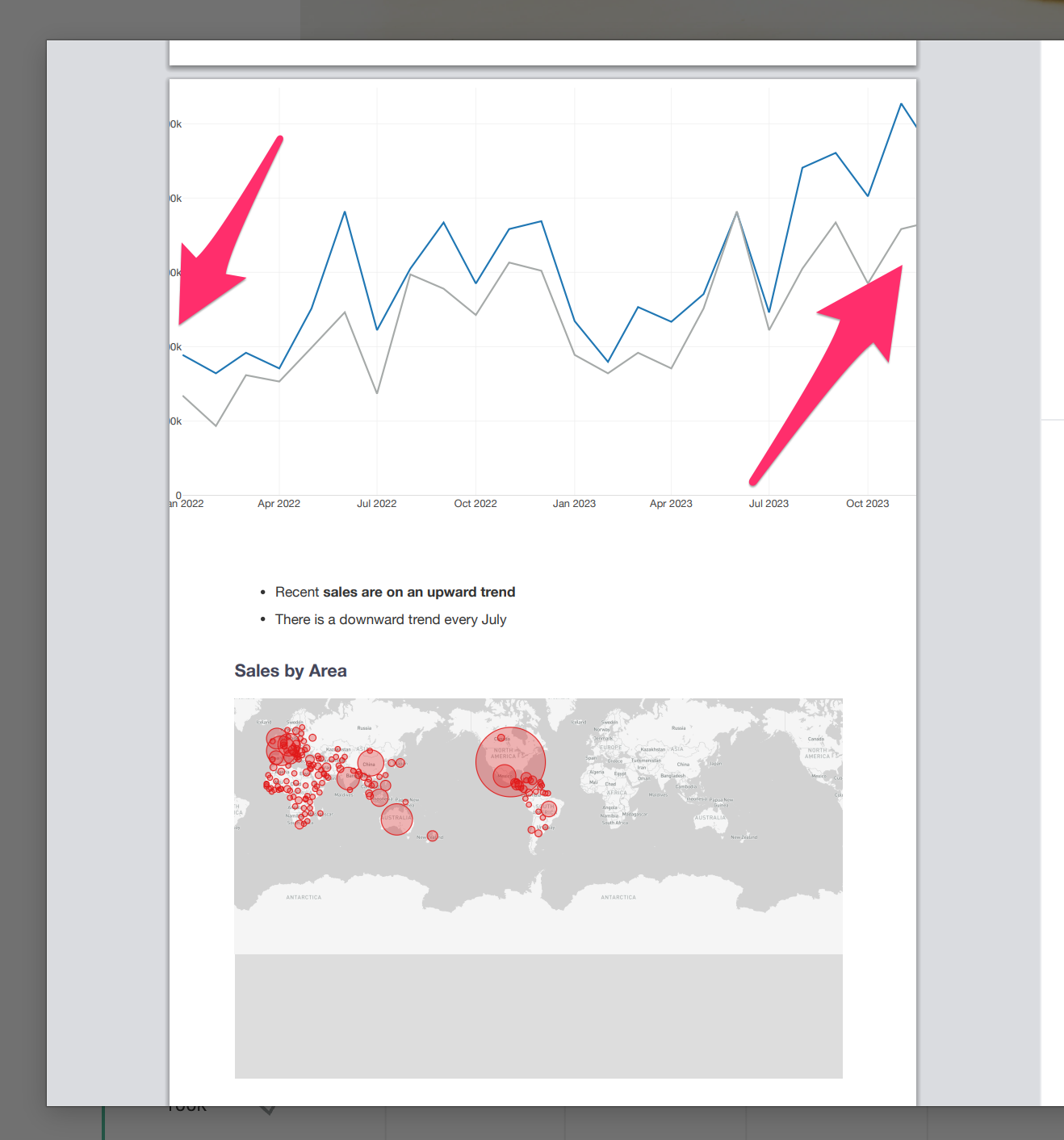
Currently, there are two workarounds available:
1. Scale Down the Print Size
By adjusting the scale factor to fit the page in the print dialog, you can fit the entire chart while keeping the portrait orientation.
2. Change to Landscape Orientation
Switching the page orientation to “Landscape” in the print dialog will allow wide charts to fit within the page.
However, please note that switching to landscape reduces the vertical space, which may affect the overall layout of the page.