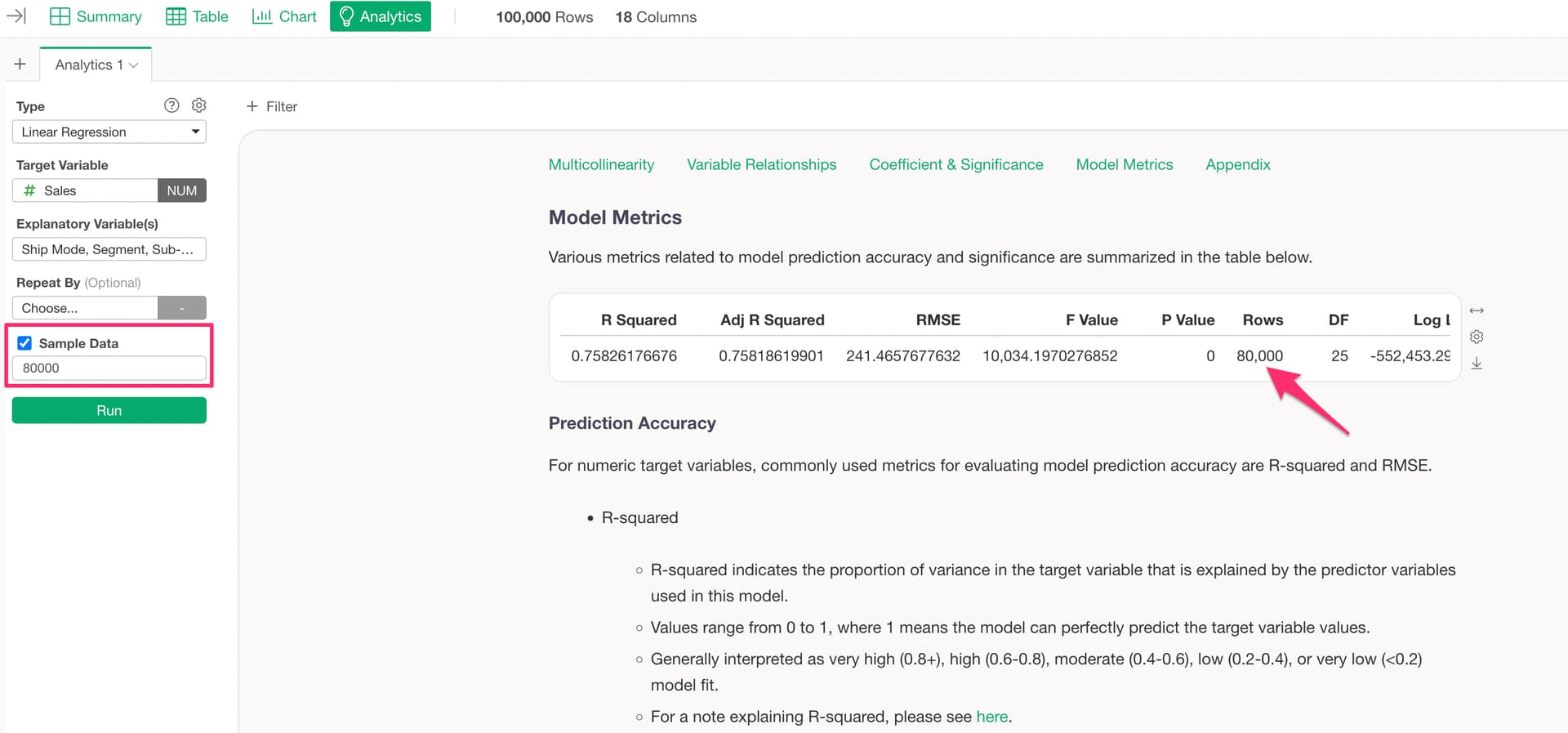
The “Sample Data” option in Analytics View is a feature that randomly samples (extracts) a subset of your data before running the analysis, in order to speed up computation. By default, 50,000 rows are randomly sampled.
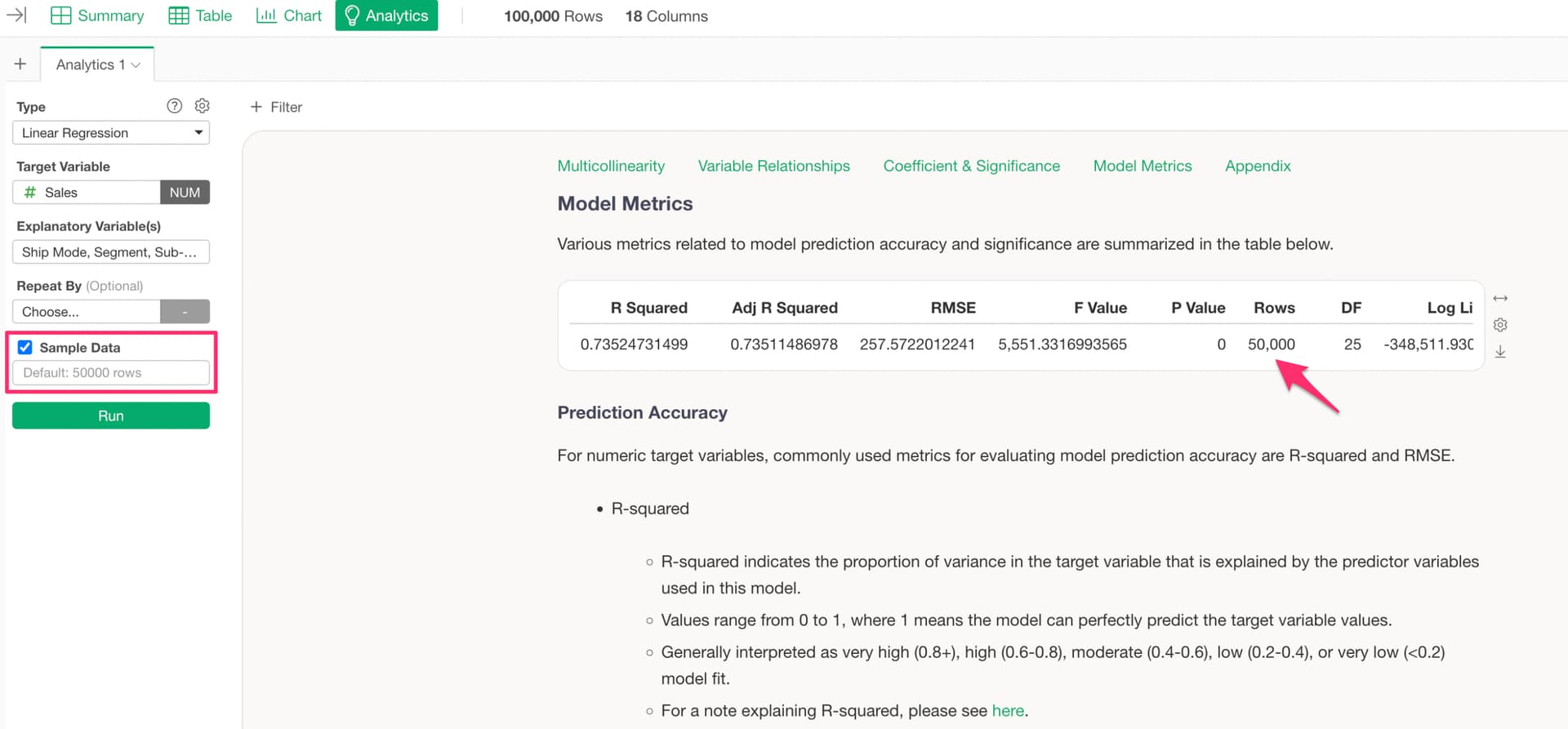
For example, if your data has 100,000 rows, 50,000 rows will be randomly sampled before the analytics computation is performed. The rows are not extracted sequentially from the top of the data — they are randomly selected.
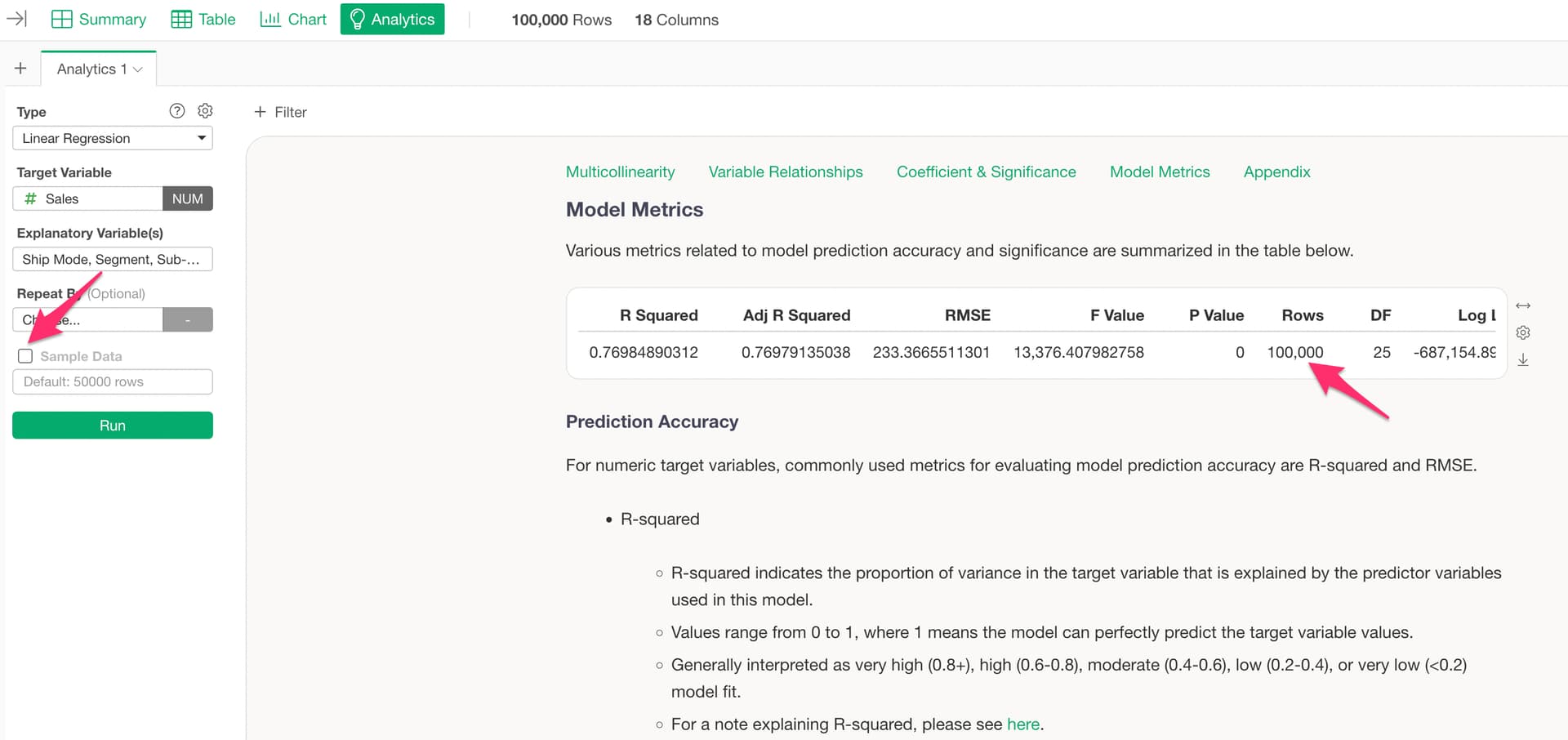
You can uncheck the “Sample Data” checkbox to run the analysis on the entire dataset.
You can also change the number of rows while keeping the checkbox enabled, allowing you to increase or decrease the sample size from the default of 50,000 rows to any number you prefer.