This article introduces how to join two data frames based on row numbers.
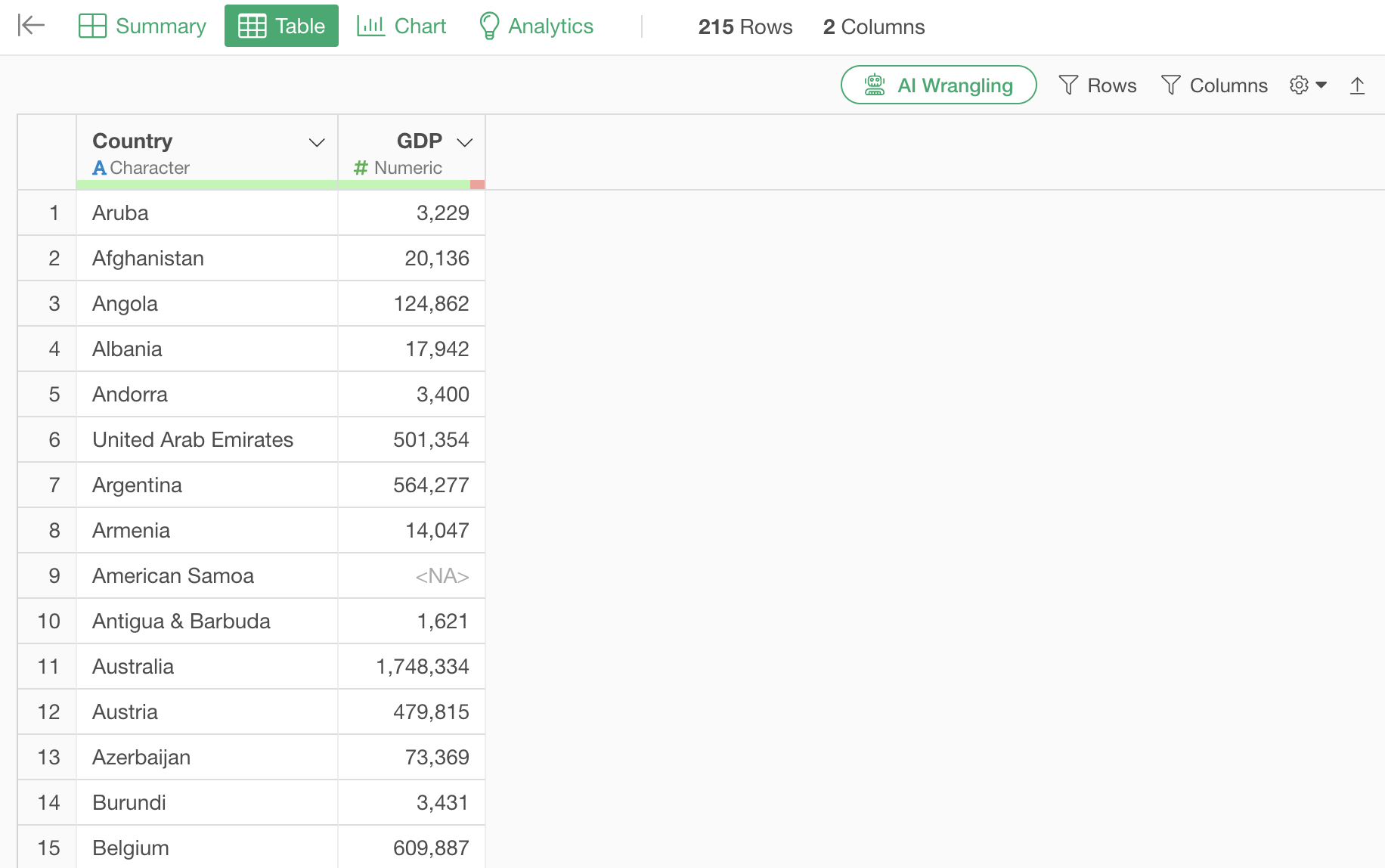
The data used consists of GDP data on one side, which has 215 rows.
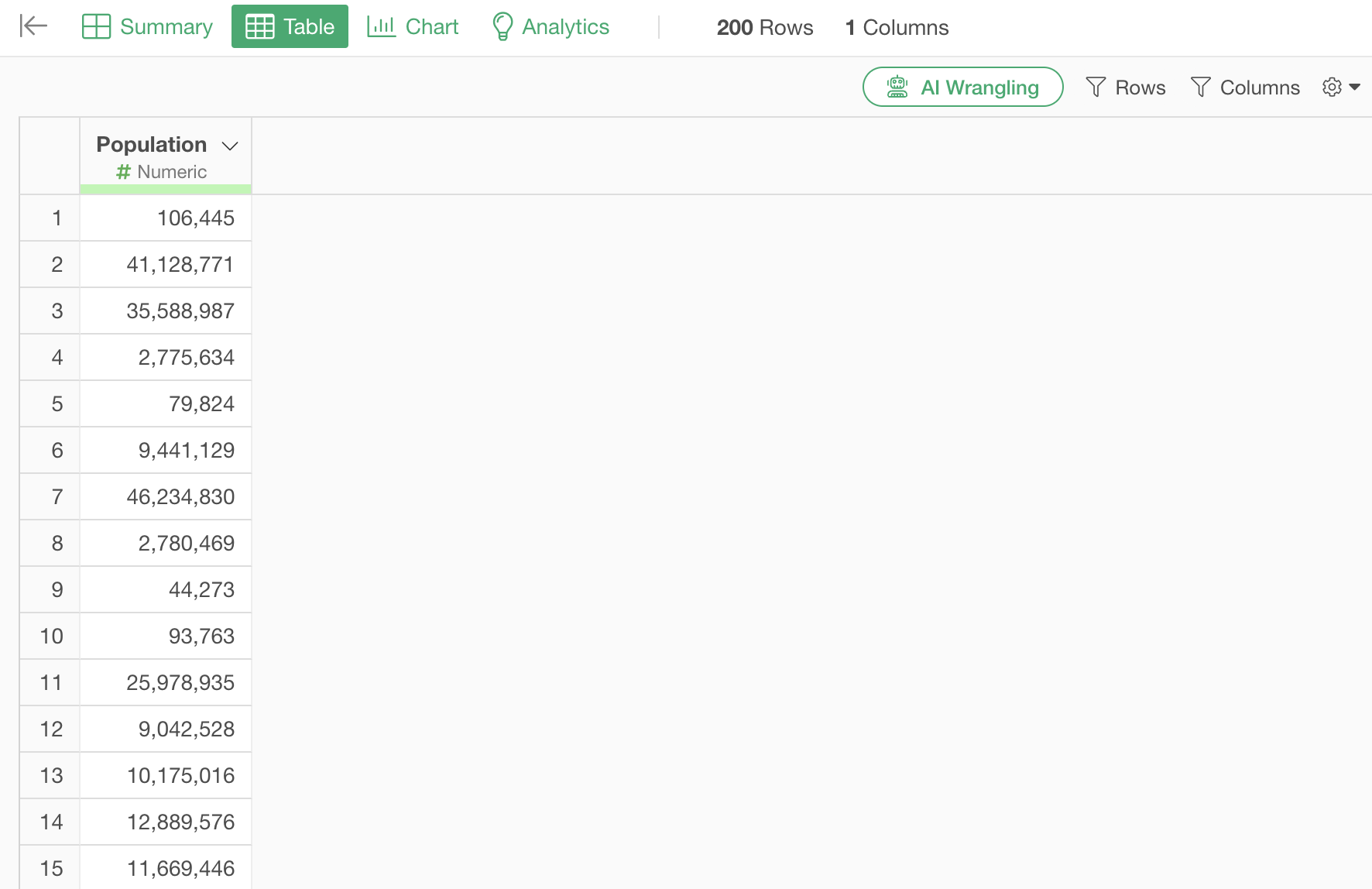
The other data is Population data, which also has the same 215 rows. However, let’s assume that while there is no information about country names, the same row number represents the same country.
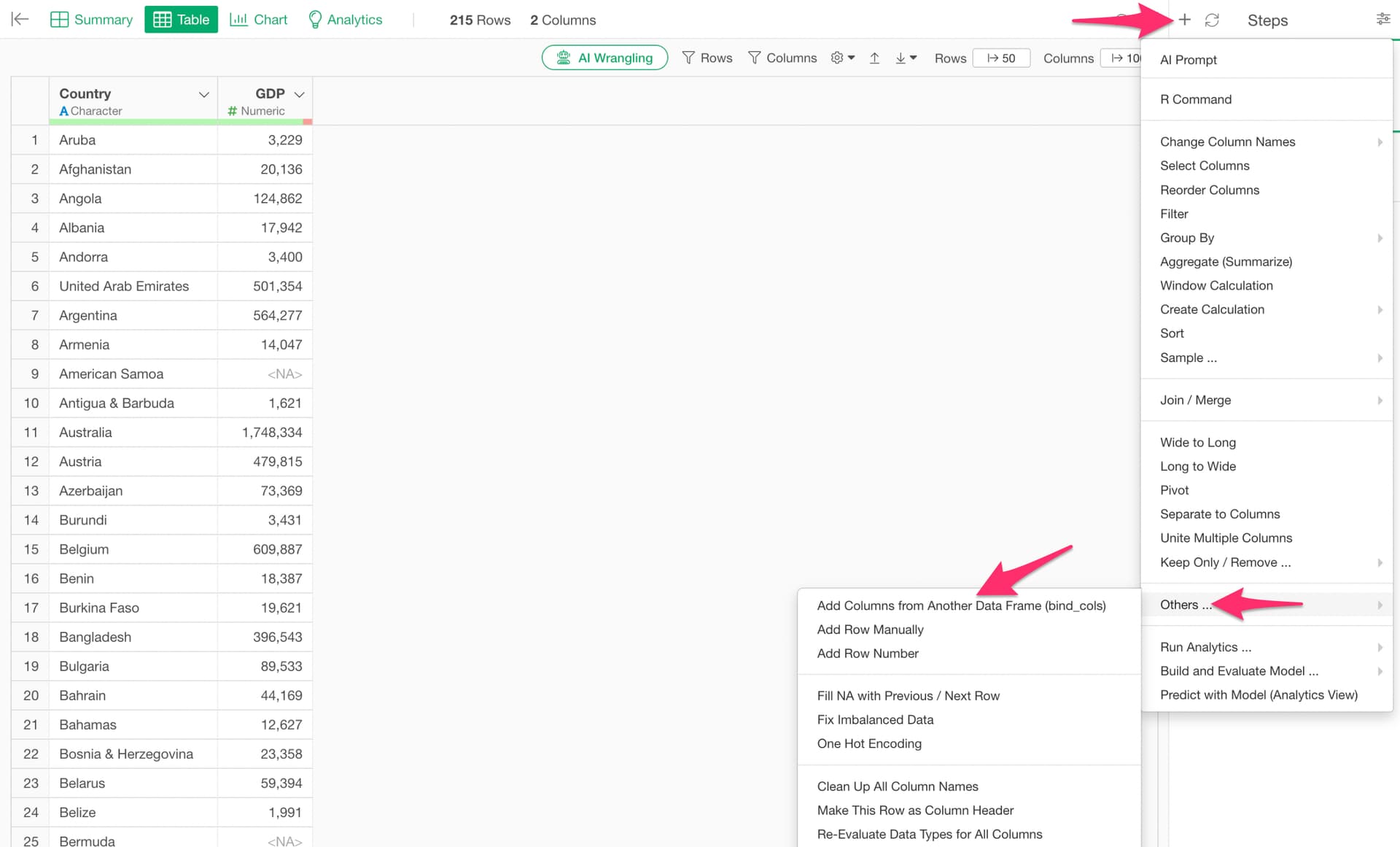
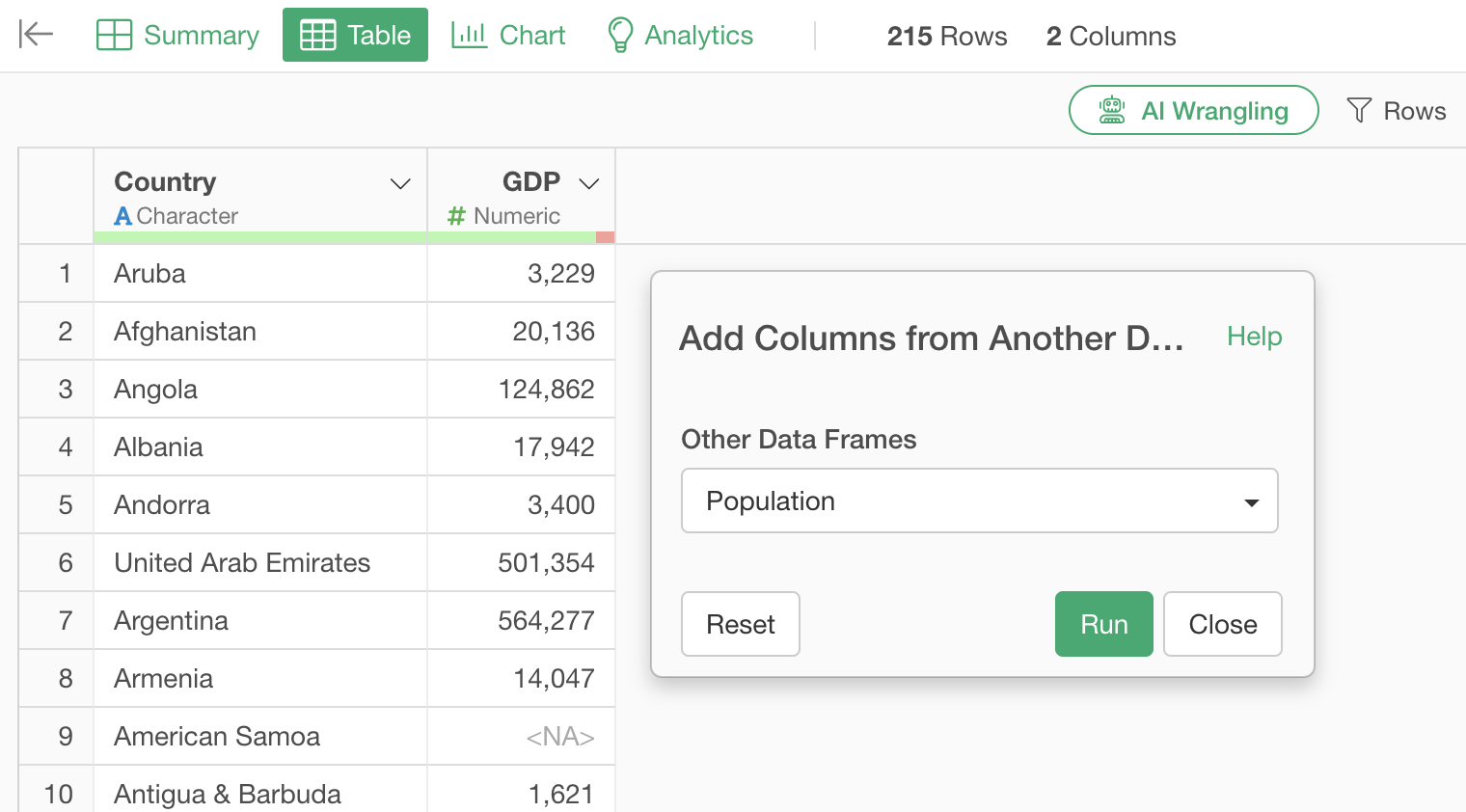
If you want to join based on row numbers, select “Others” from the step’s plus button, and then choose “Add Columns from Another Data Frame.”
Select the data frame from which you want to add columns and execute.
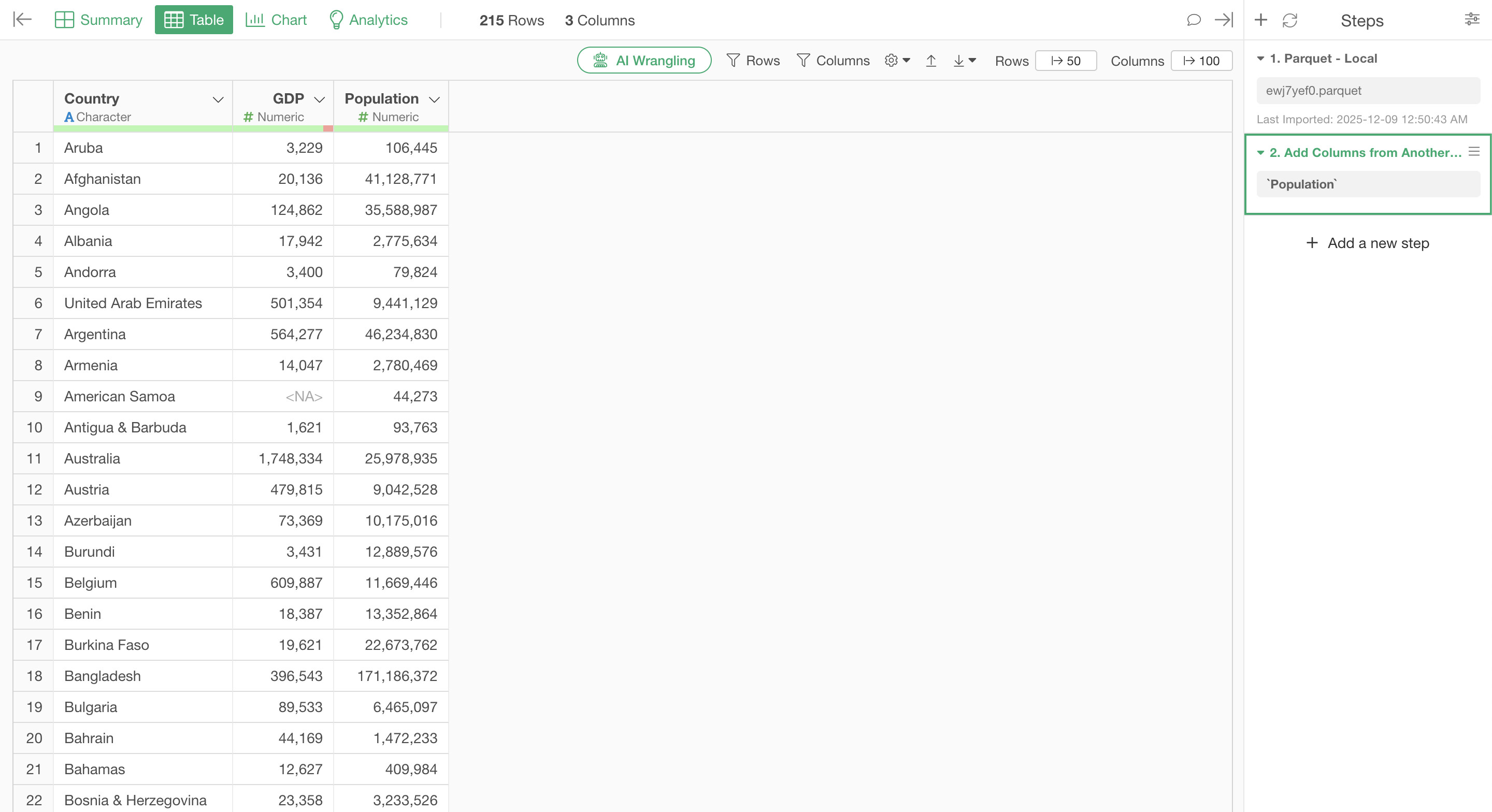
This allows you to add the columns from the Population data based on row numbers.
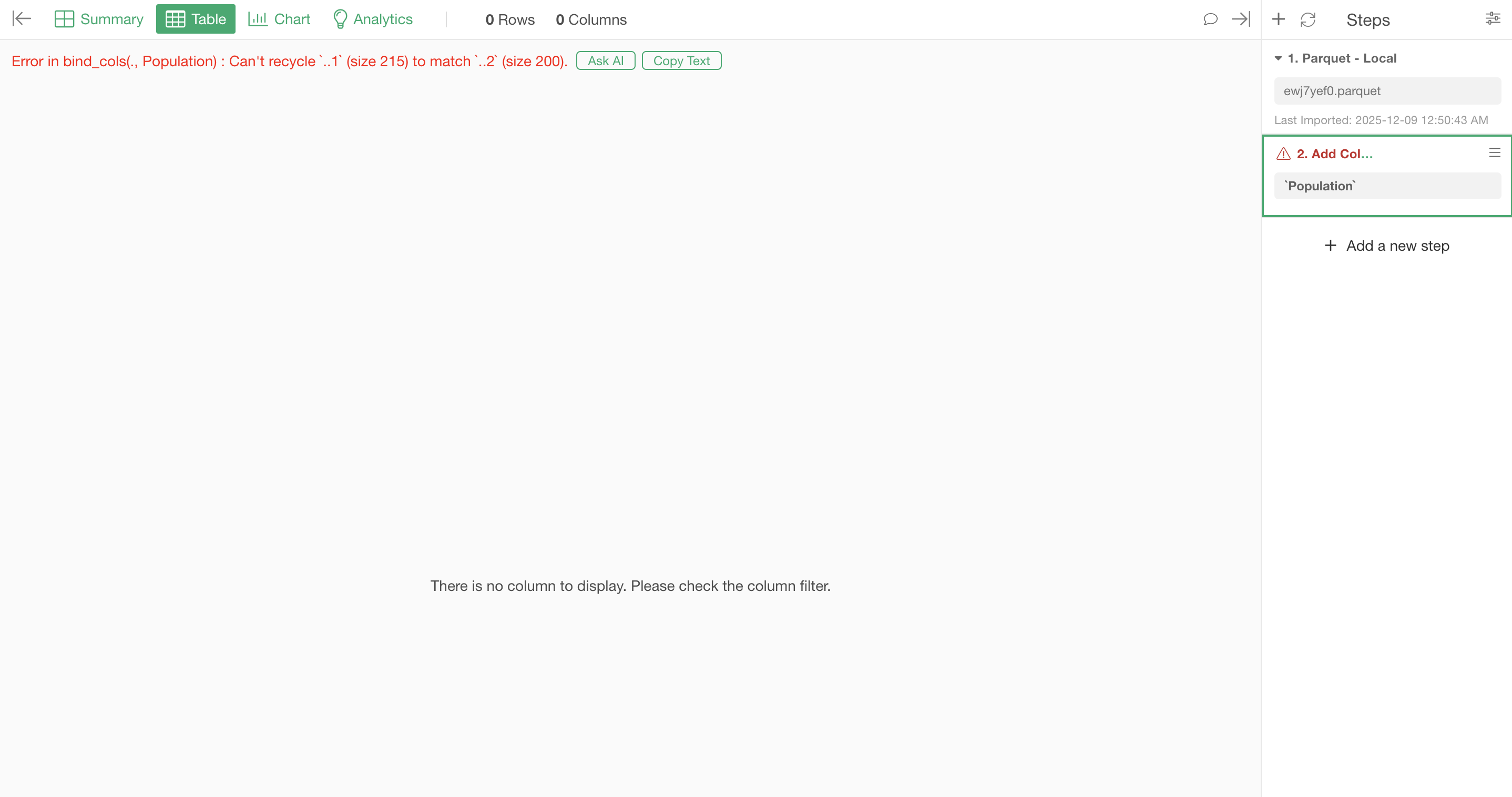
This “Add Columns from Another Data Frame (bind_cols)” feature requires that the two data frames have the same number of rows. If the number of rows does not match, an error will occur as shown below.