
Overview
When “Support for None” is enabled for a single-select Character parameter, using that parameter within the “Create Calculation” dialog causes the column to disappear whenever “None” is selected.
Explanation
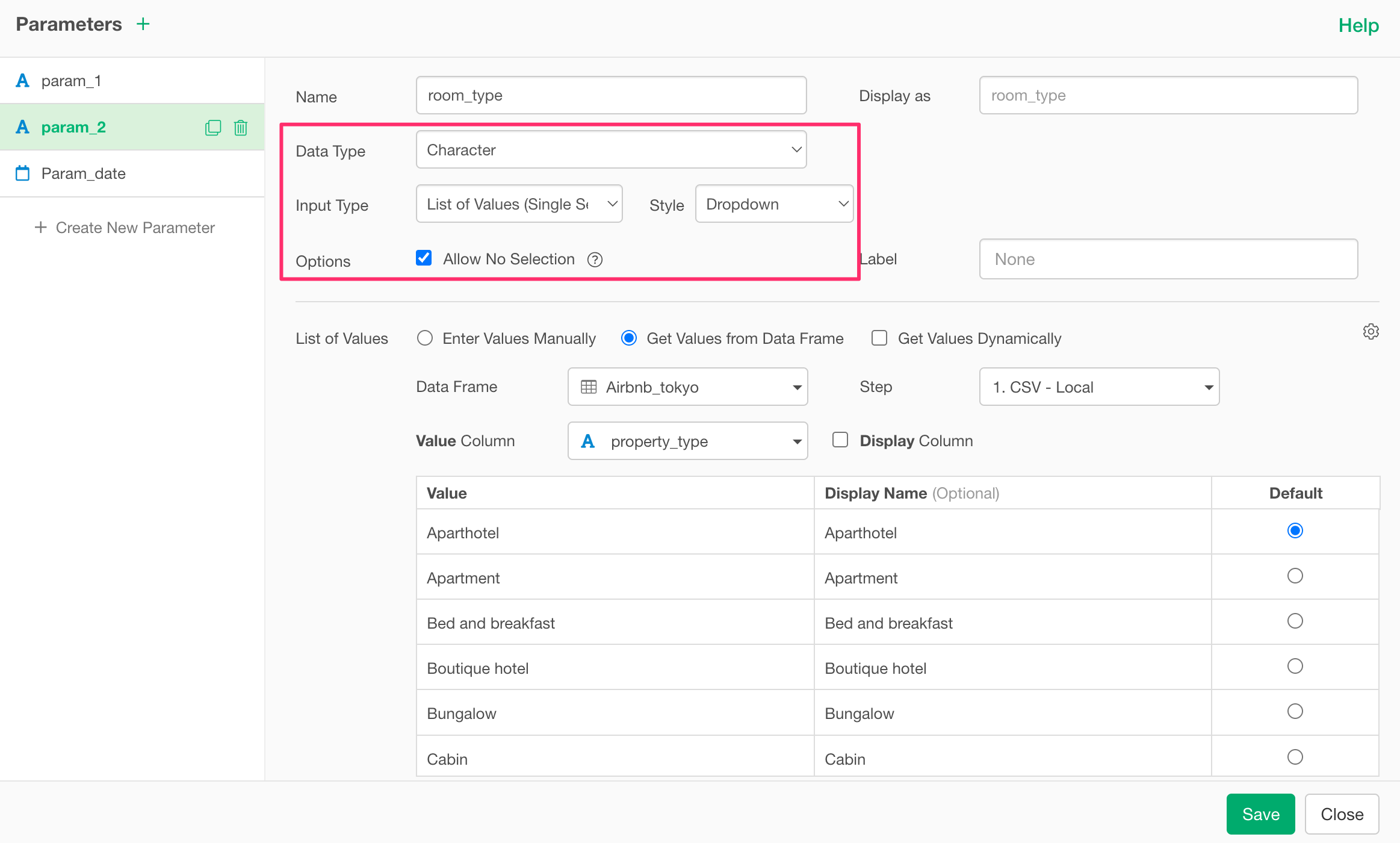
The following is an example of the settings used when this issue occurred:
- Single-select Character parameter
- “Allow no selection” is enabled
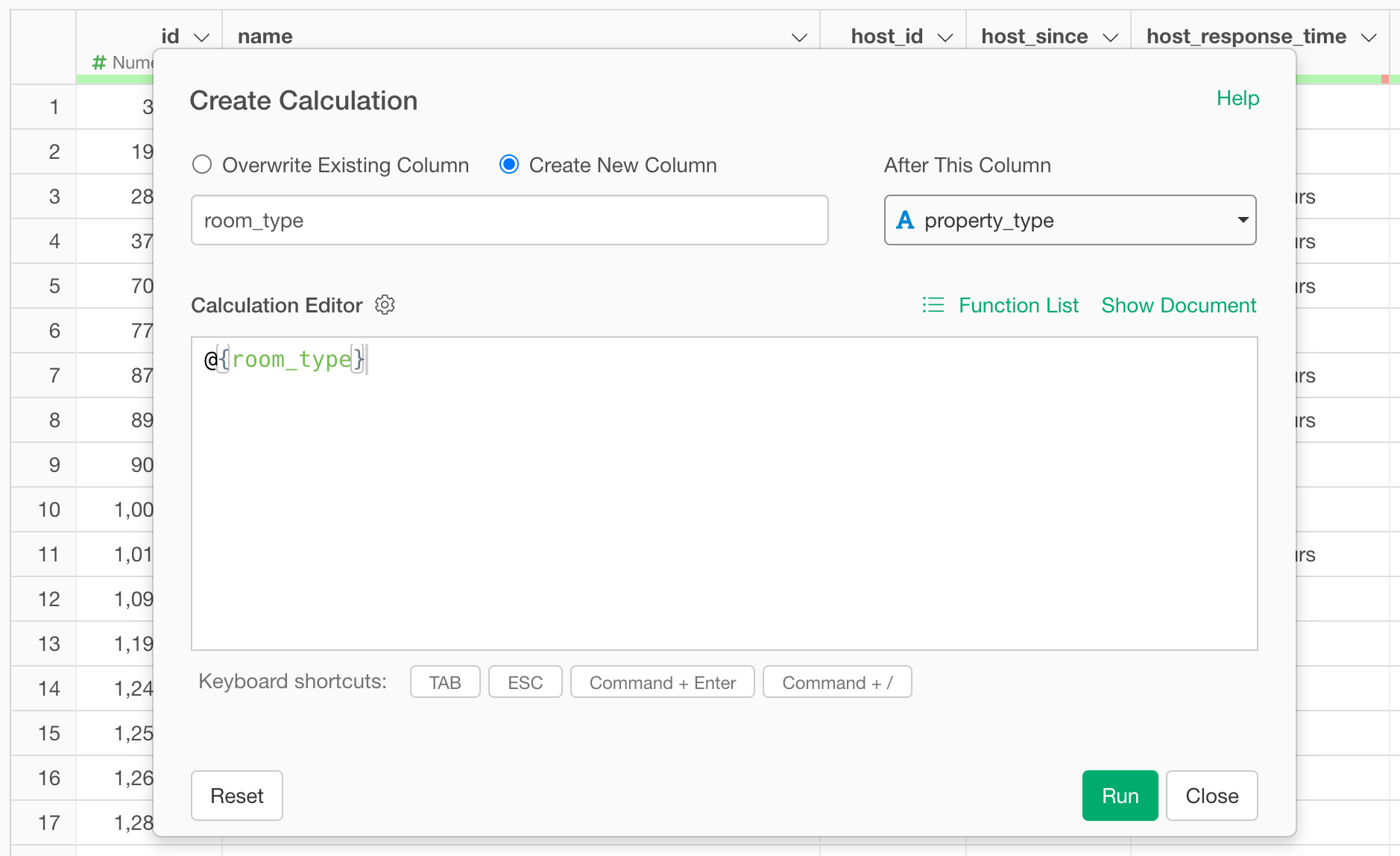
Additionally, the above parameter is used in the “Create Calculation” dialog as shown below:
With these settings, if you select “None” from the parameter pane and run the calculation, the expected column is either not created or disappears entirely.
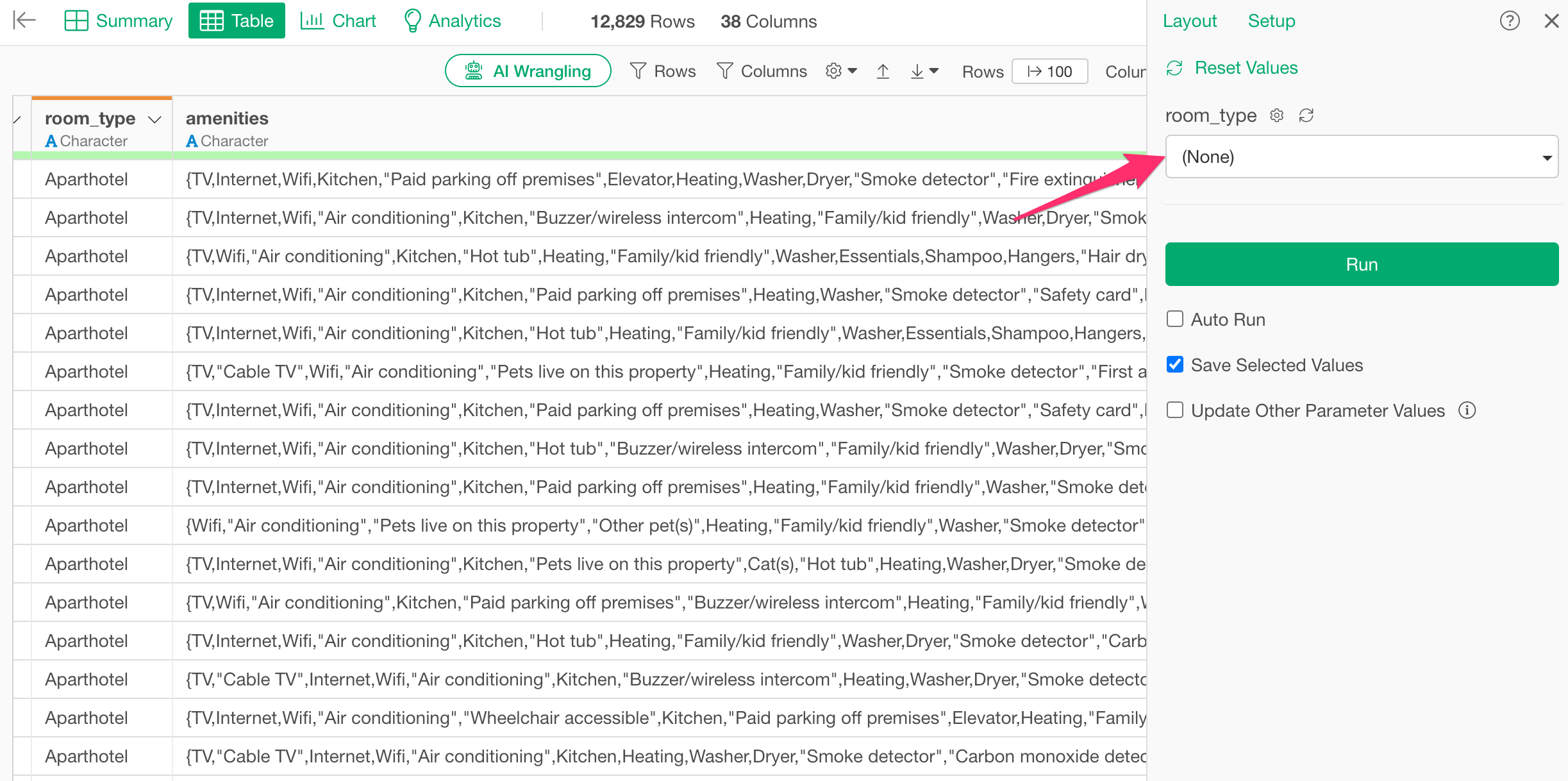
This occurs because when “Support for None” is enabled and “None” is selected, the parameter is designed to internally return a NULL value.
In the mutate function, if NULL is passed as an argument, the column is not added (or is removed), as shown below:
mutate(col1 = NULL)
As a result, a column that existed while a specific value was selected in the parameter will disappear once “None” is chosen and the calculation is executed.
Because of this behavior, if you want to prevent columns from disappearing, please disable “Allow no selection.”