Issue
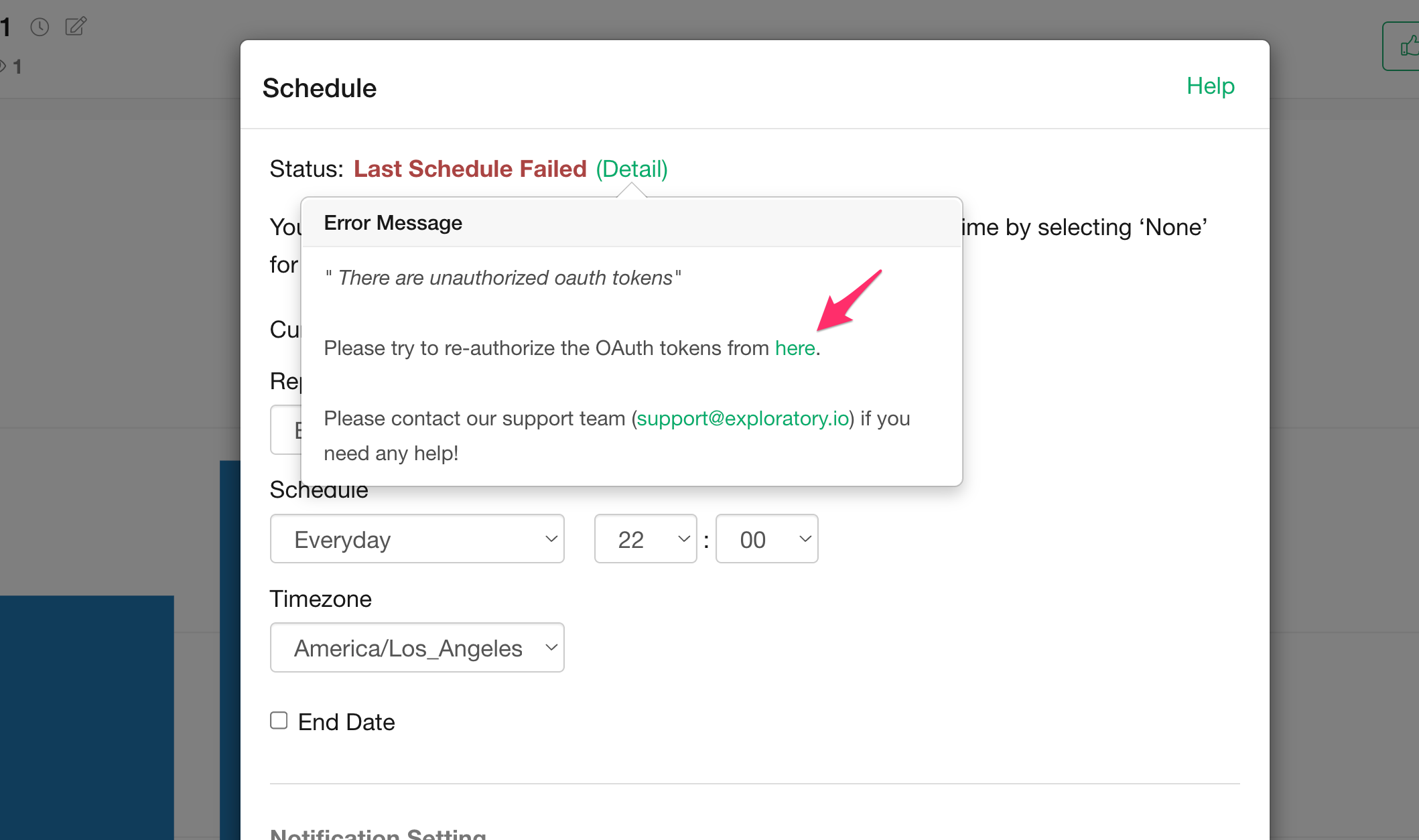
When scheduling content on a server that uses OAuth-based data sources such as Google Analytics, Google Sheets, Google BigQuery, and Google Drive, you may sometimes see an error message like the following:
"There are unauthorized oauth tokens. Please re-authenticate your OAuth token.
Solution
You can resolve this issue by re-authorizing the OAuth token. Open the content page, click the Schedule button, and then click the “here” link in the error dialog, and follow the instructions to re-authorize the OAuth token. Once finished, try running the schedule again.