
In Exploratory, you can publish content such as data, charts, analytics notes, and dashboards to a server. Once published, you can view and manage them from the Content List page.
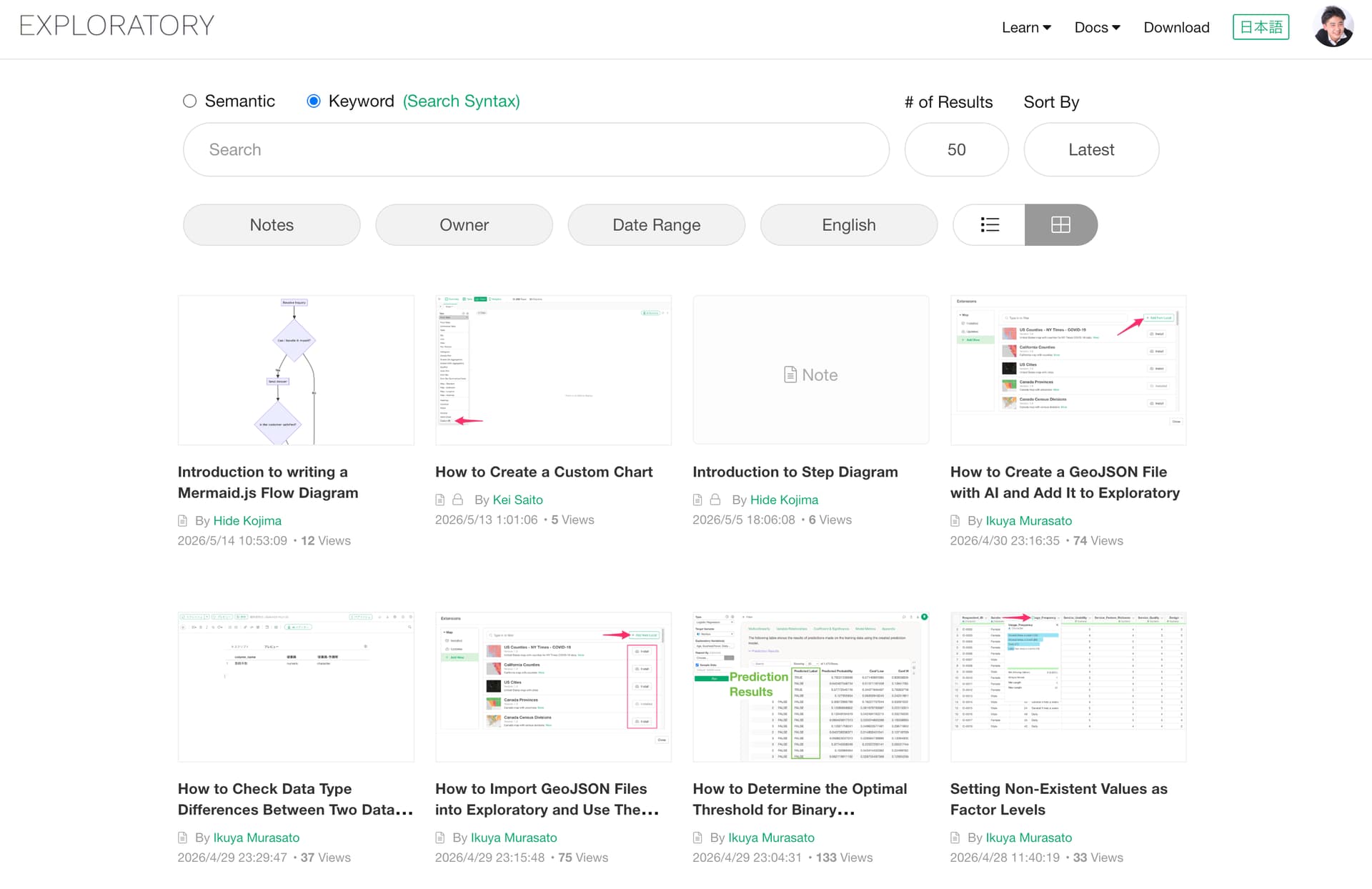
Exploratory automatically determines whether published content is in English or Japanese based on its title.
- If the title contains Japanese characters, it is treated as Japanese content.
- If the title does not contain Japanese characters, it is treated as English content.
This language metadata is used by the Language Filter menu on the Content List page.
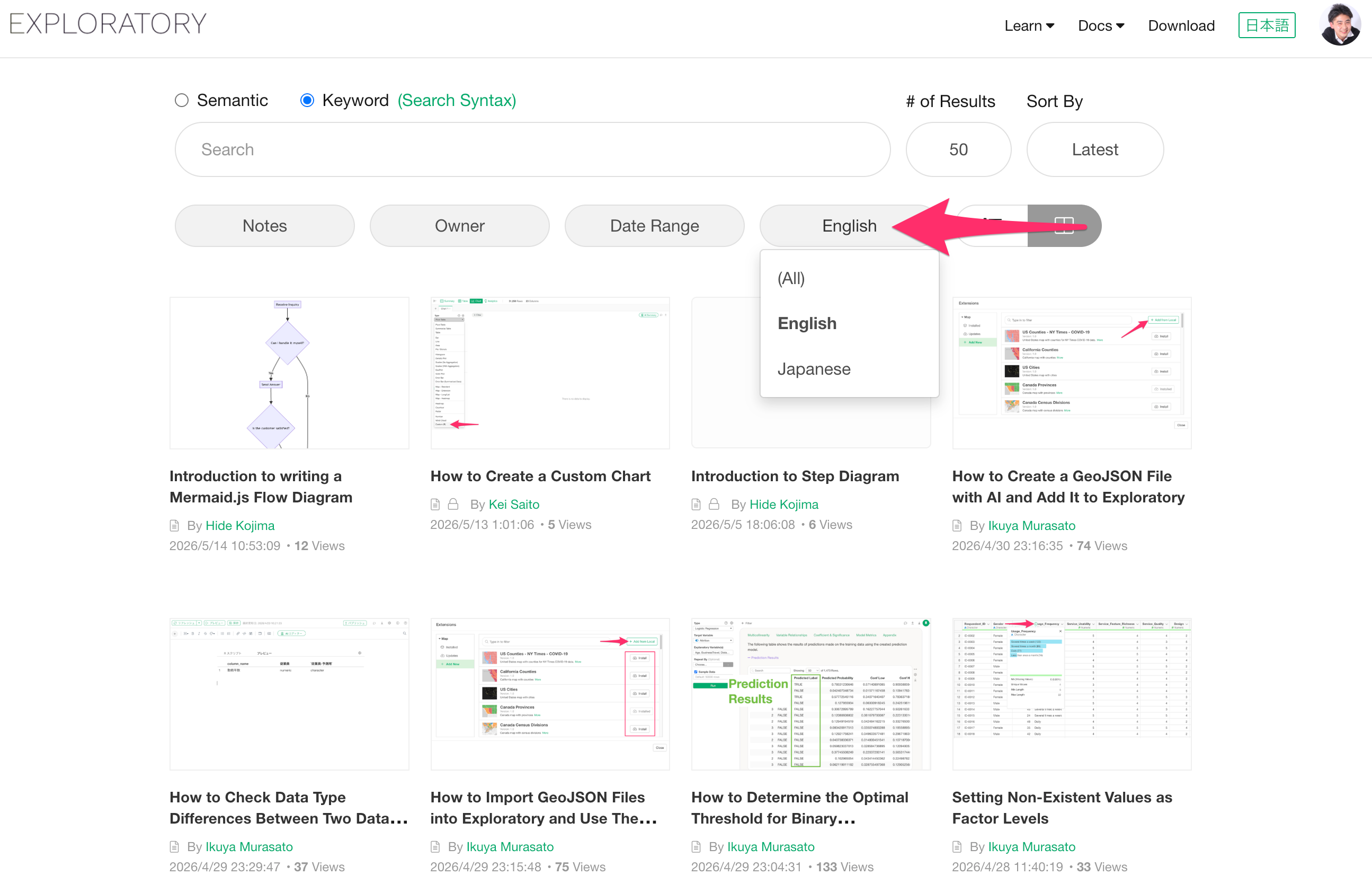
As a result, content without Japanese in the title will not appear in the list if the Language Filter is set to “Japanese.”
Conversely, content without Japanese in the title will appear when the filter is set to “English” but will be hidden when set to “Japanese.”
If you cannot find your published content in the list, please first check your Language Filter settings.
Changing the Language Setting for Specific Content
Regardless of the title, you can manually specify the language setting for each piece of content. This allows you to control which language filter the content appears under.
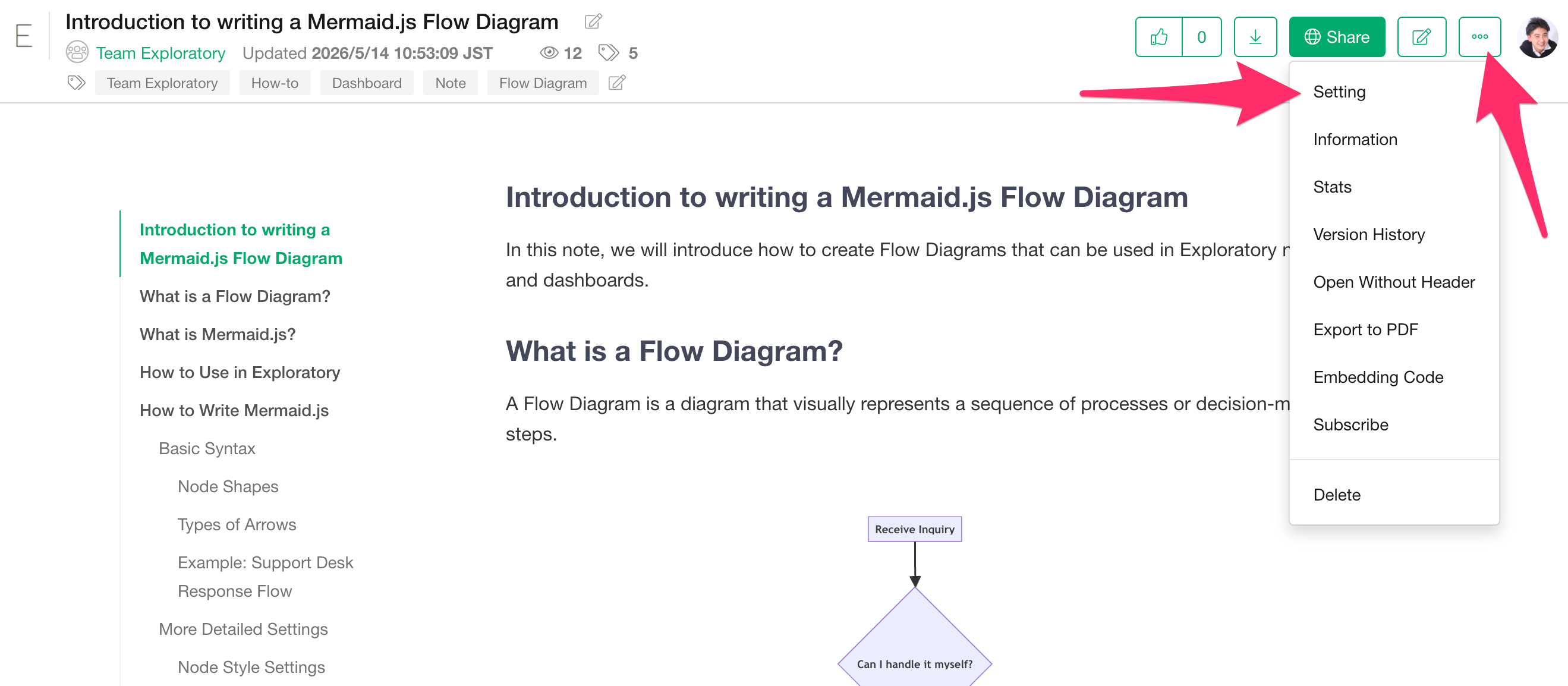
To change this setting, click the three-dot menu (…) in the top right corner of the specific content and select "Settings."
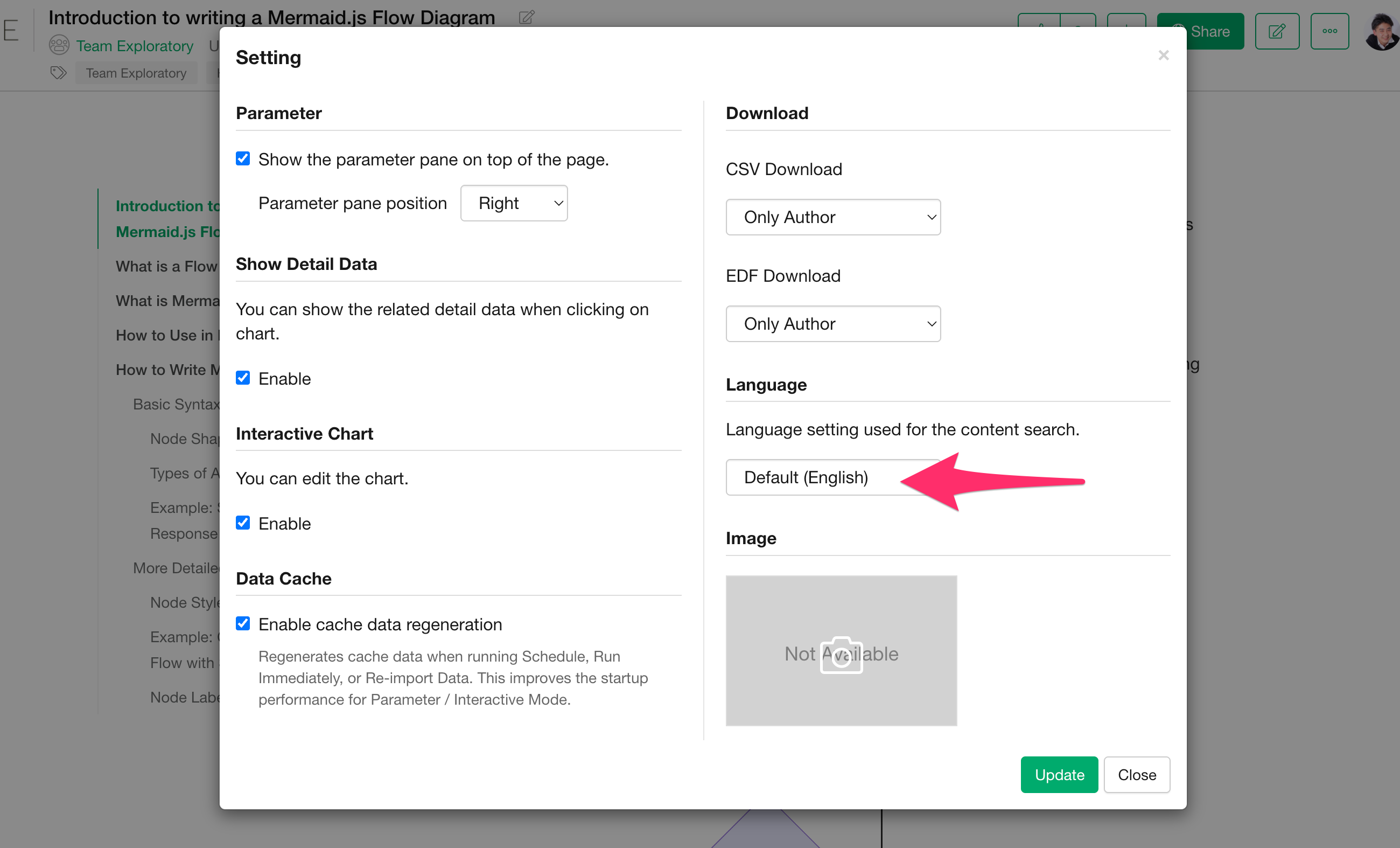
Once the Settings window opens, you can specify the language used for searching and displaying that content in the “Language” section.
For Hosted or On-Premise Server Users
For those using a Hosted Server or On-Premise Server, you can also configure the default Language Filter setting for the Content List page from the admin menu.
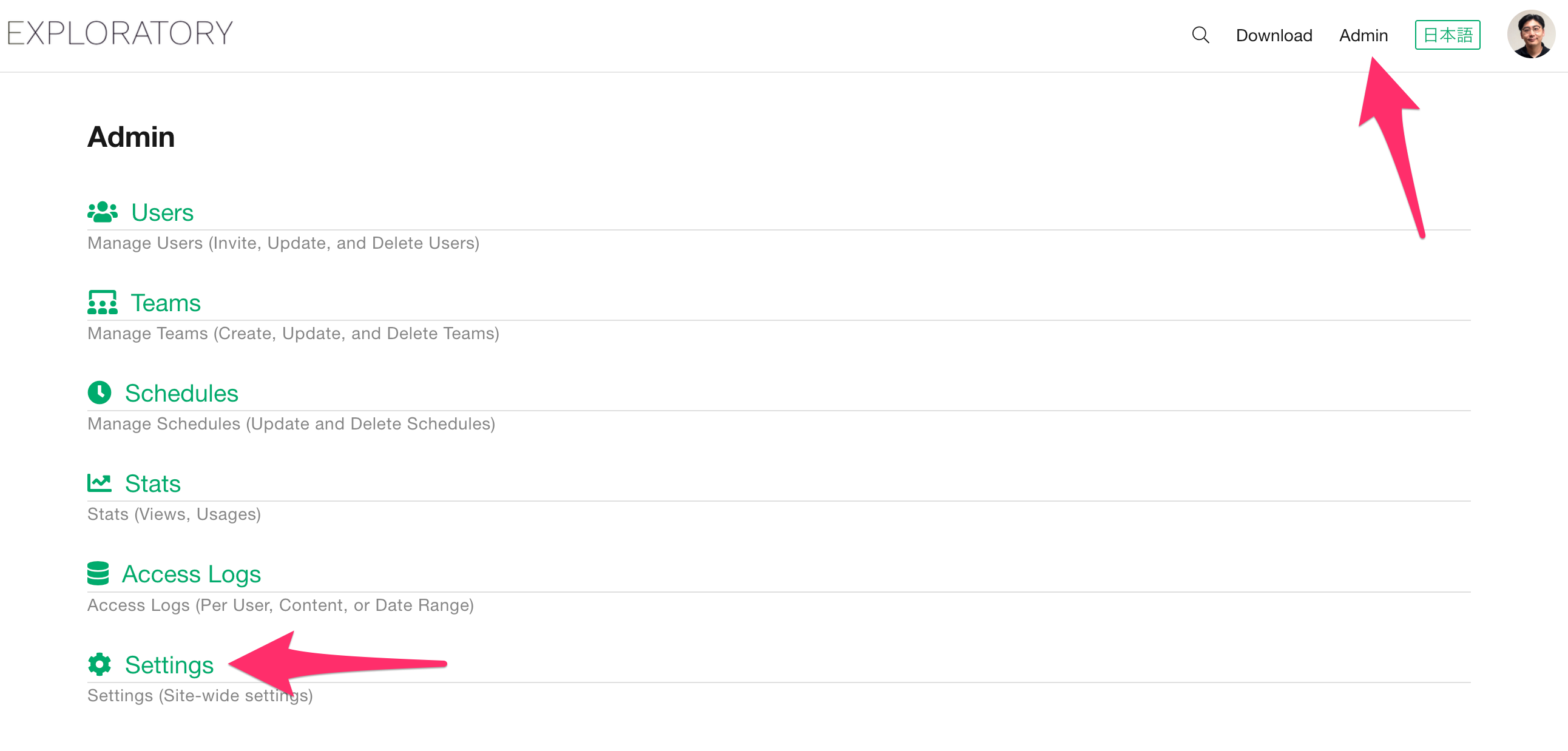
You can find and change the “Default Language” setting in the “Search Page Setting” section.