
In the user management screen of the Hosted Server or On-Premise Server, you may see certain users displayed as grayed out.
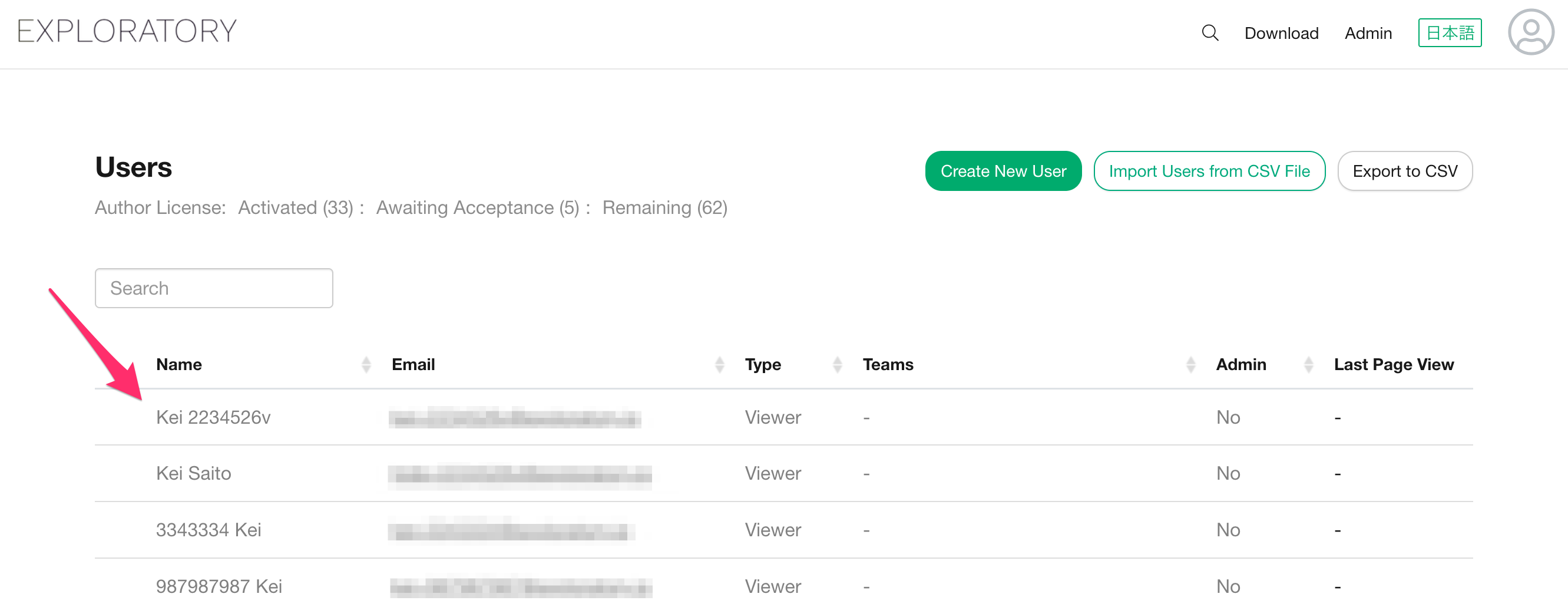
Grayed-out users are accounts that are currently in an "Awaiting Acceptance. Specifically, this refers to accounts in the following state:
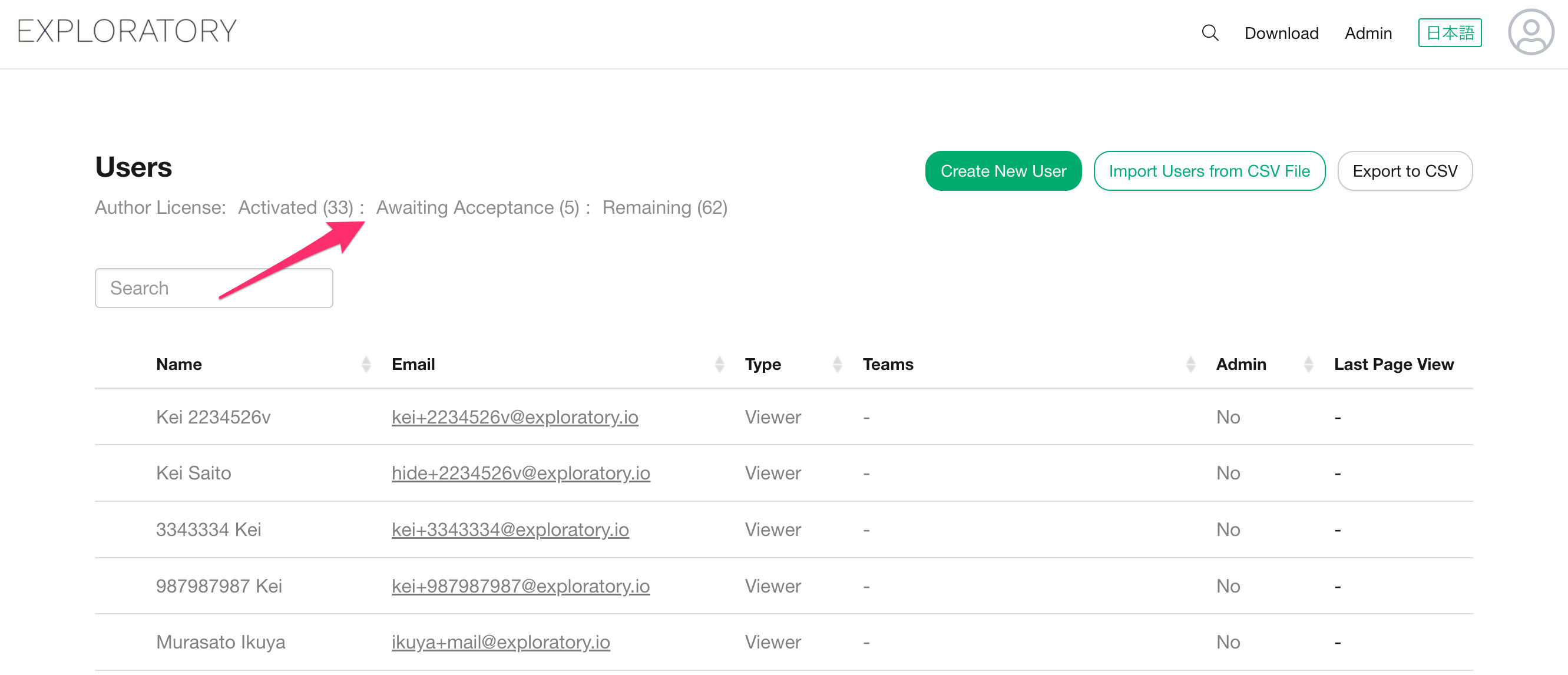
- The administrator has already created the account.
- The target user has not yet activated their account via the invitation email.
If you need to resend the account activation email to the user, scroll to the right on the user management screen and click the “Send Email” button displayed in that user’s row.
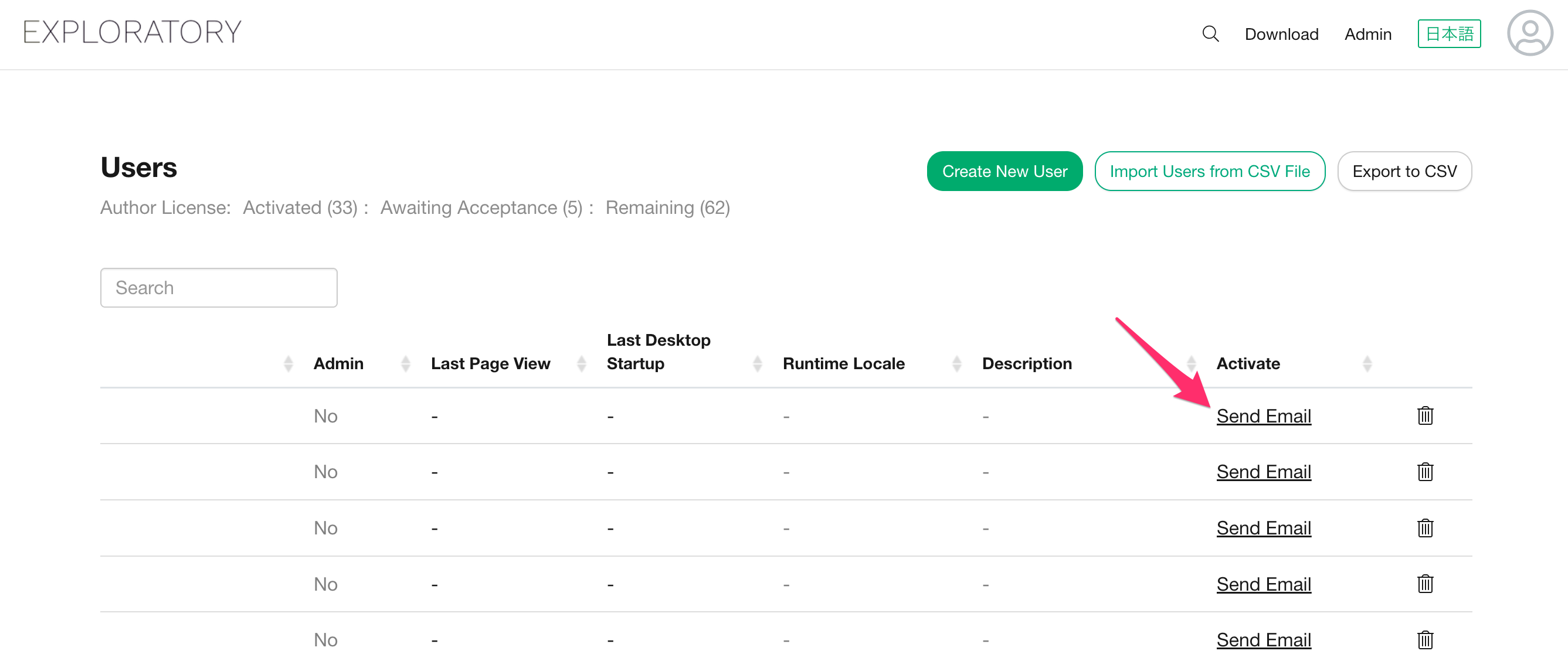
Once clicked, the email containing the account activation link will be resent to the user.