
When using Exploratory Desktop, a network connection error like the one shown below may appear, making the application unusable.
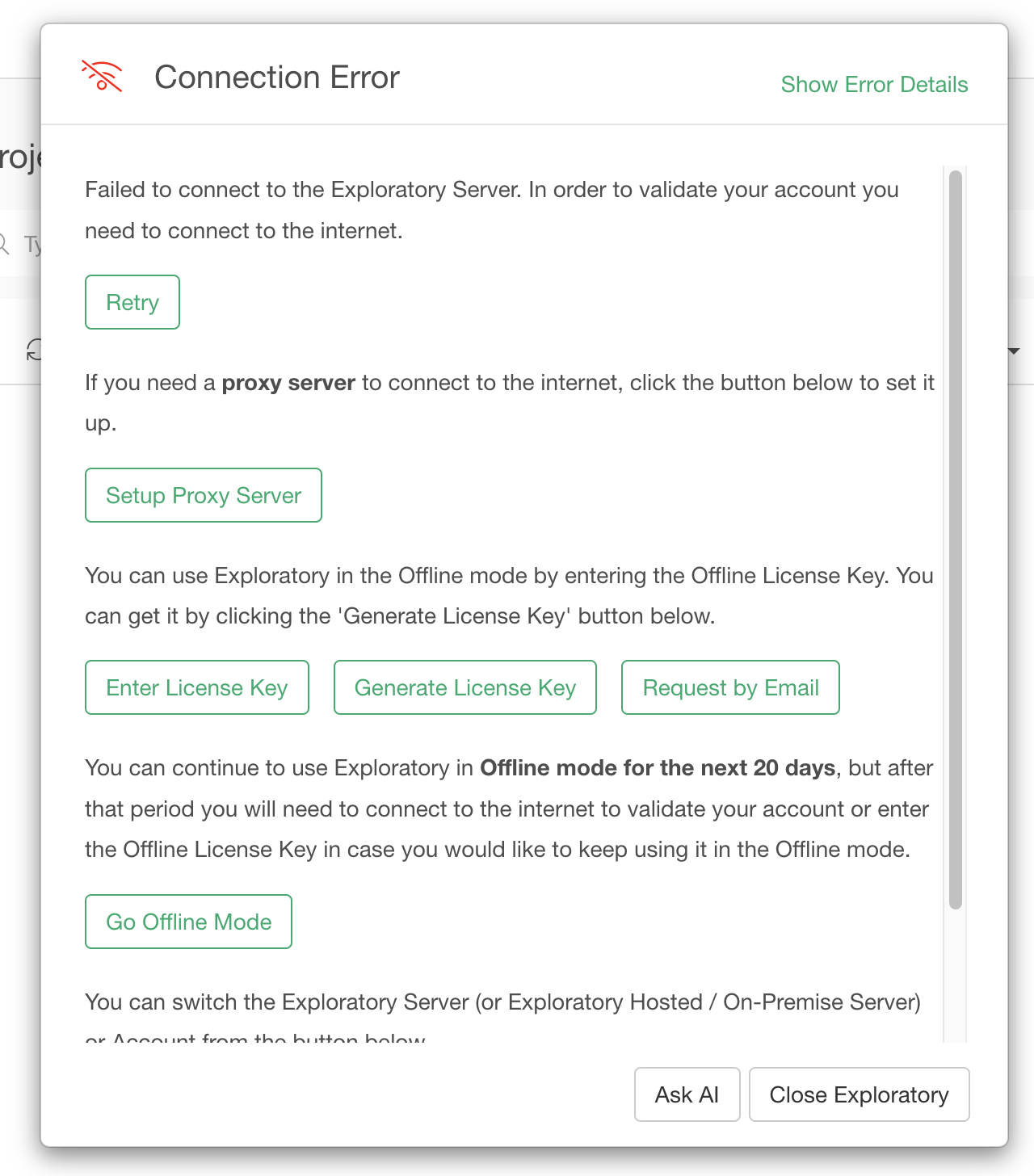
If you encounter this error despite having a paid license for Exploratory Desktop, it is often due to a failure to connect to the internet to authenticate the license.
If you are using version 14 or later, you can continue to use the application offline for up to 20 days by clicking the “Use in Offline Mode” button displayed at the bottom of the network error dialog.
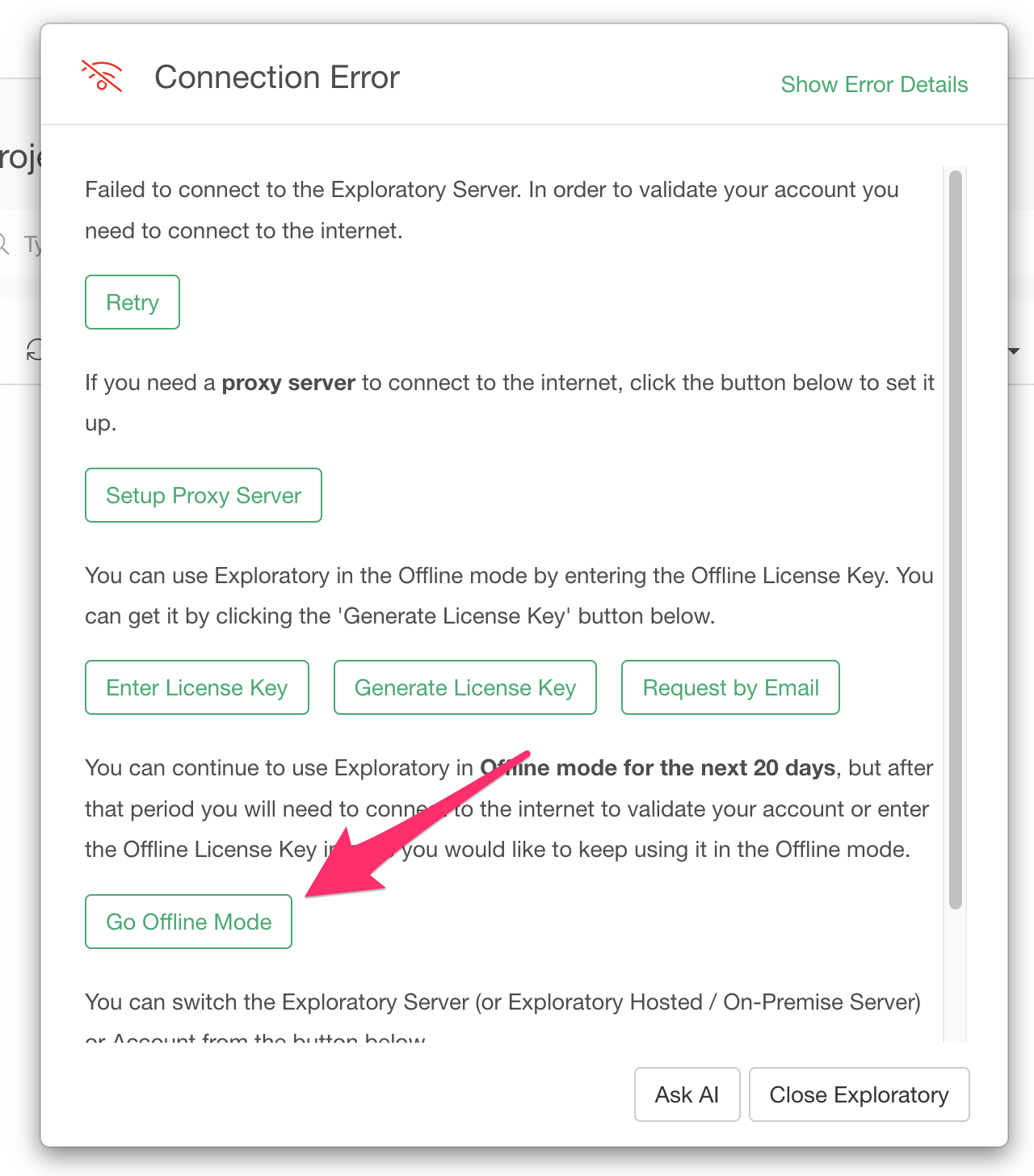
If you are using a version of Exploratory Desktop earlier than version 14, this button will not be displayed. Therefore, we recommend updating to the latest version.
If you would like to continuously use Exploratory Desktop in an offline environment, you may consider using an offline license key, which is available only with the Business Plan.