
In Exploratory, you can import data from various sources, such as Google Sheets and local files.
When the original source data is updated, you can easily reflect those changes within Exploratory.
Specifically, click the “Re-import Data” button located at the top of the steps in the data frame you wish to update.
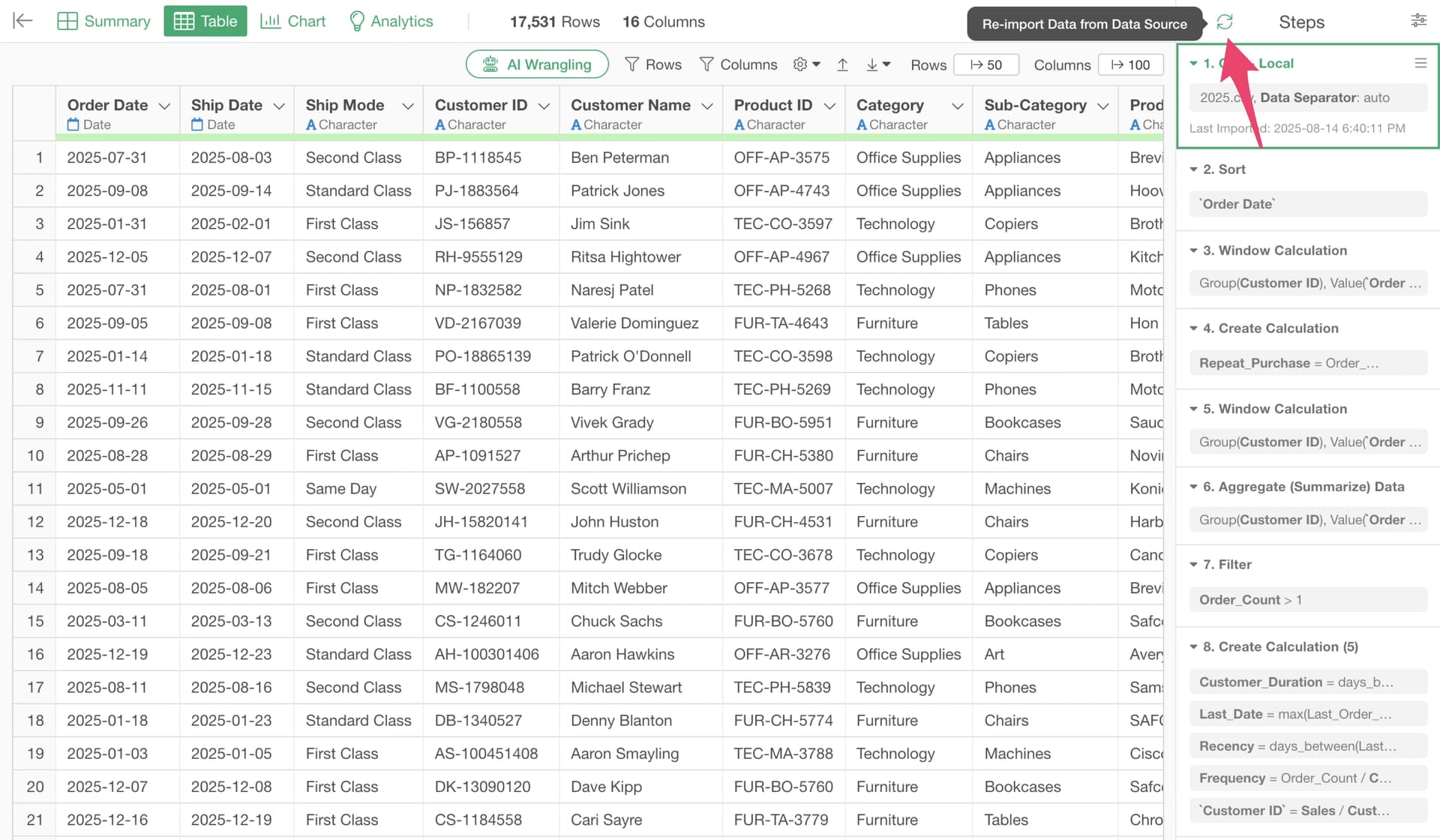
By doing this, the latest data will be loaded automatically.
For more details on the Re-import Data feature, please refer to the following document: