
This feature was added in version 12. The Sample Size for AI Wrangling setting in System Settings lets you configure the default sample data size passed to the AI when using the AI Data Wrangling feature.
How to Configure
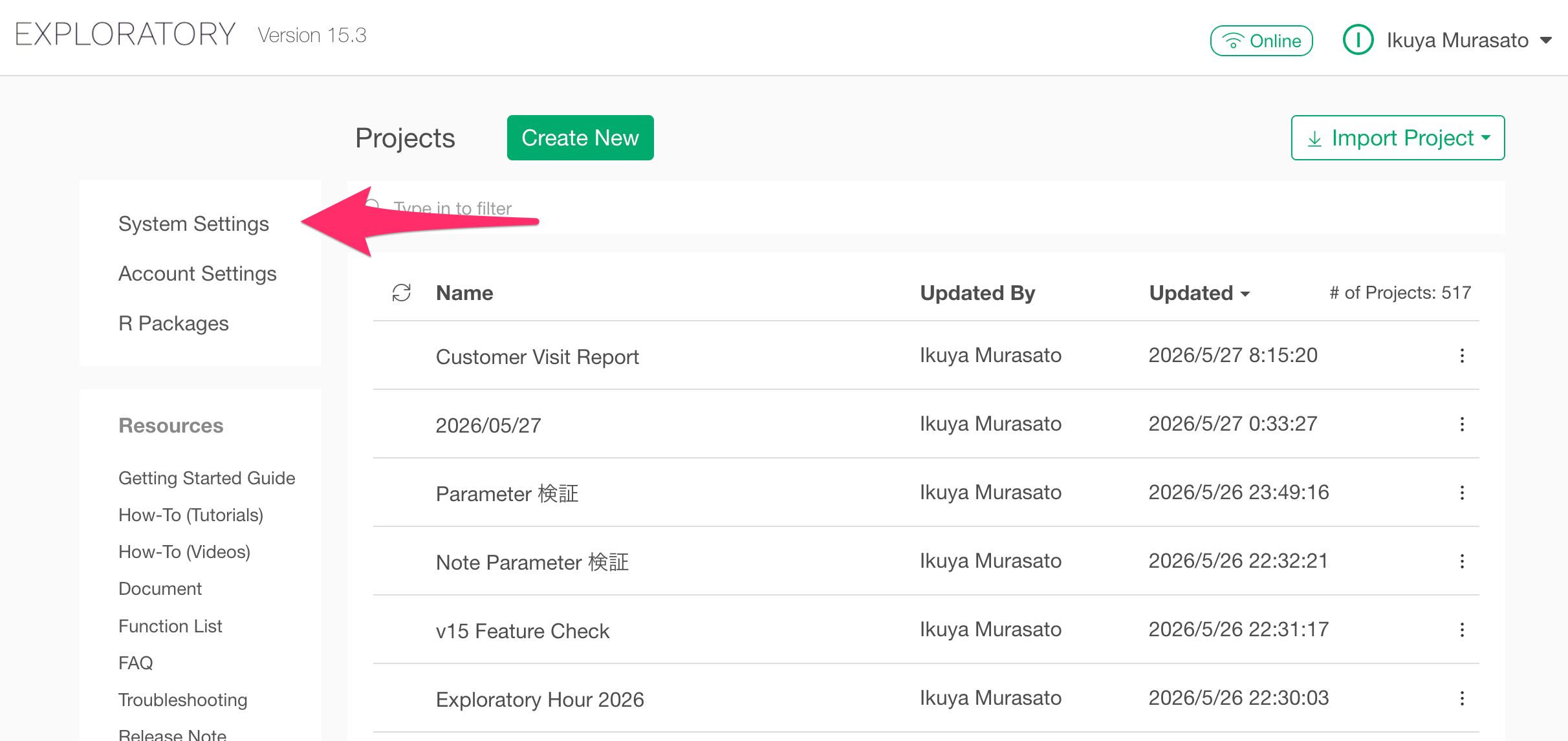
To access the AI settings, click System Settings from the project list.
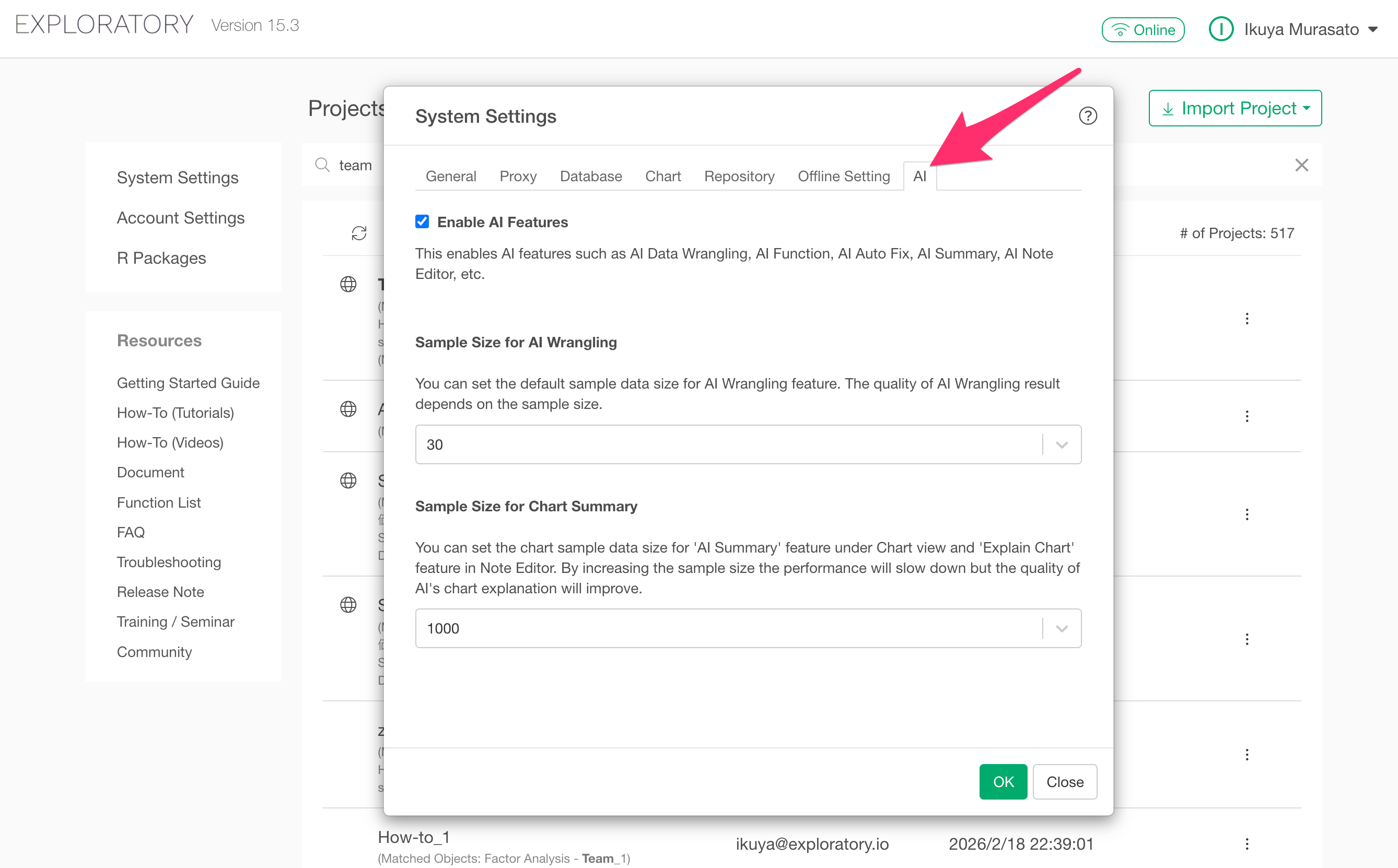
In the dialog that opens, navigate to the AI tab.
The Sample Size for AI Wrangling section will appear.
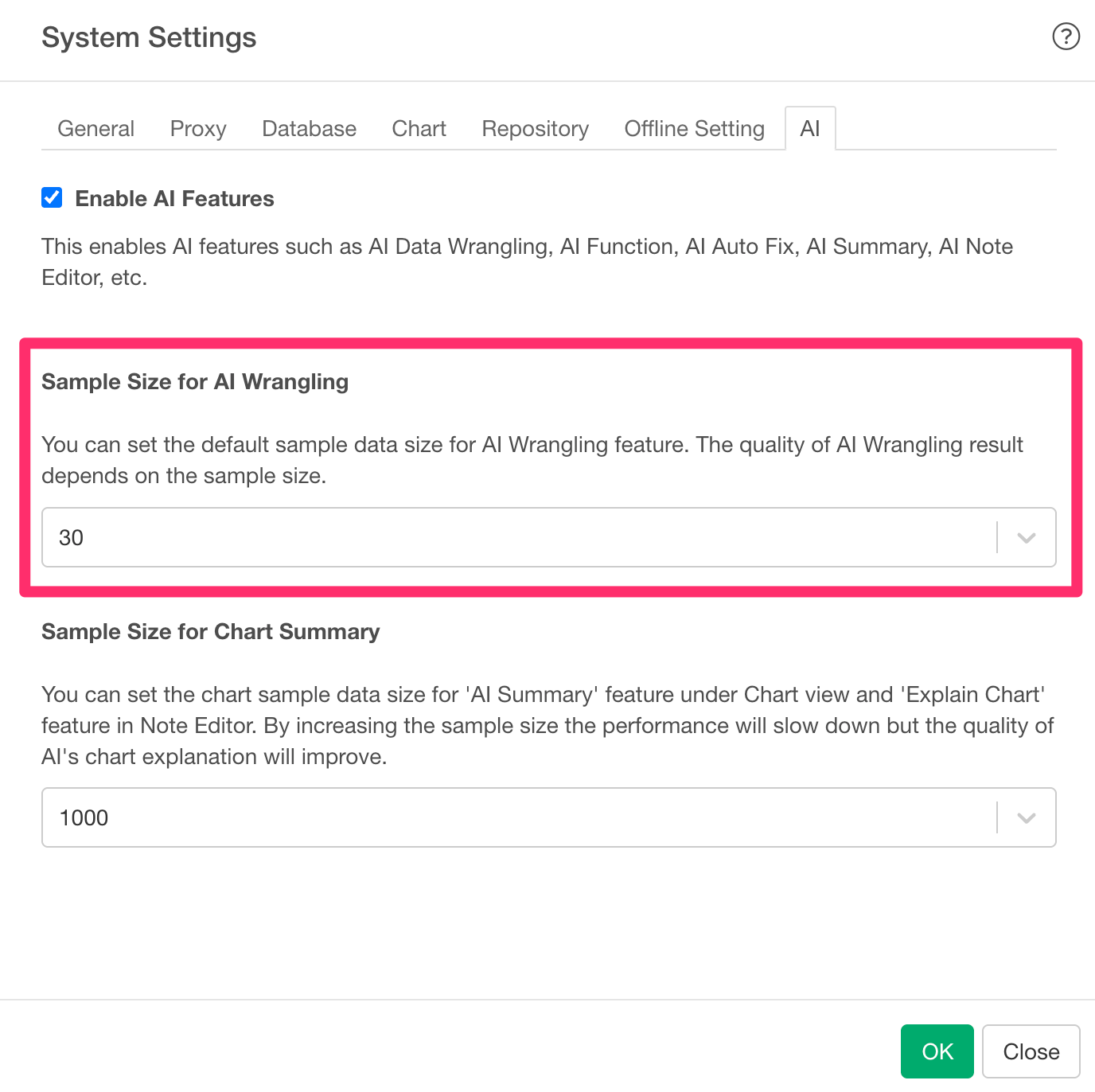
The default value is 30. This sample size applies to the AI Data Wrangling (AI Prompt)](Introduction to AI Prompt Feature for Data Wrangling in Natural Language) feature.
Performance
Increasing the sample size improves the quality of AI-generated suggestions, as the AI has more data to work with.
However, a larger sample size results in slower processing. For operations that require the AI to generate code based on actual data values (such as category classification or text transformation), a larger sample is beneficial. For operations that do not depend on data values, setting the value to 0 is sufficient.
Data Security and Privacy
The sample size setting determines what data is sent to the AI service provider when using AI Data Wrangling.
- When set to a value greater than 0: Column names, their data types (e.g., numeric, character), and a portion of the dataset (sample values) are sent to the AI service provider as part of the prompt.
- When set to 0: Only column names and their data types (e.g., numeric, character) are sent to the AI service provider. No actual data values are transmitted.
When the sample size is set to 0, you can use AI Data Wrangling without sending any actual data to the AI service.