
Starting with Exploratory Desktop v15.3, you can now set the default size of the data passed to the AI using the “Sample Size for Chart Explanation” setting in the “AI” tab of the System Settings.
This setting applies to the “AI Summary” feature in the Chart View and the “Chart Explanation” feature in the AI Note Editor.
How to Configure
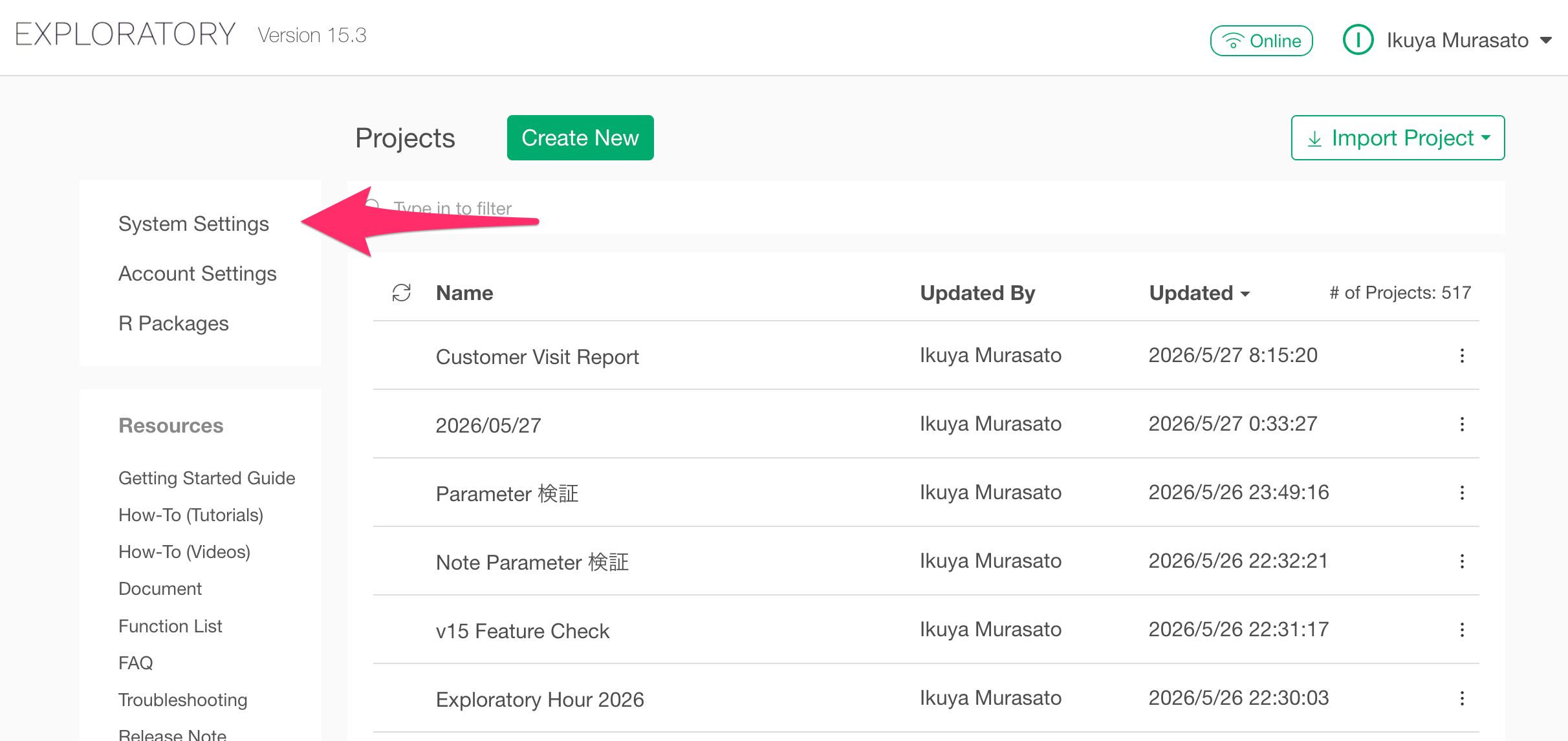
To access the AI settings, click “System Settings” from the project list.
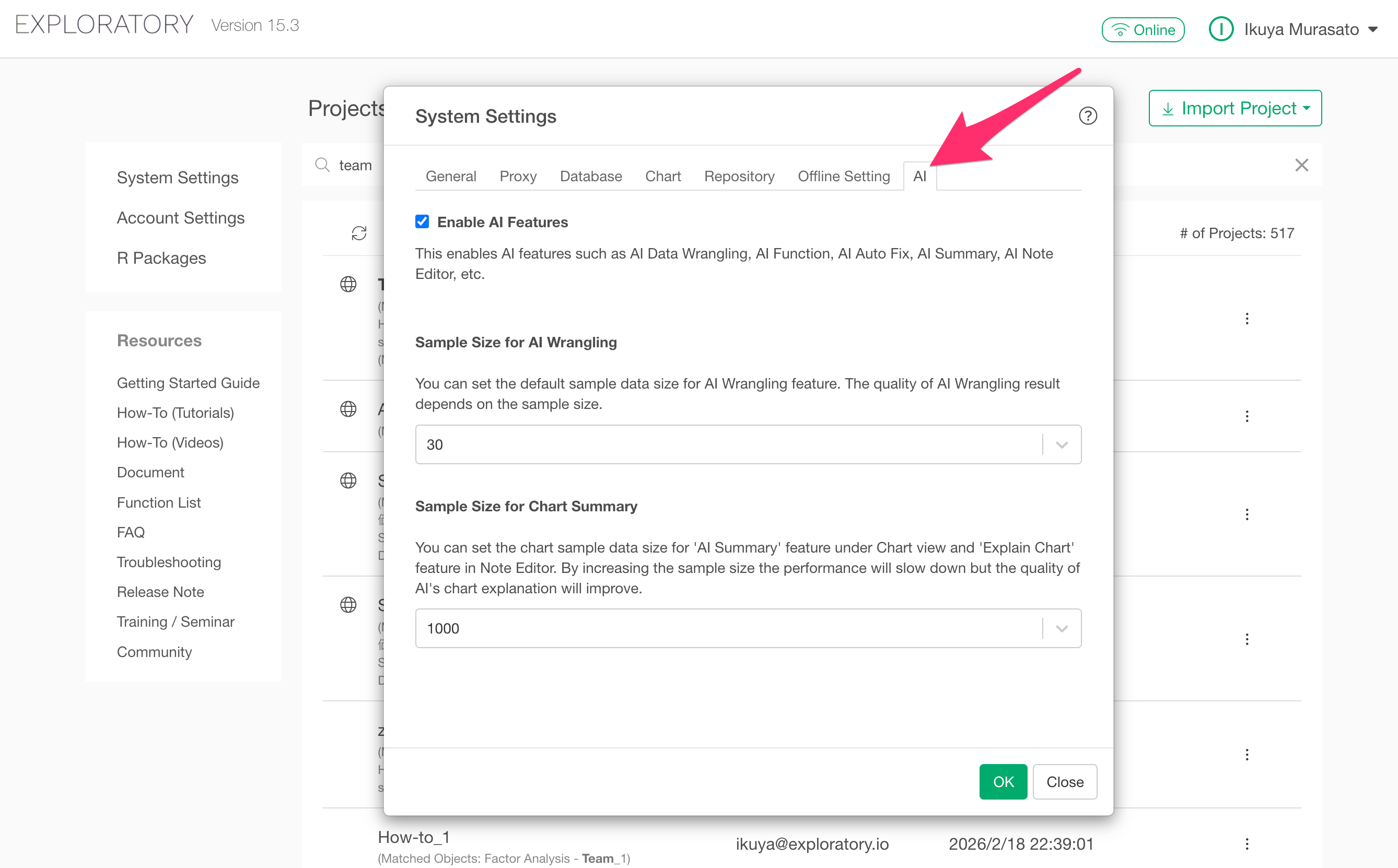
Navigate to the “AI” tab in the displayed dialog.
The “Sample Size for Chart Summary” section will be displayed at the bottom of the dialog.
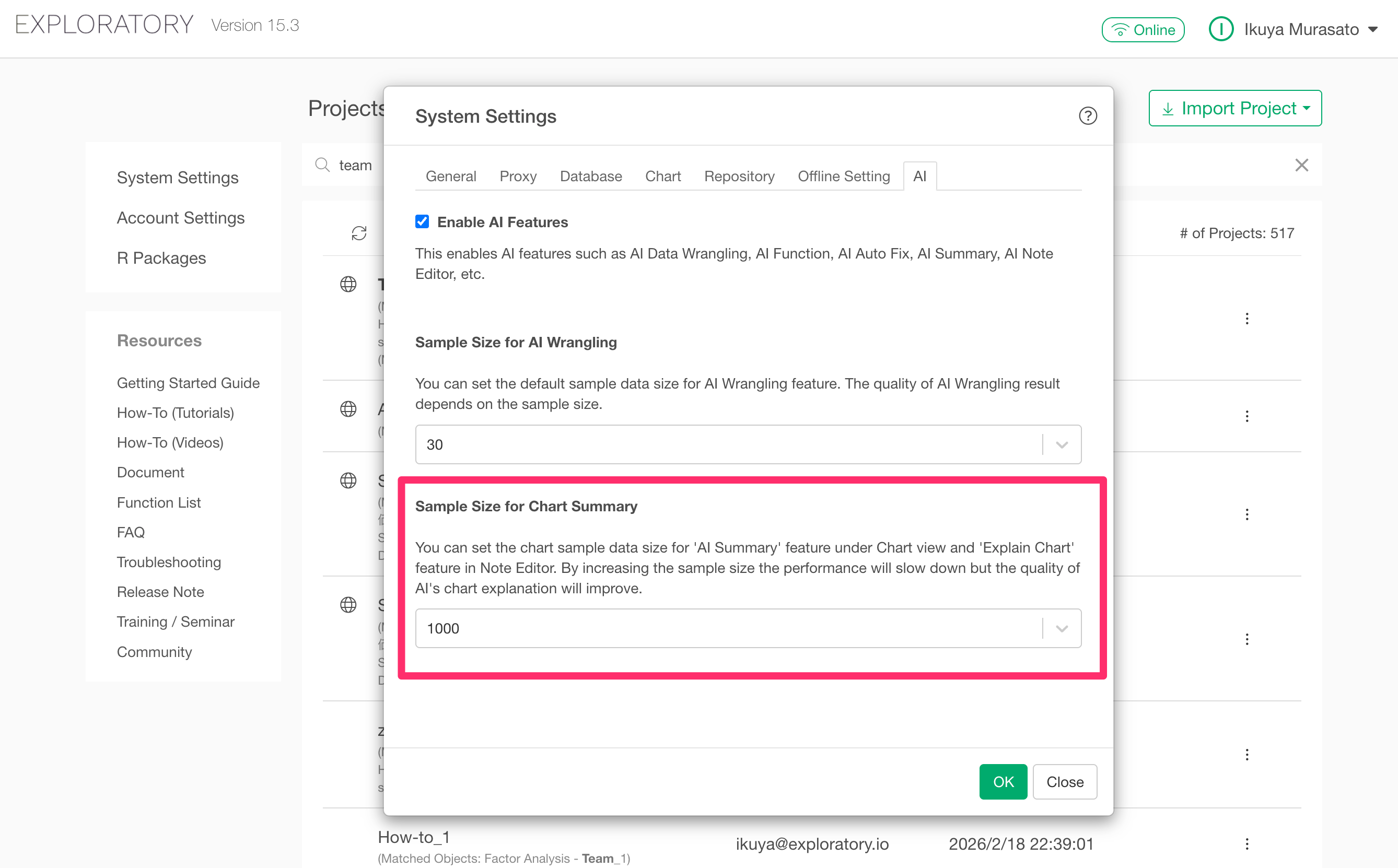
The default value is 1000, and this sample size applies to the following two AI features:
- AI Summary: An AI-based summary feature available in the Chart View
- Chart Explanation: A chart explanation feature available in the Note Editor
Increasing the sample size improves the quality of the explanations because the AI can generate them based on more data. However, a larger size will result in lower performance.