
Exploratory allows you to publish various types of content such as data, charts, dashboards, and notes to the server.
Published content can also be shared on the server so that others can view it via their browsers.
There are three types of sharing options available:
- Public
- Private
- URL
Sometimes, you may want to achieve the following two goals simultaneously:
- Prevent the published content from appearing in Google or Exploratory’s internal search results
- Allow others to view the content without logging into the Exploratory server
In such cases, please share the content using the “URL” option.
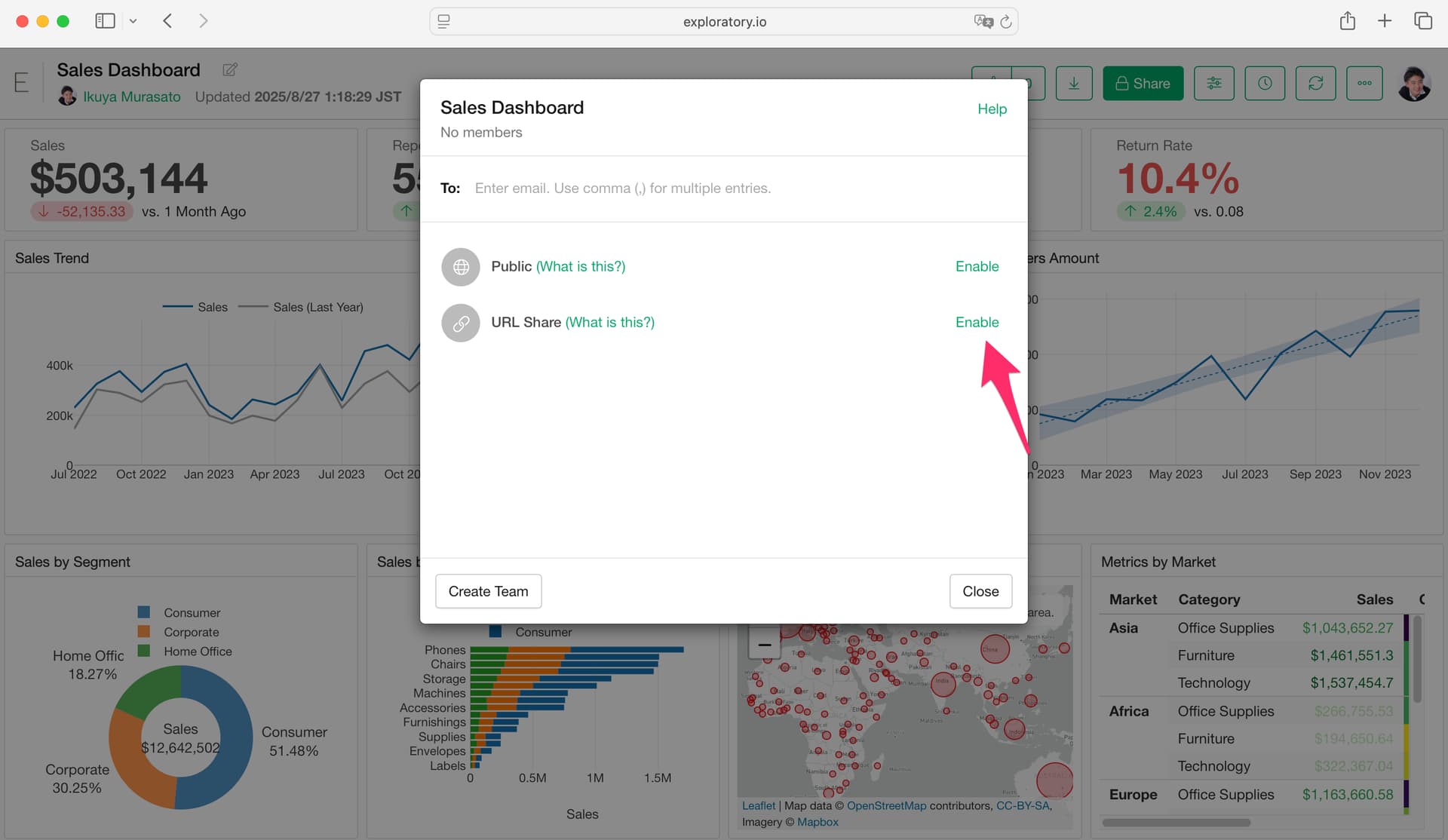
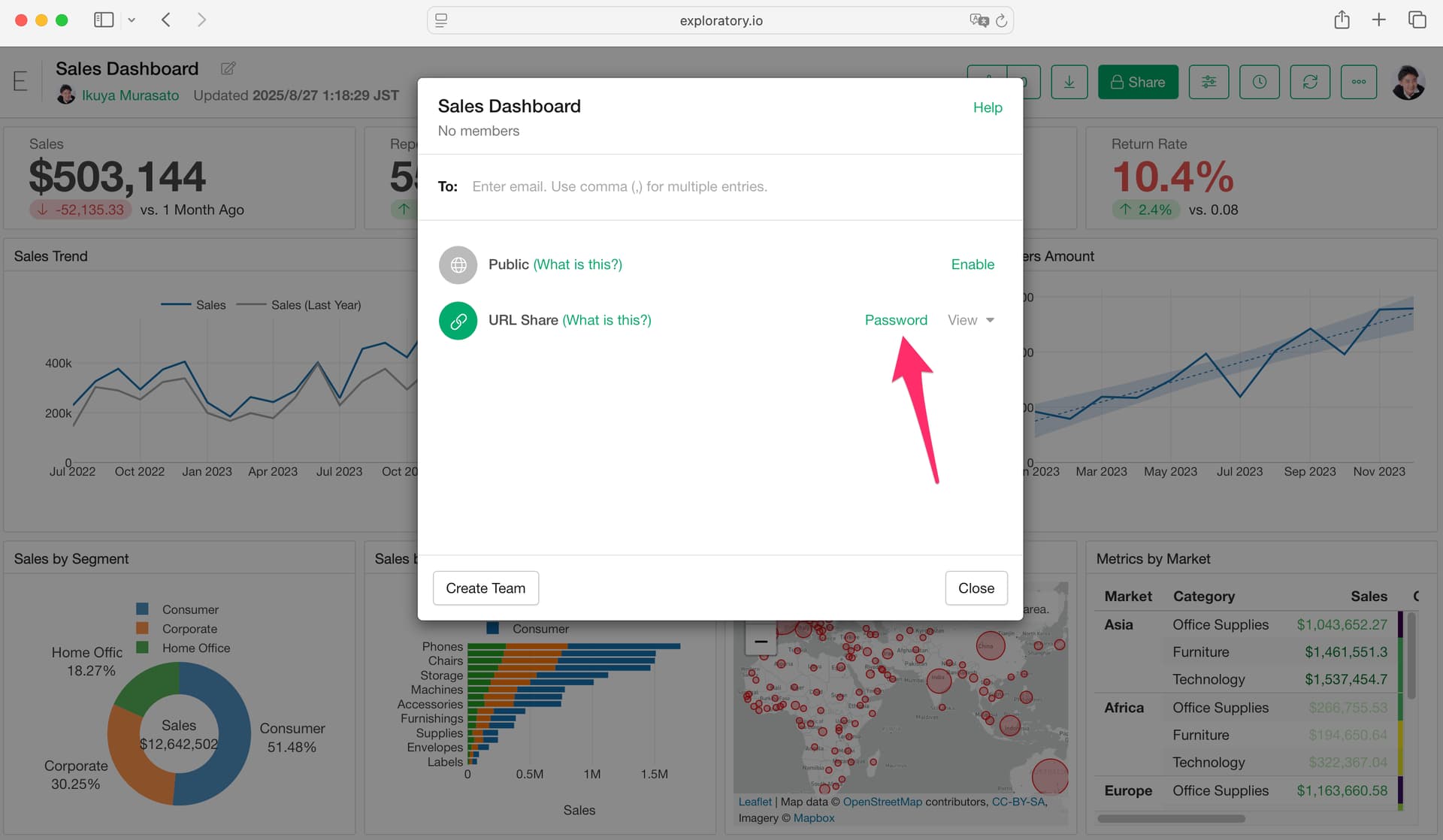
When sharing via URL, you can also set a password for added security.
For more details, please refer to the following link: