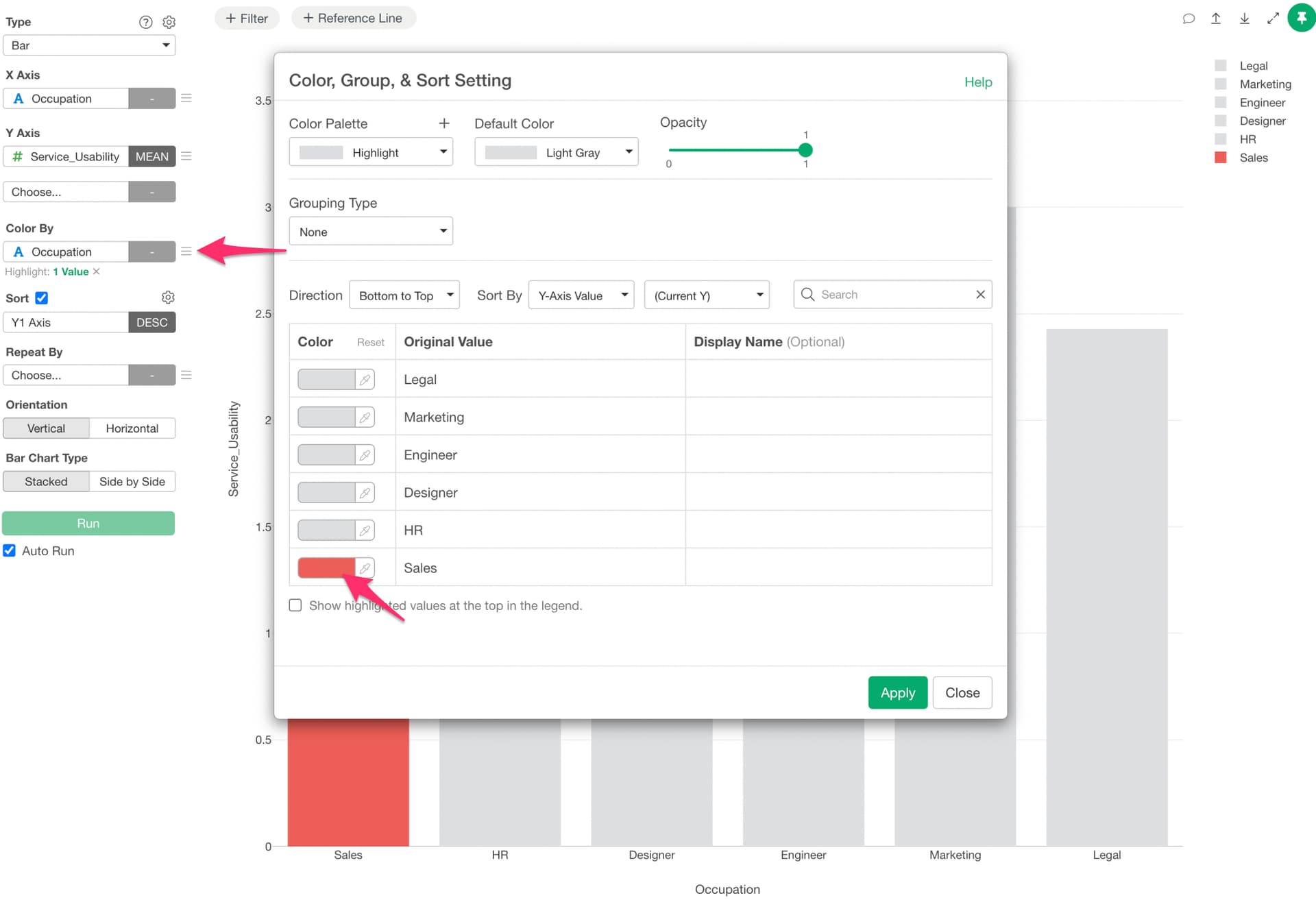
If you want to apply a color to only a specific bar in a bar chart, you can use the “Highlight” feature.
Here are the steps:
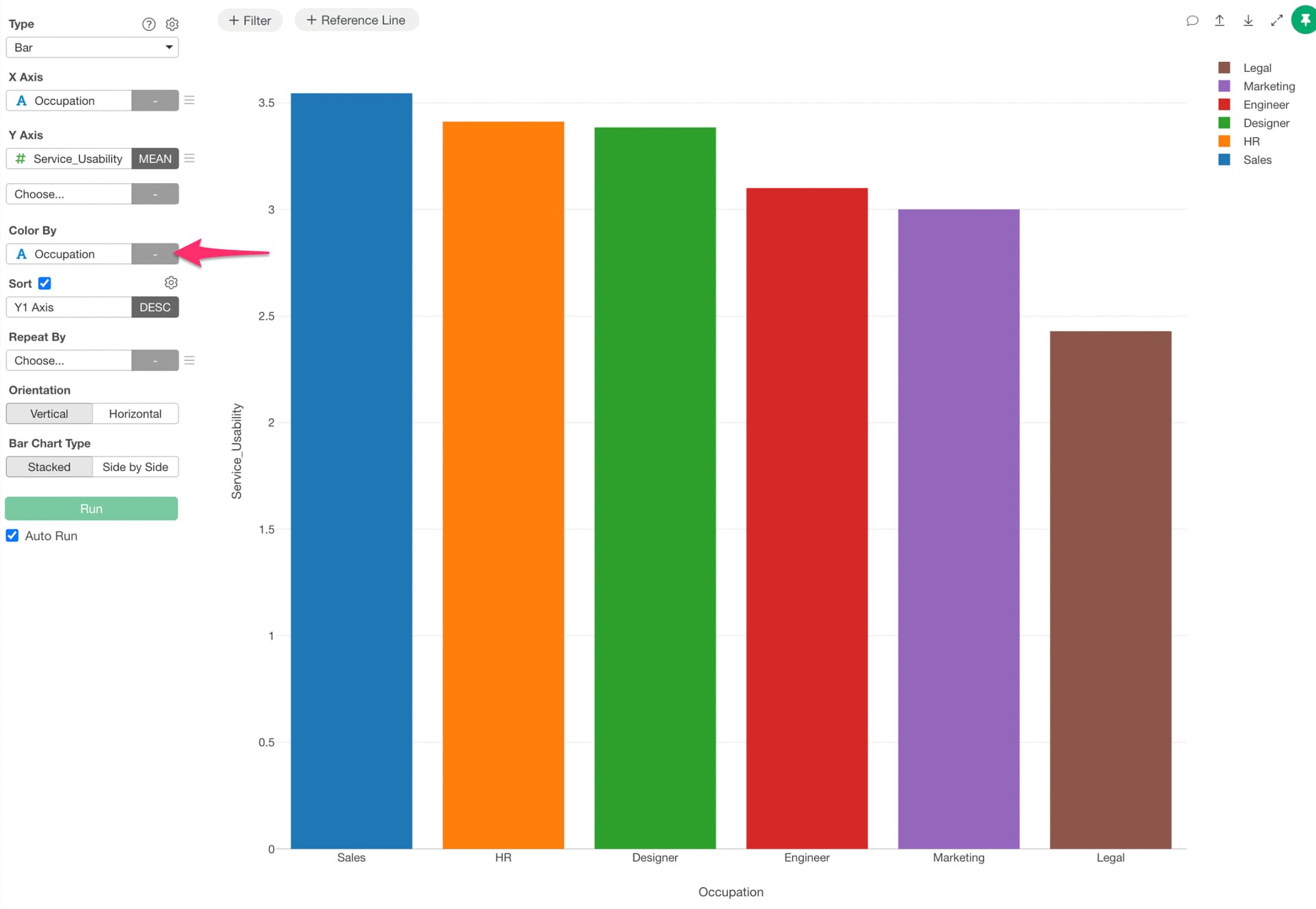
Assign the same column as the X-axis to the Color.
Select “Highlight” from the Color menu. A color settings dialog will appear, where you can assign a color to the value you want to highlight.