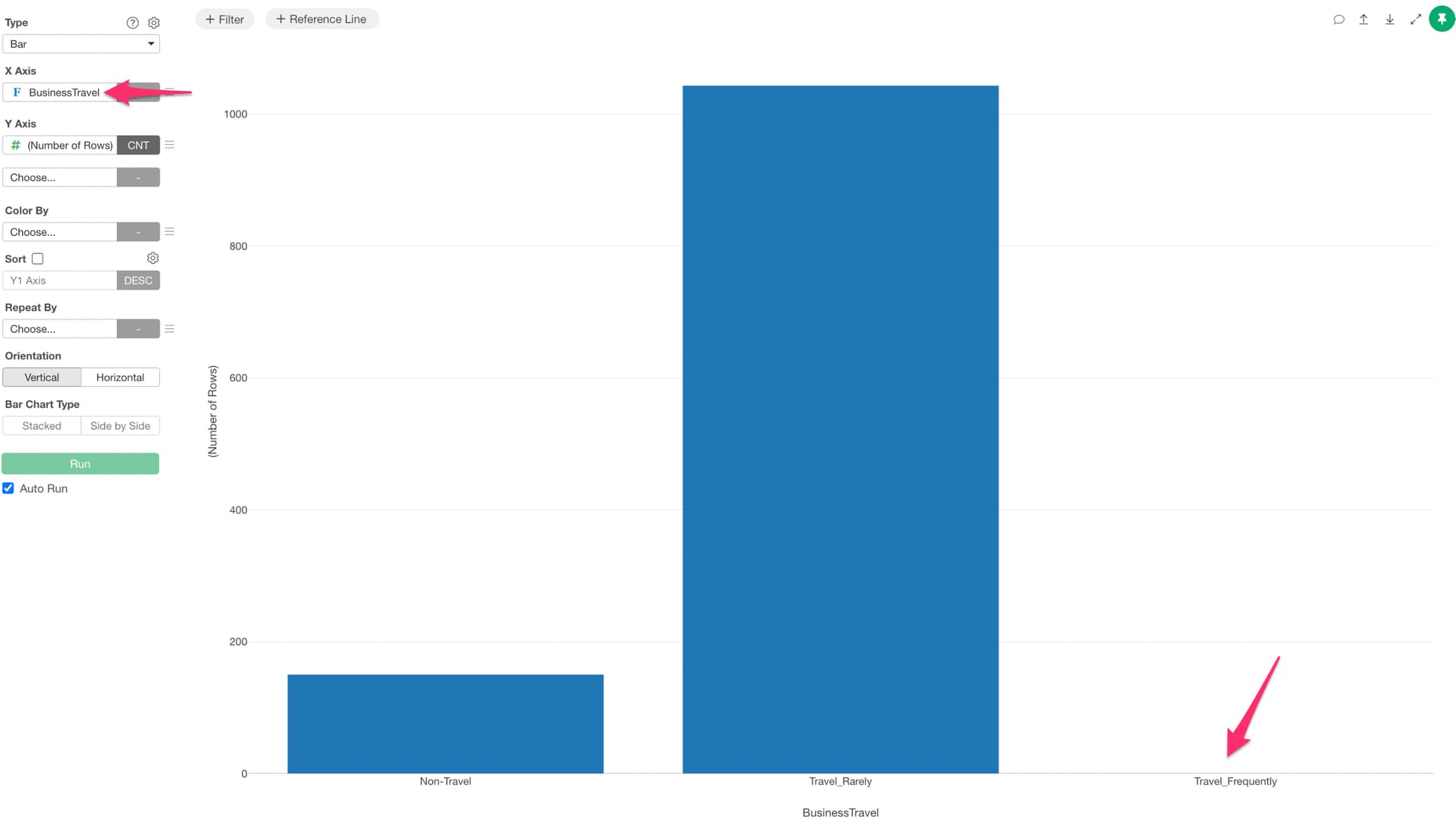
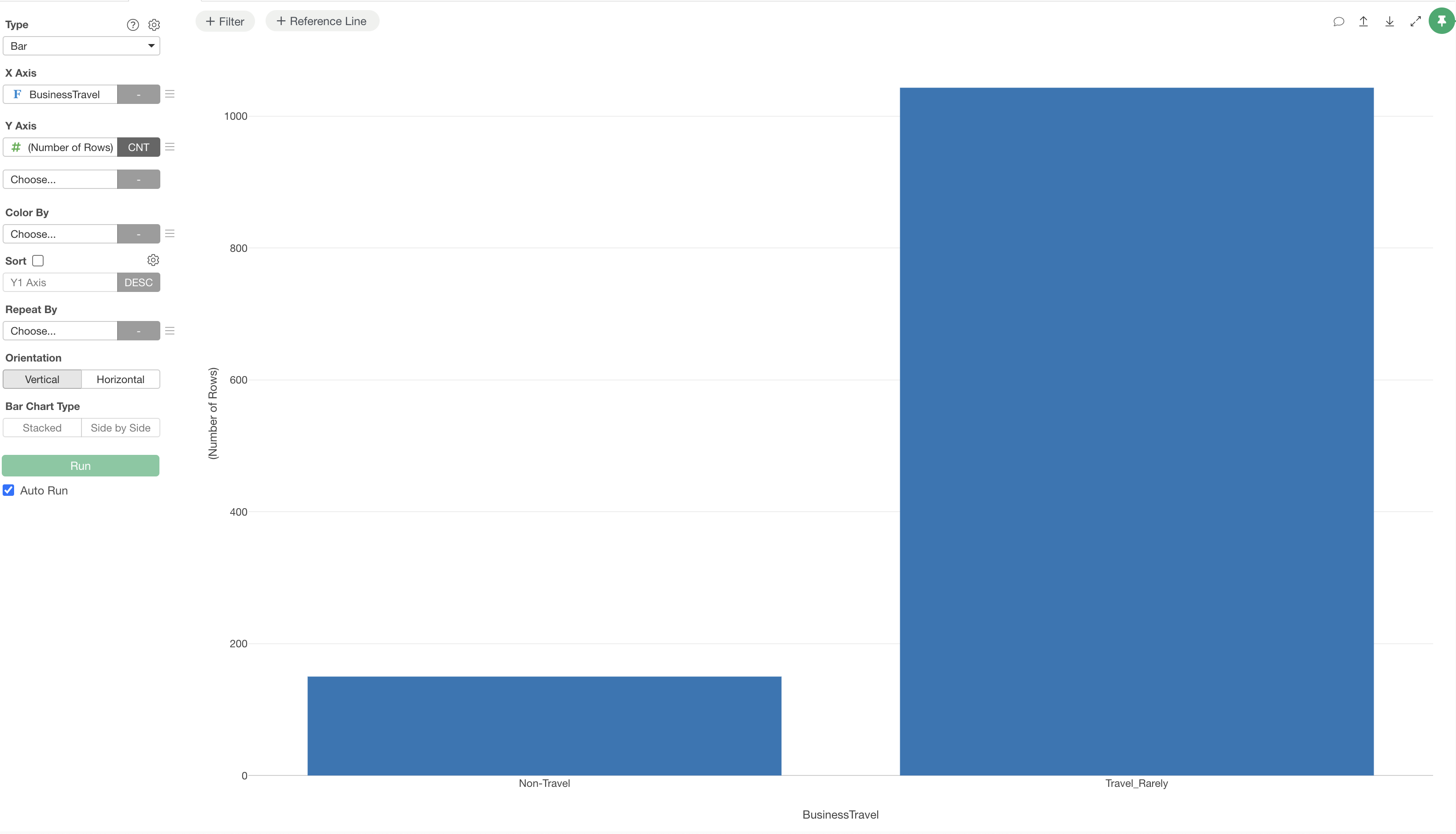
For example, suppose you have a bar chart with a Factor type column assigned to the X-axis.
Even though some categories have no data — either because there is no data for those categories or because the data was excluded by a filter — the categories still appear on the axis as levels since the column is Factor type.
In such cases, you may want to hide the levels that have no data.
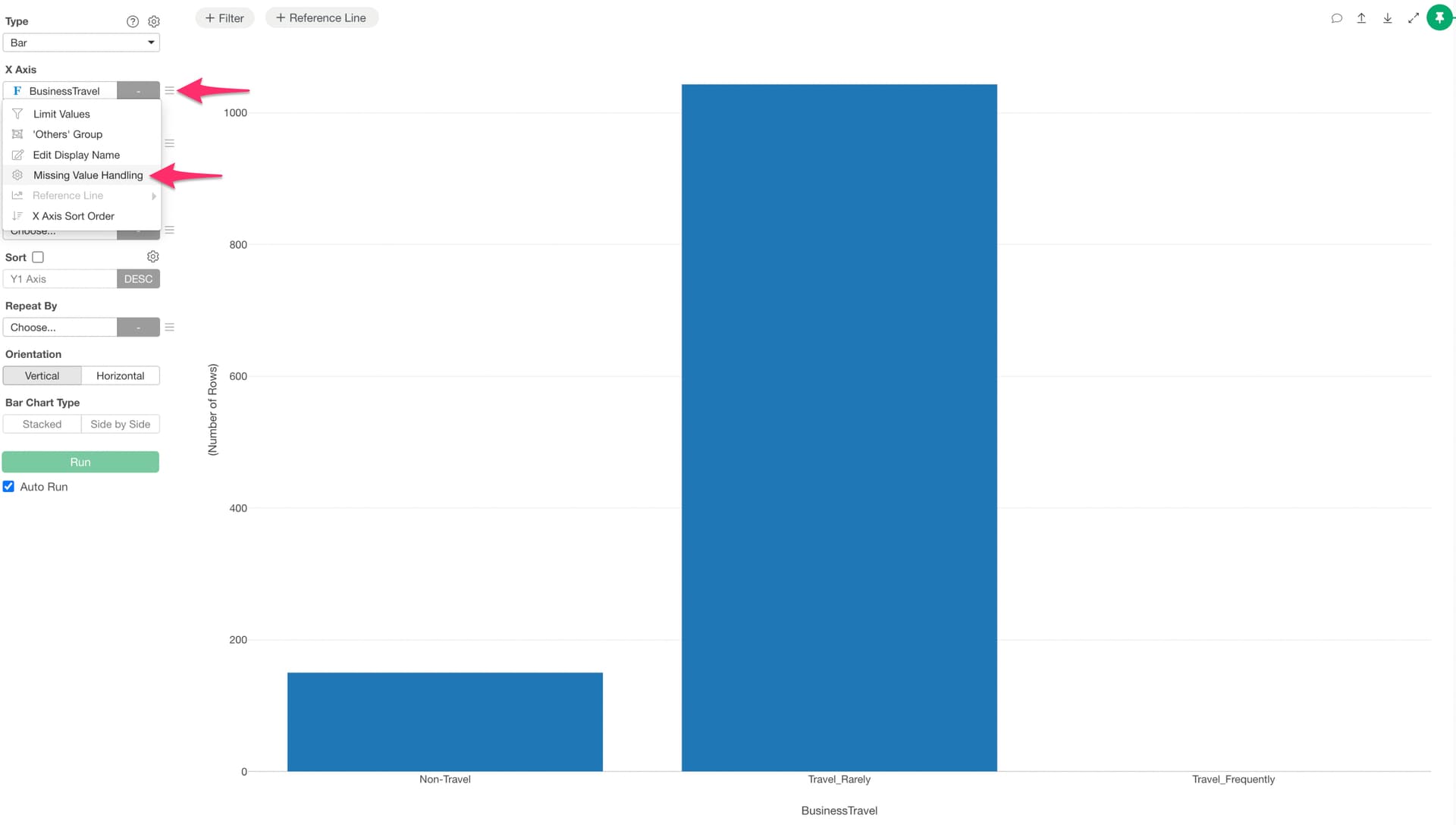
To do this, select “Missing Value Handling” from the X-axis menu.
Uncheck “Show Unused Levels” and click the Apply button.
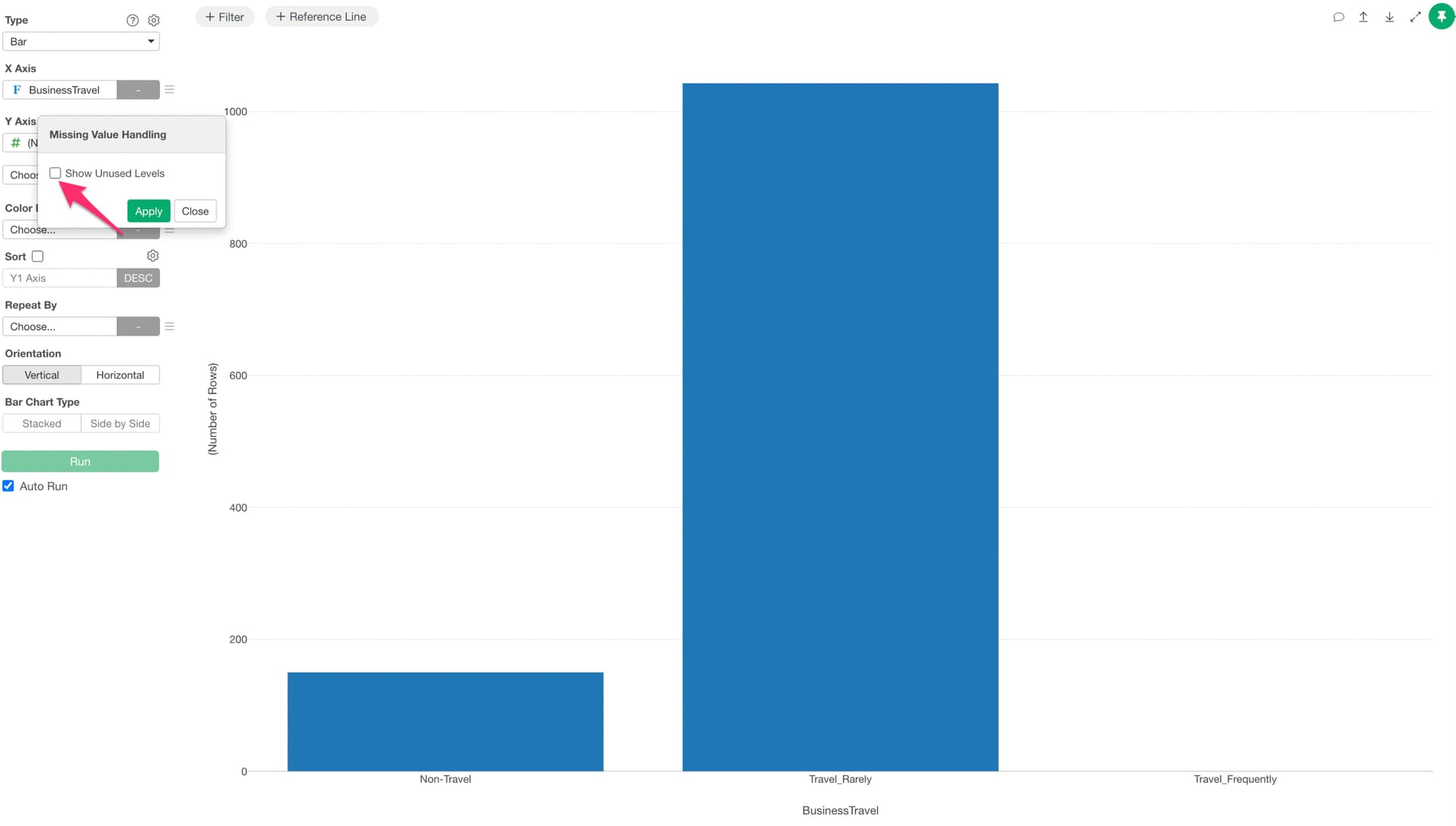
This will hide the levels that have no data.
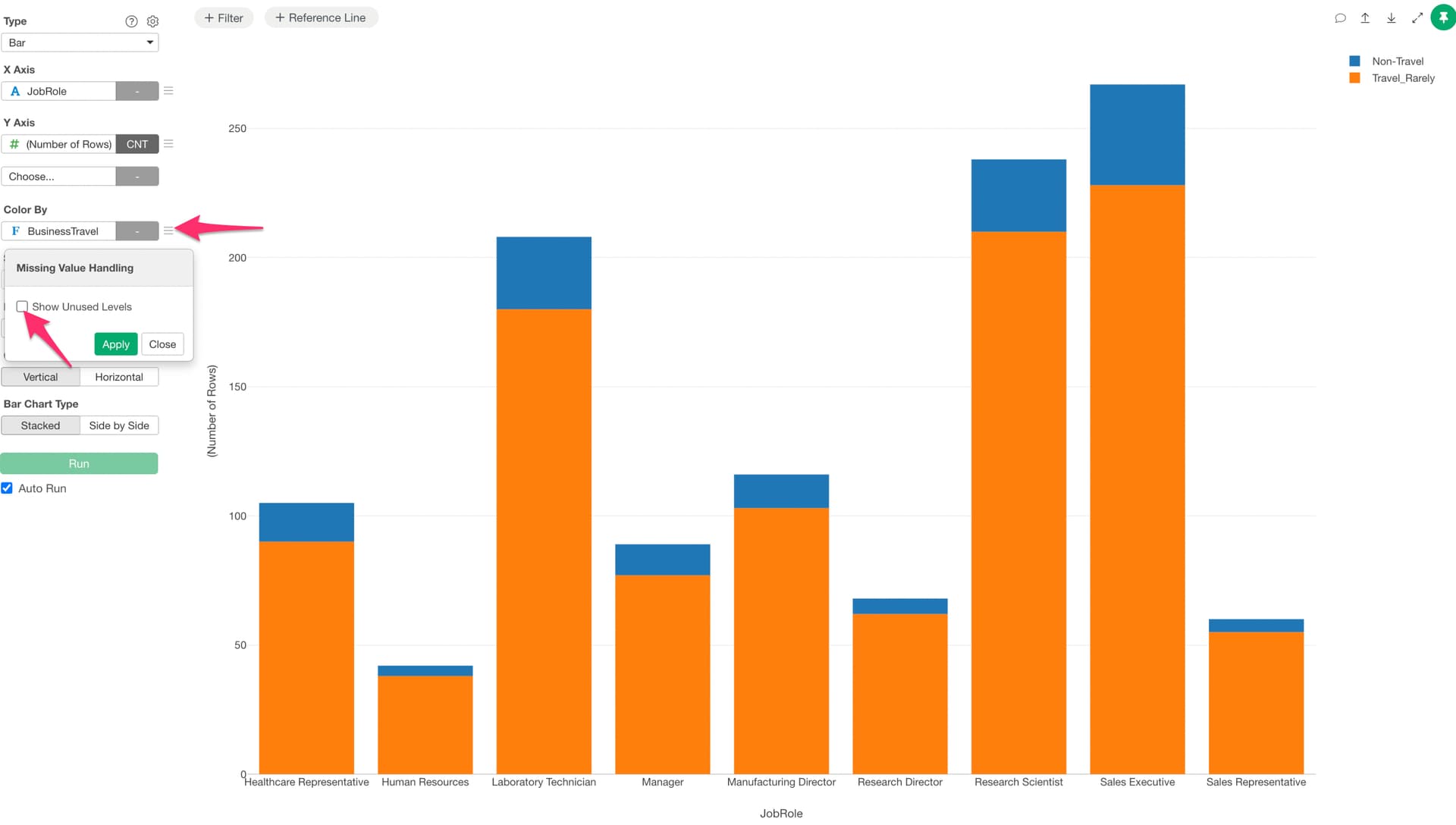
Additionally, when a Factor type column is assigned to “Color”, levels with no data may also be displayed. This can be configured in the same way using “Missing Value Handling” in the color menu.