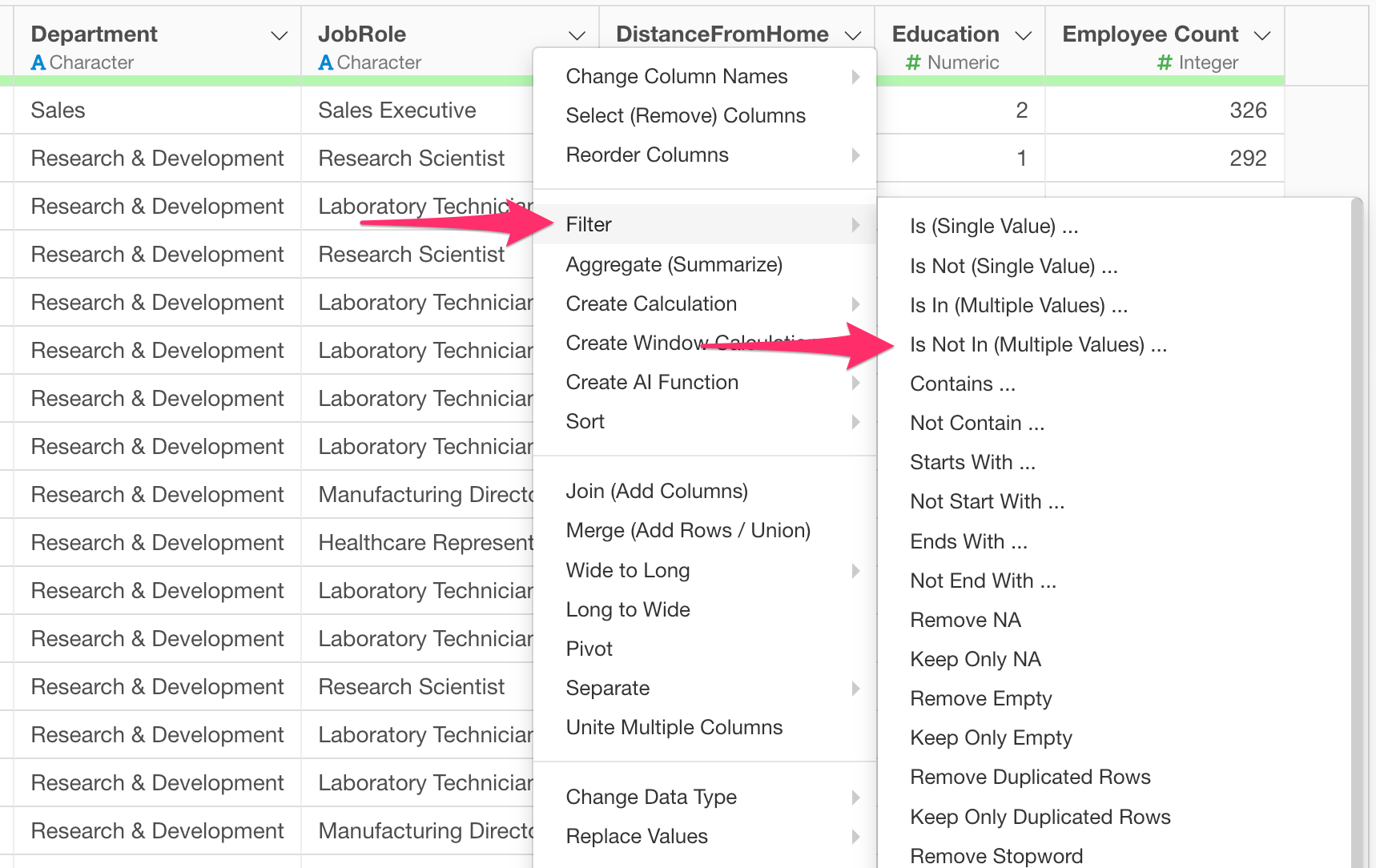
To remove rows that match any of the specific values in a column, select “Is Not In (Multiple Values)” from the filter operators.
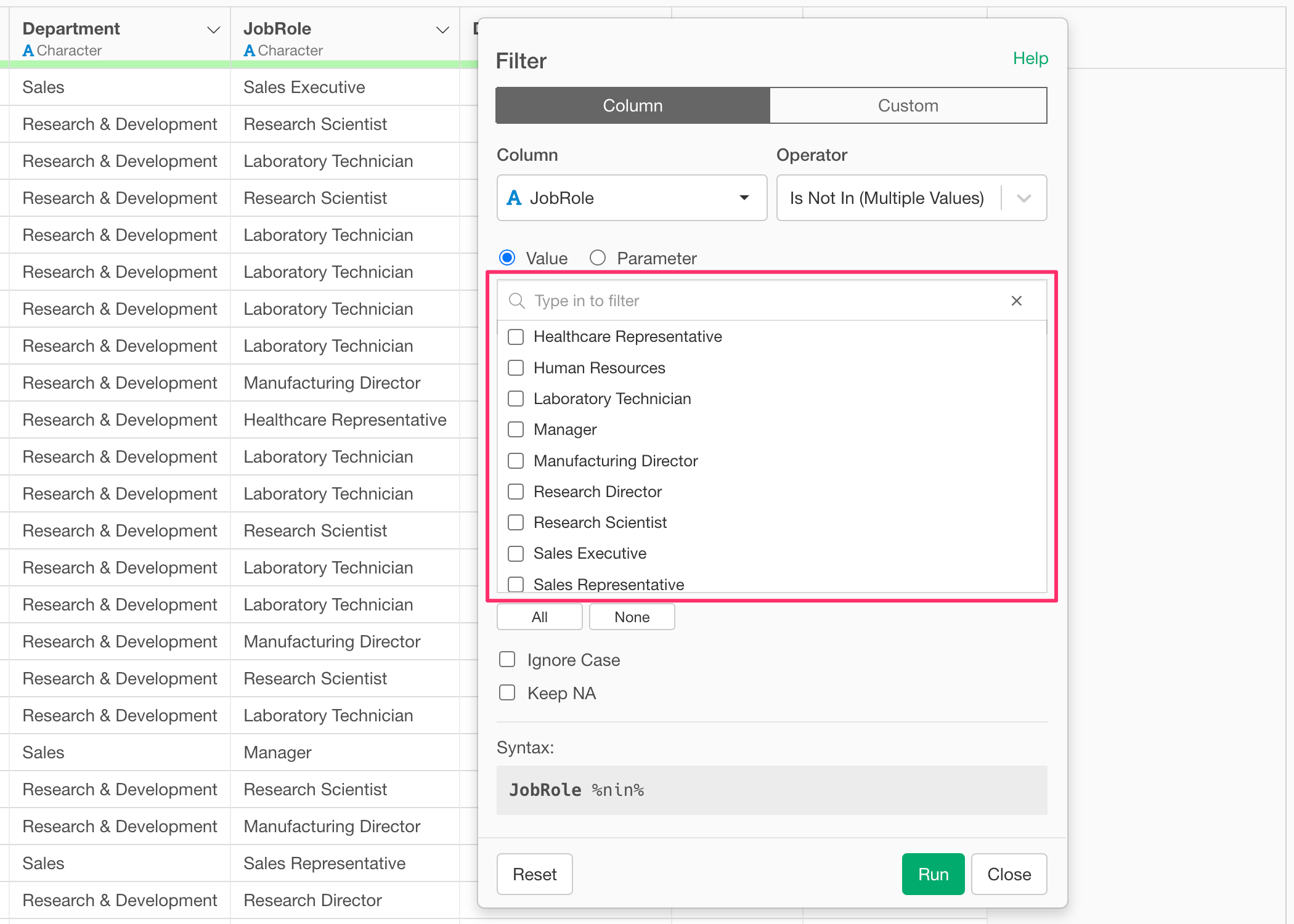
With the “Is Not In (Multiple Values)” operator, you can exclude rows by selecting multiple values directly from the list of candidates.
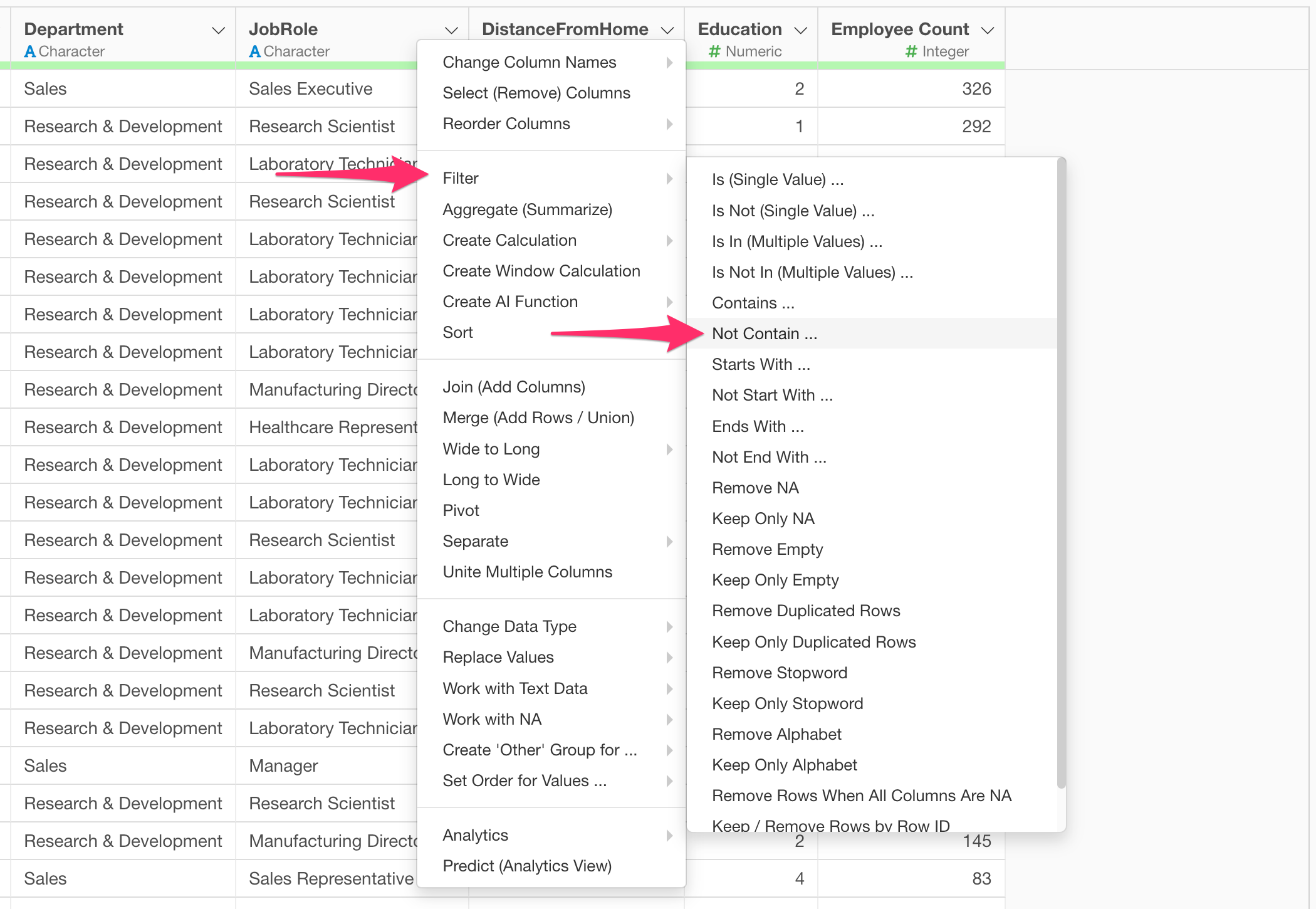
Alternatively, if you want to exclude rows based on whether they contain certain text patterns, select the “Not Contain” operator.
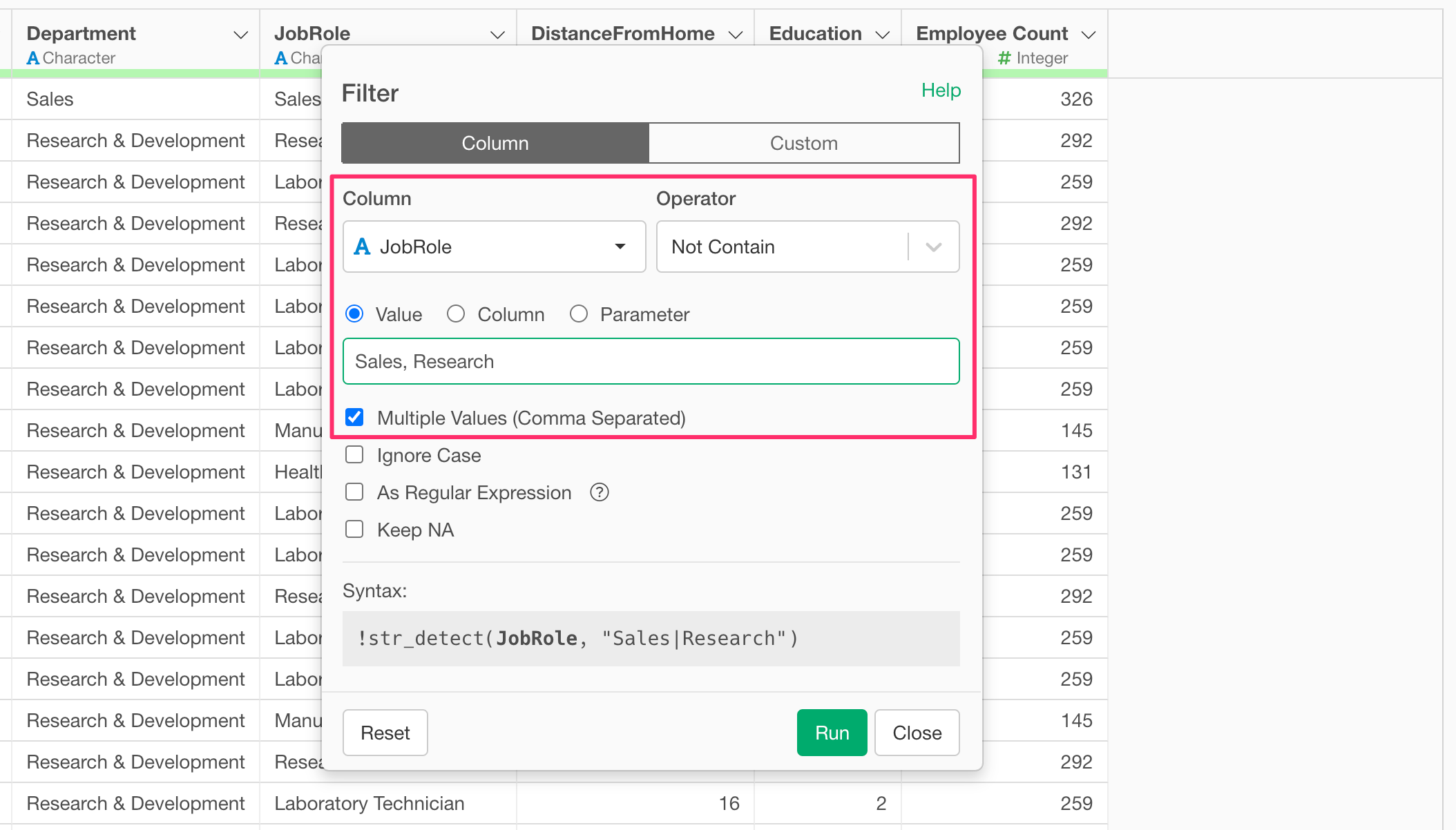
The “Not Contain” operator supports the “Multiple Values (Comma Separated)” option.
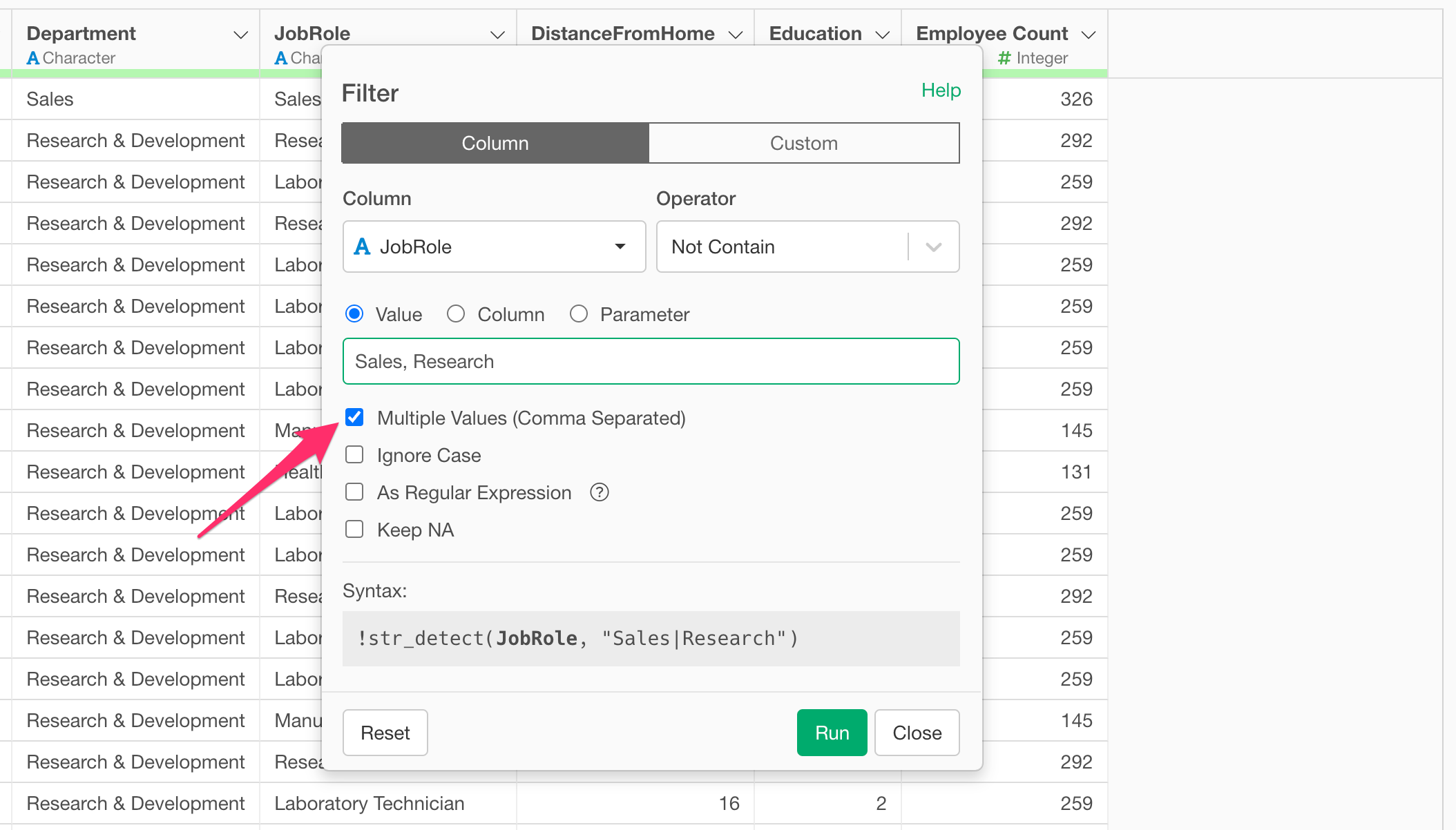
When this is enabled, you can enter multiple values separated by commas in the input field to filter out any rows that contain those specified strings.