
The information displayed in Exploratory’s Summary View can be exported in CSV or Excel format.
While the Summary View is open, click the export button in the upper right corner of the screen to see two options: “Export Summary Data as CSV” and “Export Summary Data as Excel”.
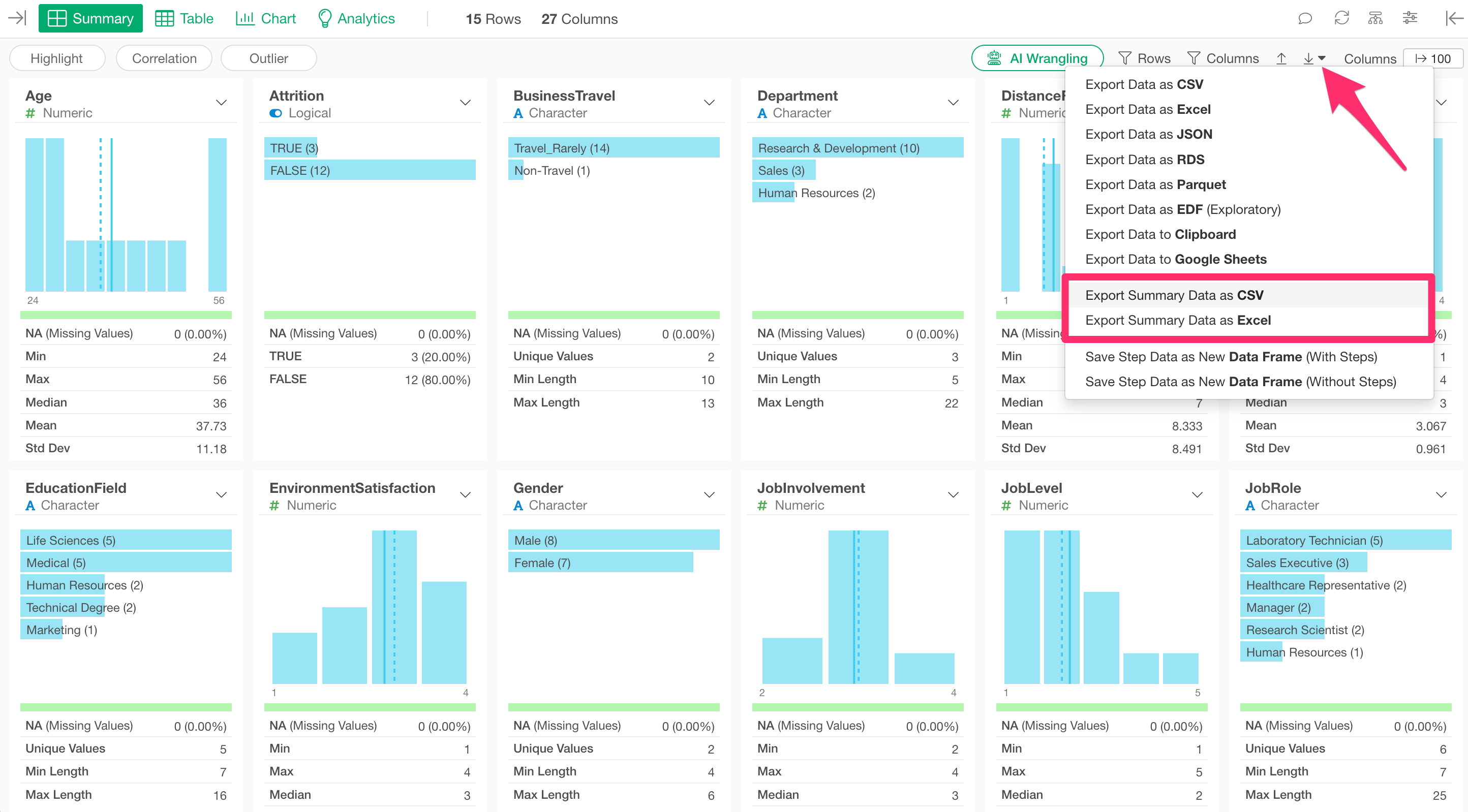
Clicking on either option allows you to save the information displayed in the Summary View as data.