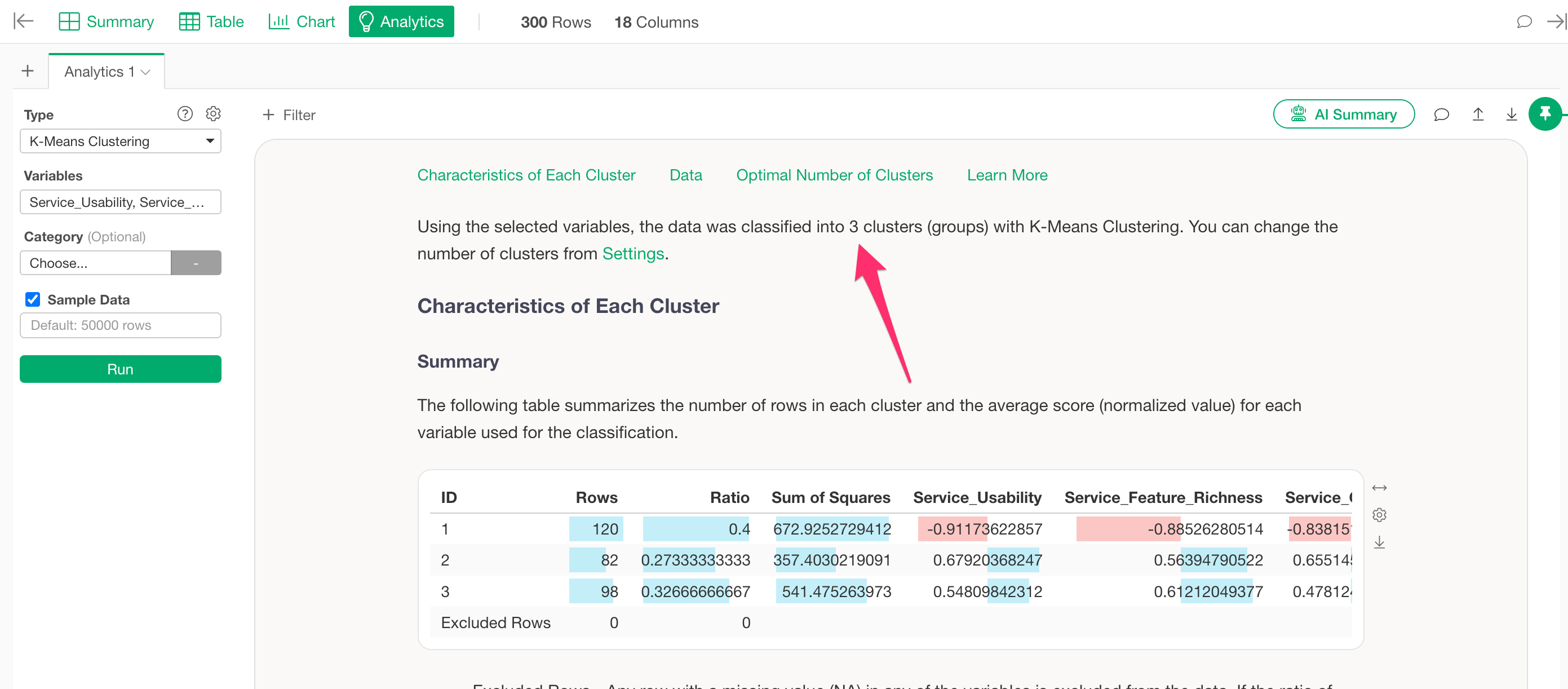
When running K-Means clustering in Exploratory, the data is divided into three clusters by default.
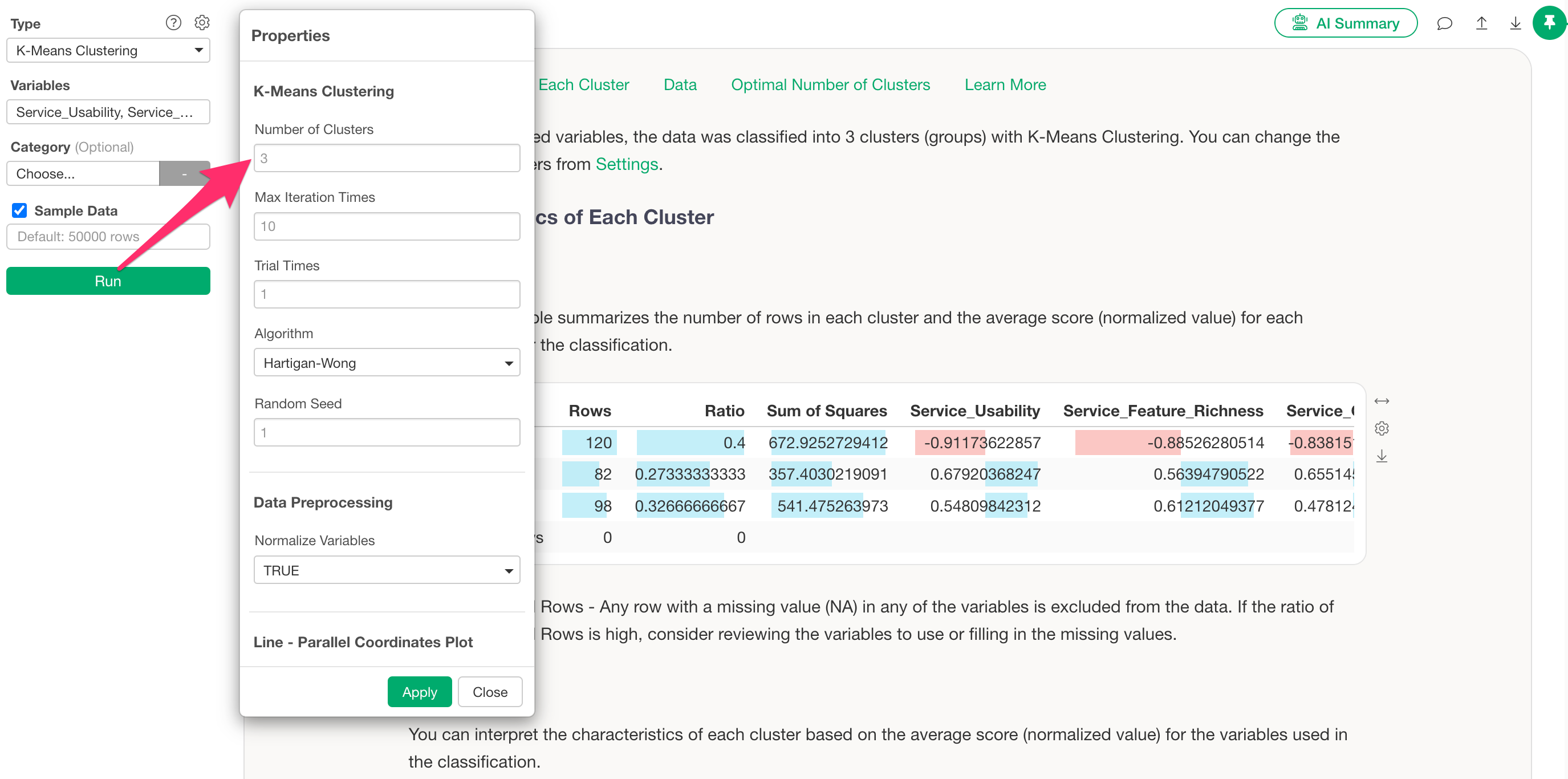
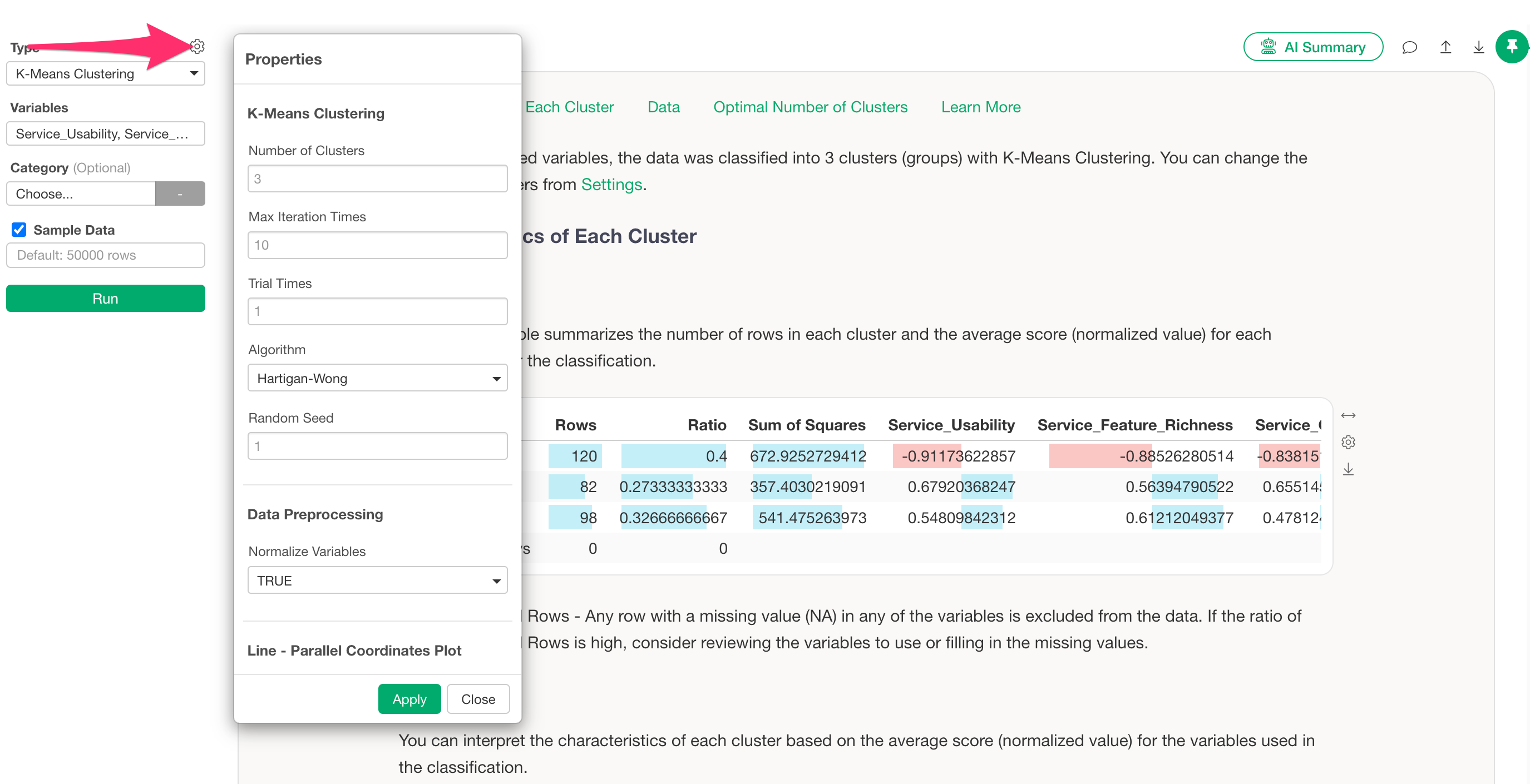
If you want to change the number of clusters, click the gear icon to open the settings dialog.
In the settings dialog, you’ll find a menu to set the number of clusters, where you can adjust the number as needed.