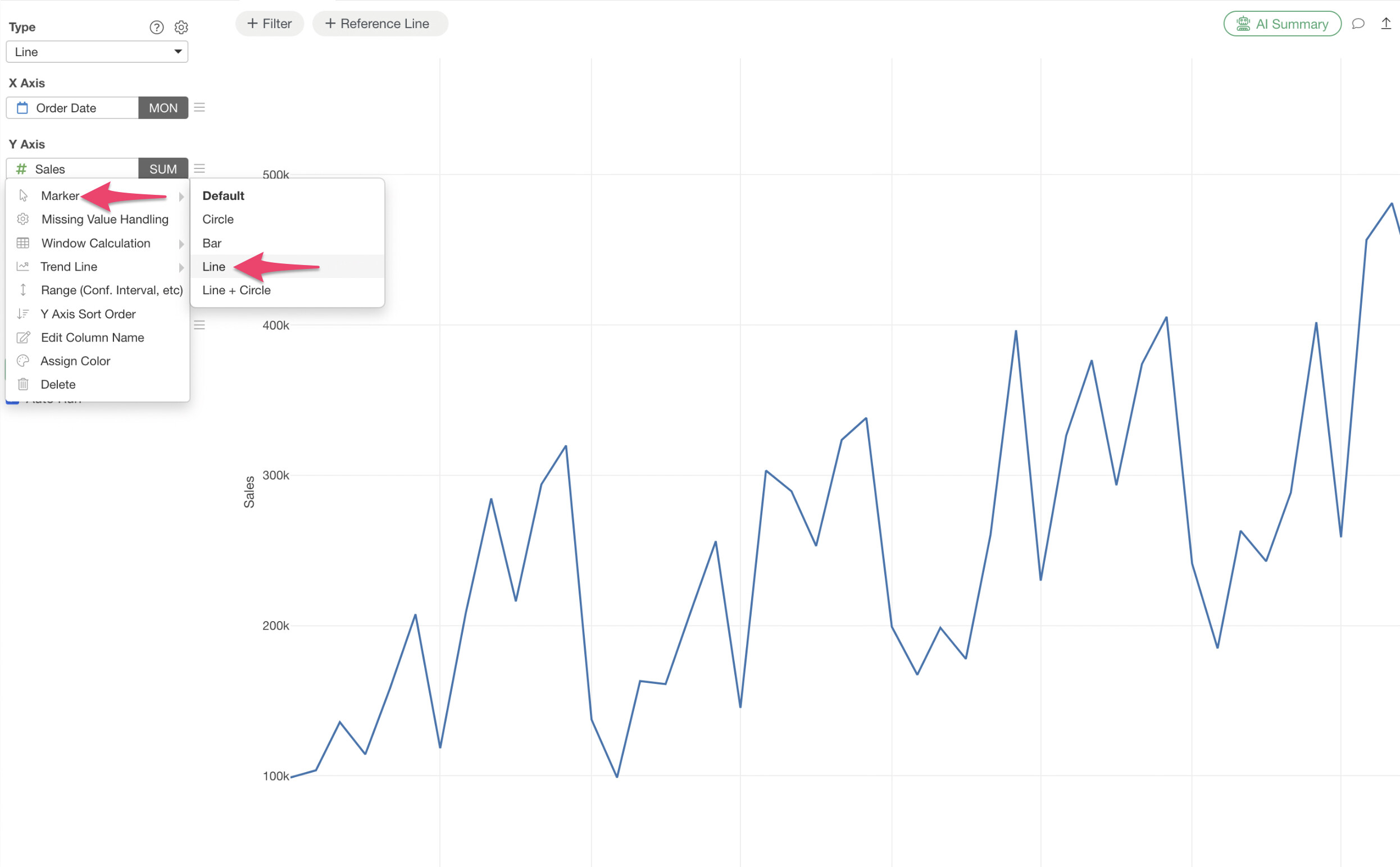
If you want to change the line style in a line chart to a dotted line or other styles, first select “Line” from the Marker option in the Y-axis menu.
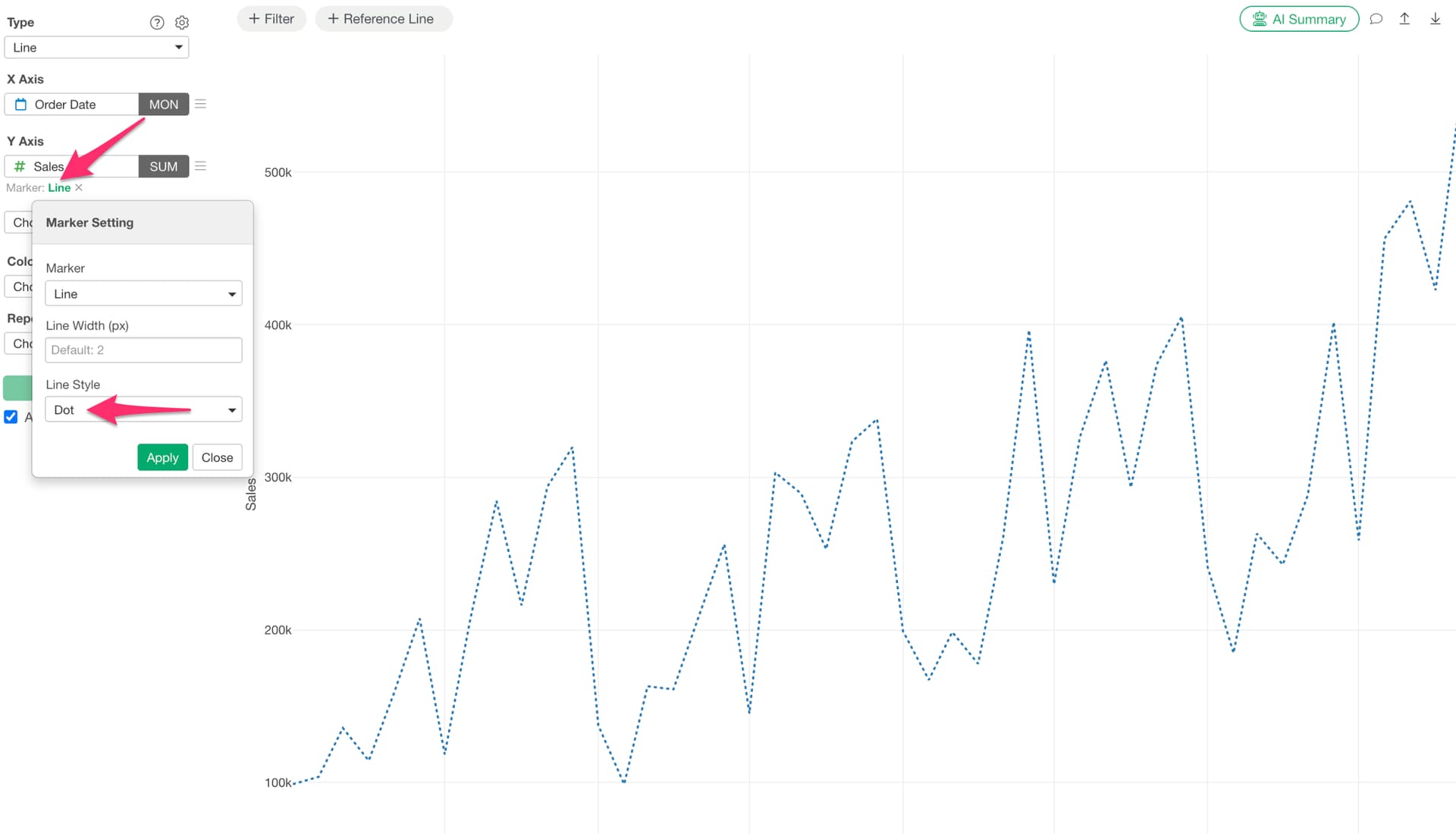
Then, click on the green “Line” text that appears below the Y-axis. This will allow you to change the line style.