
In a scatter plot, if you want to change the default circle size that appears when no column is selected for “Size”, click the Size settings icon to open the Size Settings dialog.
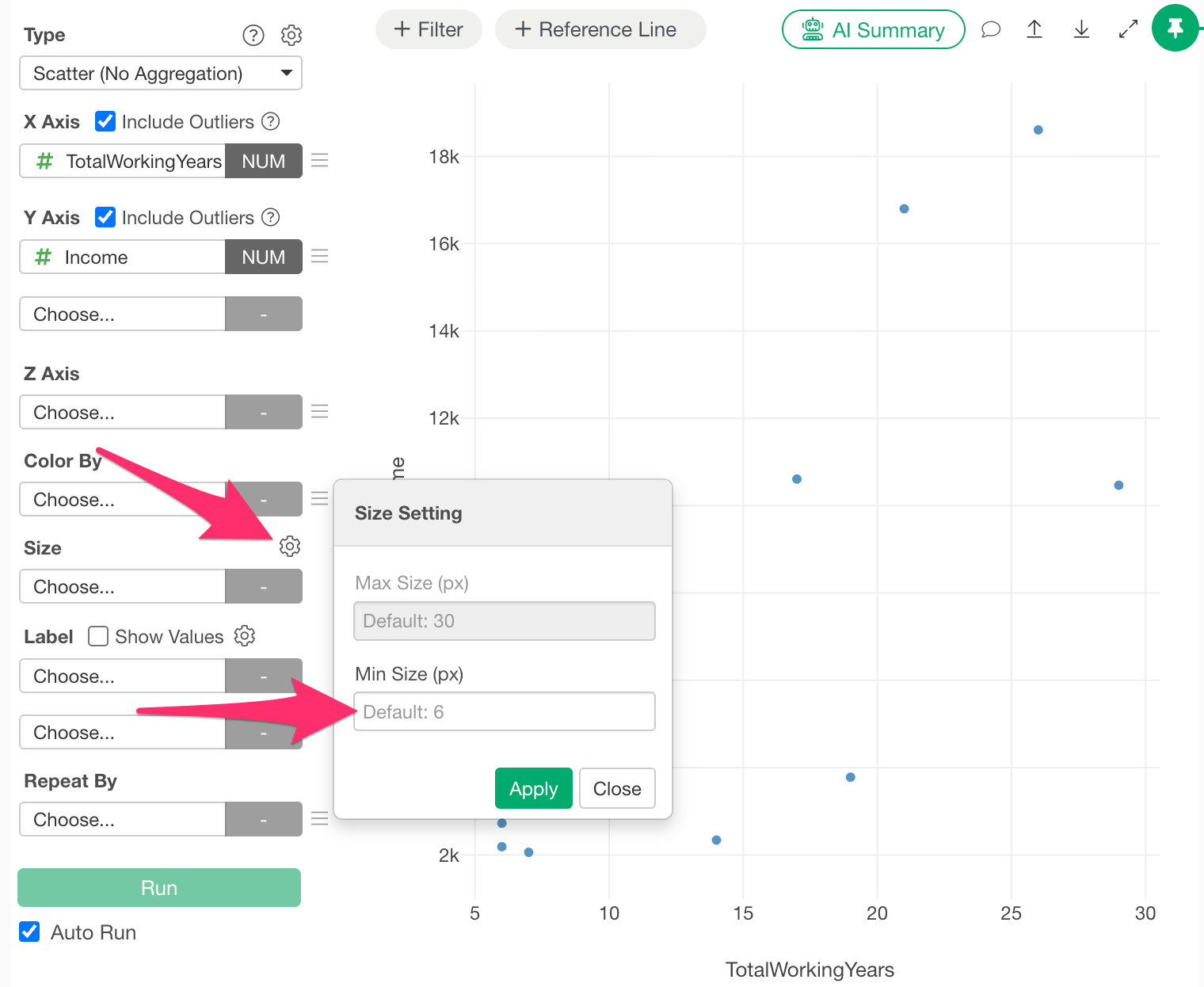
You can adjust the default circle size of the scatter plot by changing the value of “Min Size” in the dialog.