
In Exploratory, you can generate numeric or logical predictions using statistical or machine learning models in the Analytics View.
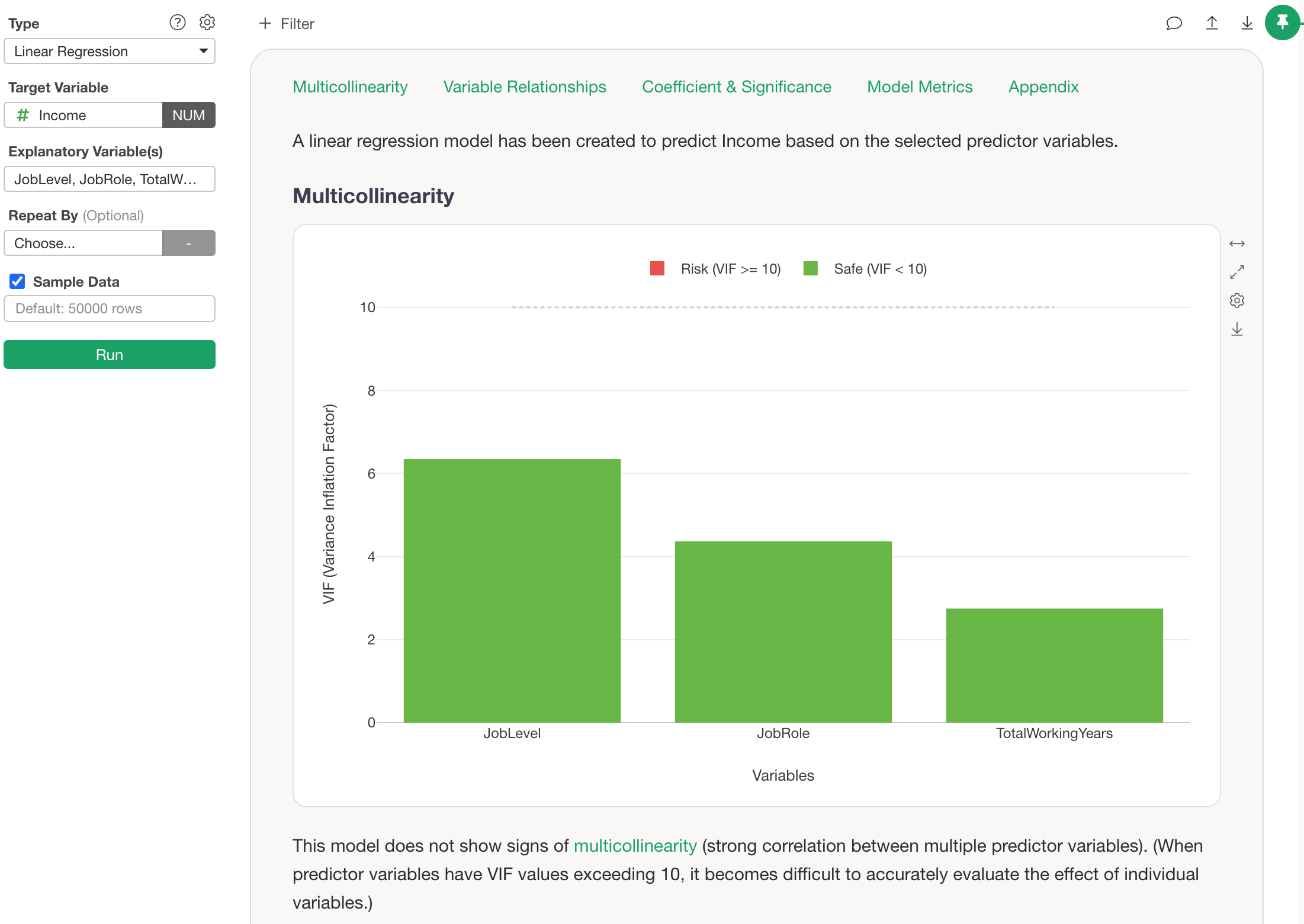
Additionally, in the “Predictions for Training Data” section of a completed analysis, you can review the original data along with prediction values.
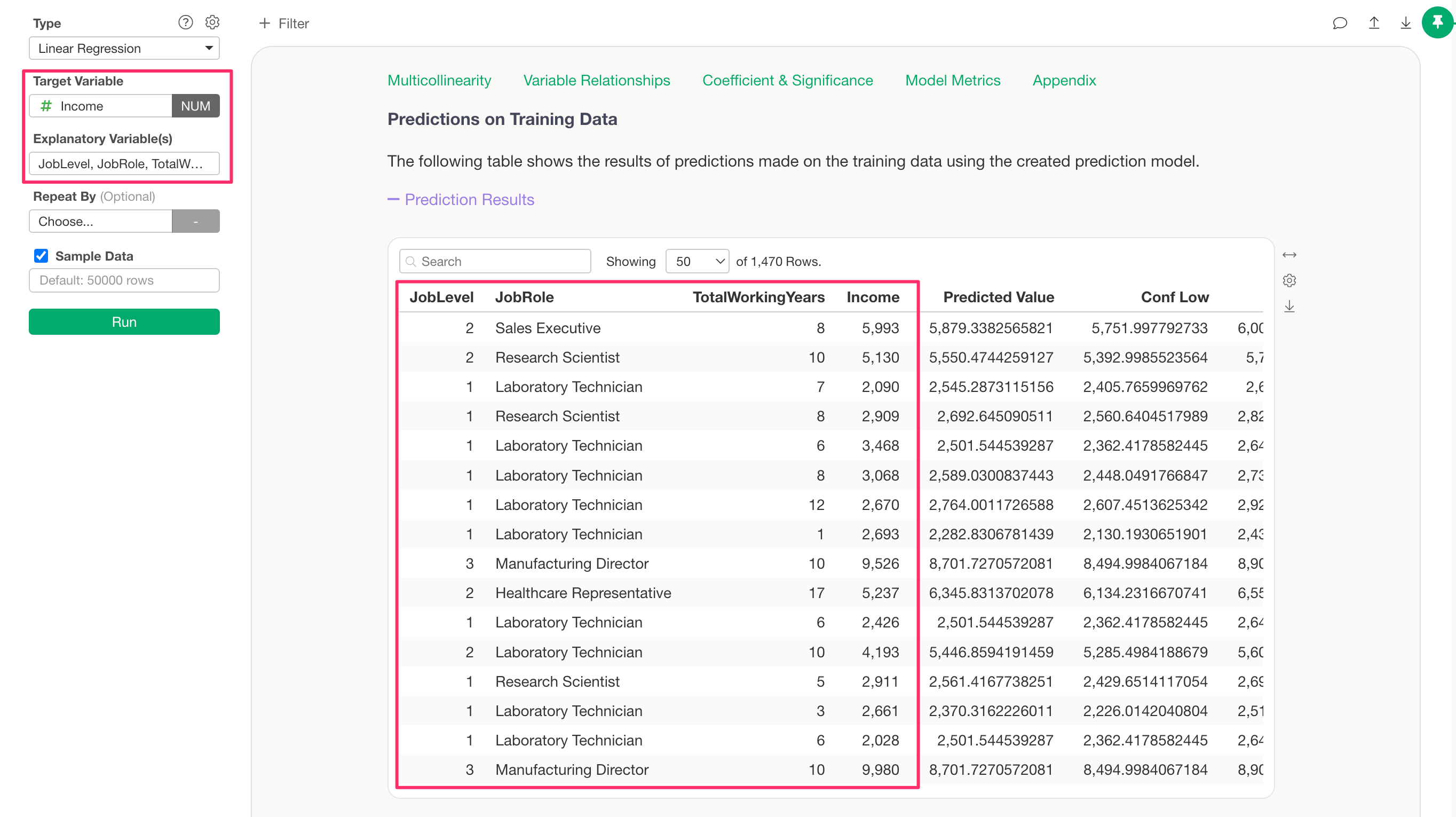
However, the table within the Analytics View only includes the columns used for the analysis.

Furthermore, although you can add a prediction step using a model created in the Analytics View, it is currently not possible to run predictions on the same data frame that was used to build the model.
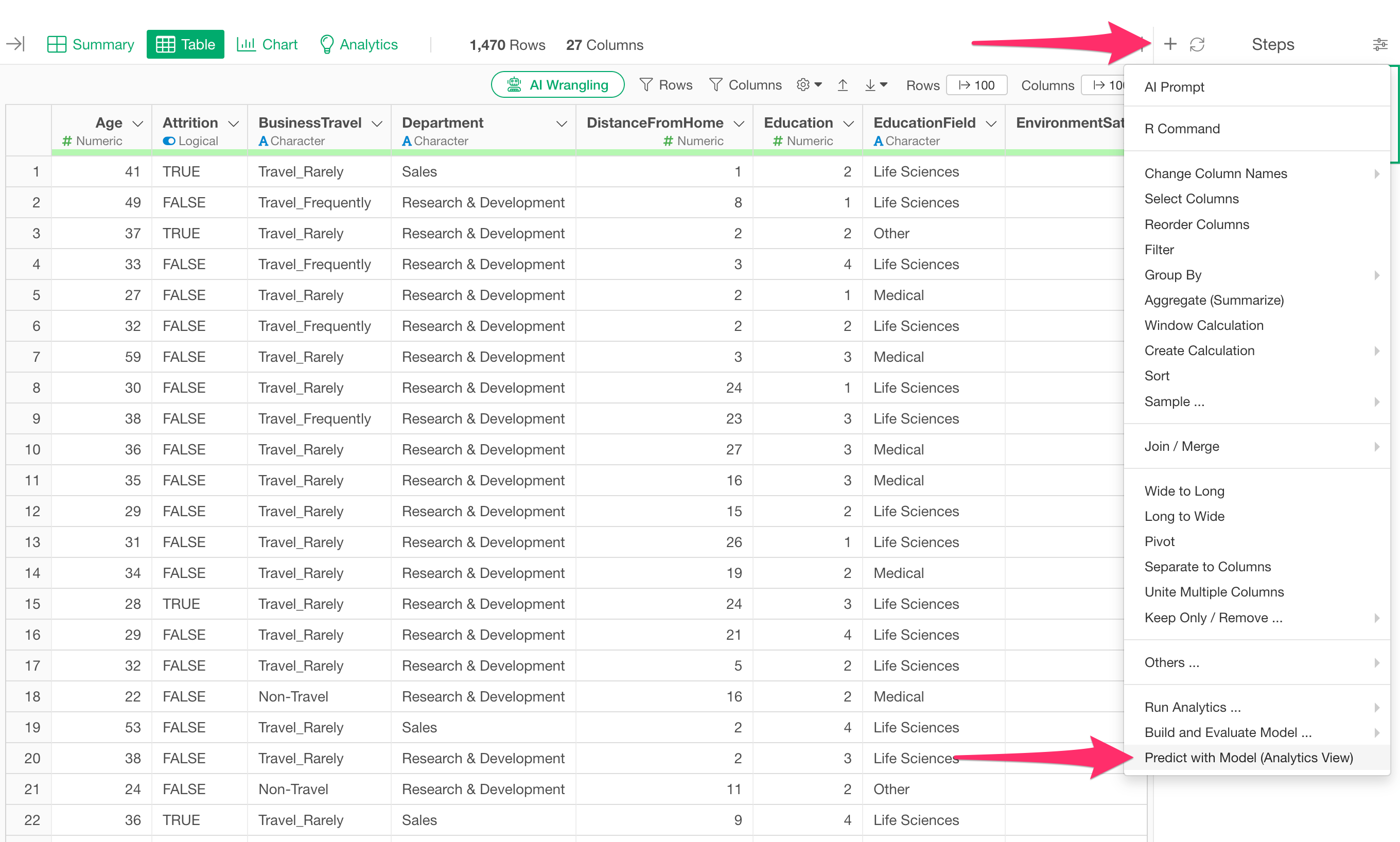
Therefore, if you want to add prediction values to the original dataset while preserving all columns, you need to take a different approach.
Specifically, you can create a branch of the original data frame to prepare a separate data frame, and then, from a step in that new data frame, specify the model created in the Analytics View and run predictions.
For detailed steps, please refer to the following link: