
The “Project Management screen” is the Project List screen that appears when you first launch Exploratory Desktop.
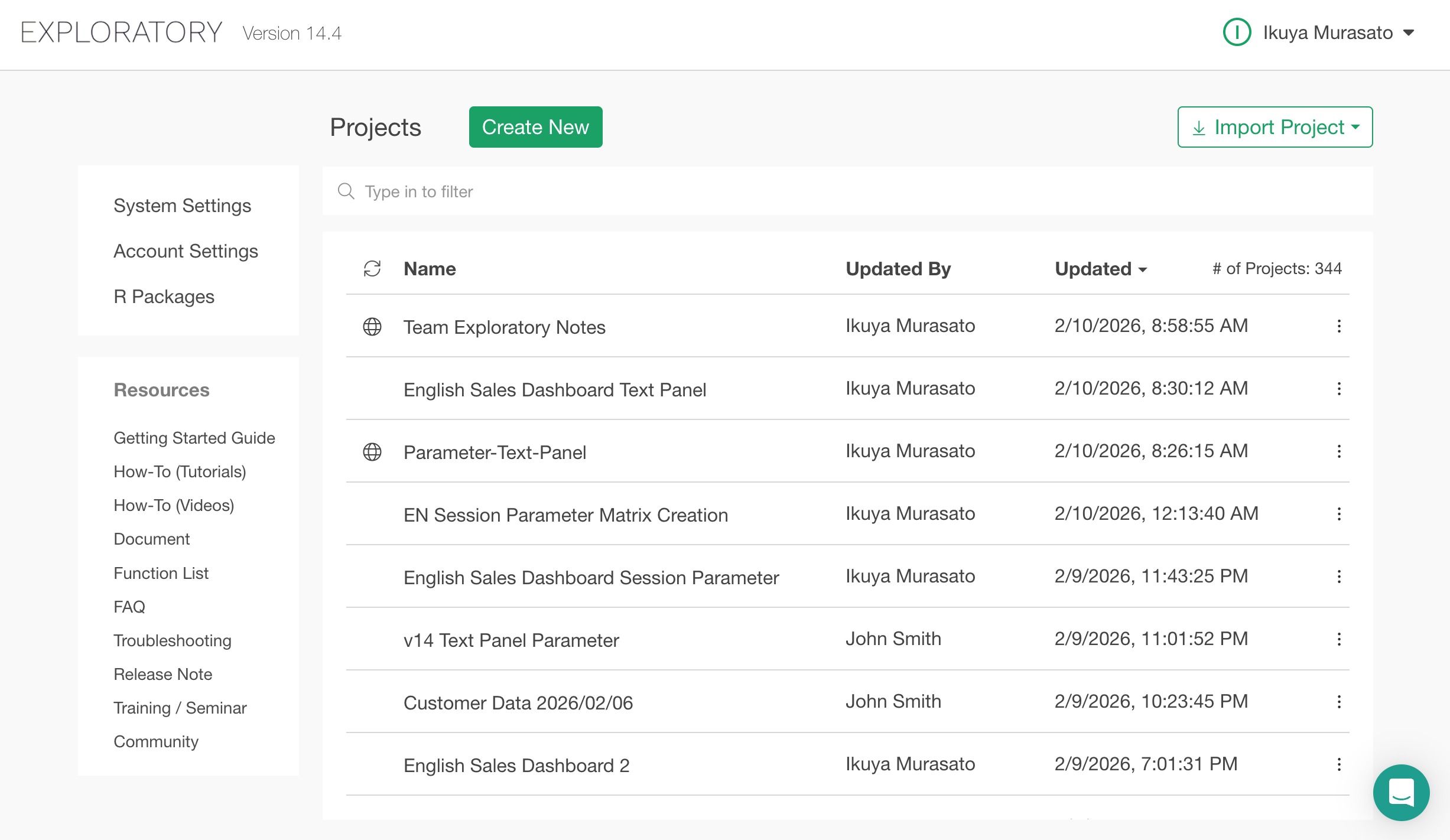
On this screen, you can see a list of your projects and create a new one using the green “Create New” button. Please note that individual projects and the Project List are displayed in separate windows.