When you want to constantly export your data to a specific folder as a CSV file based on steps processed in Exploratory, there are times when you want to create an export operation as a step. In that case, select “R Command” from the plus button of the step.
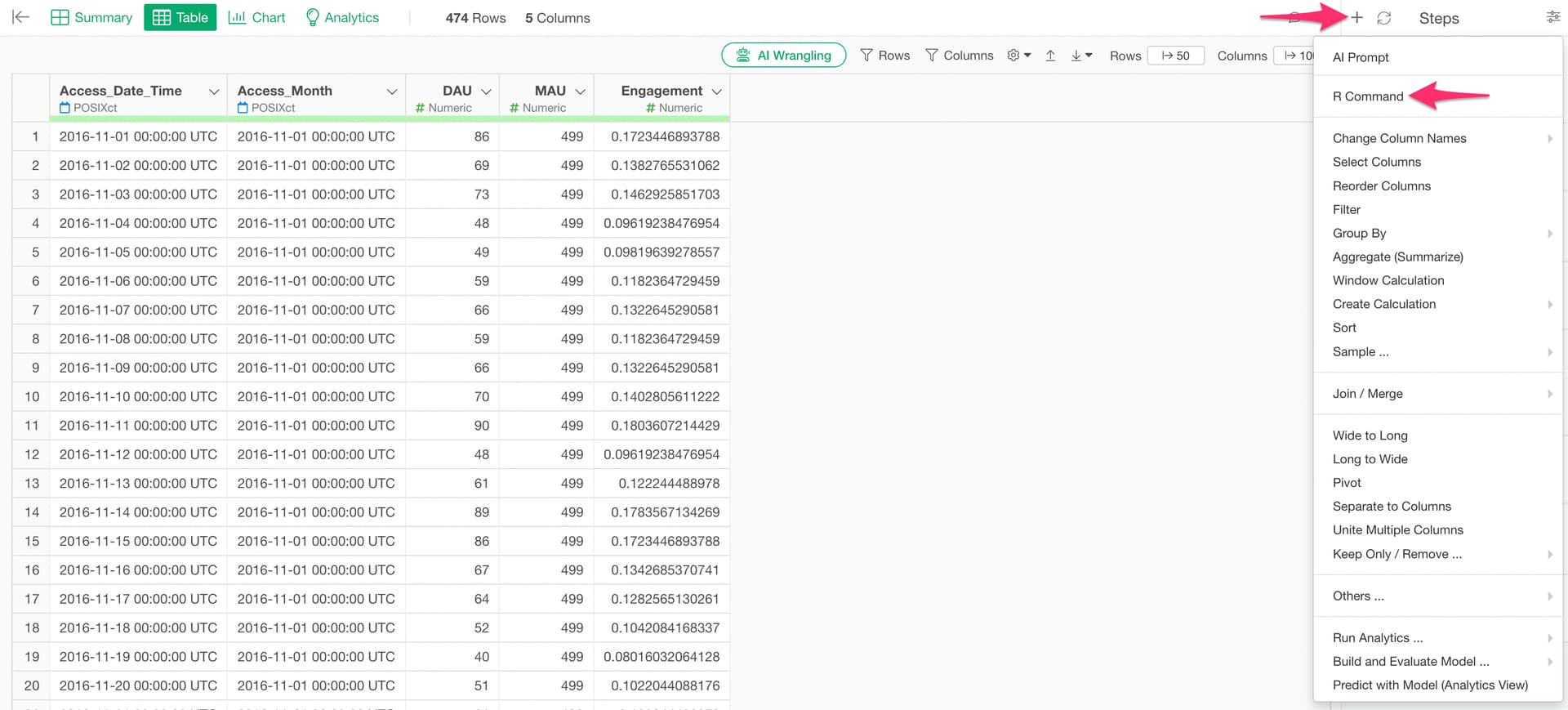
Specify the following in the R command:
write_csv(
  path = "/Users/takatoshiroto/Downloads/Test_Export/Sample.csv",
  quote = "all",
  col_names = TRUE
)
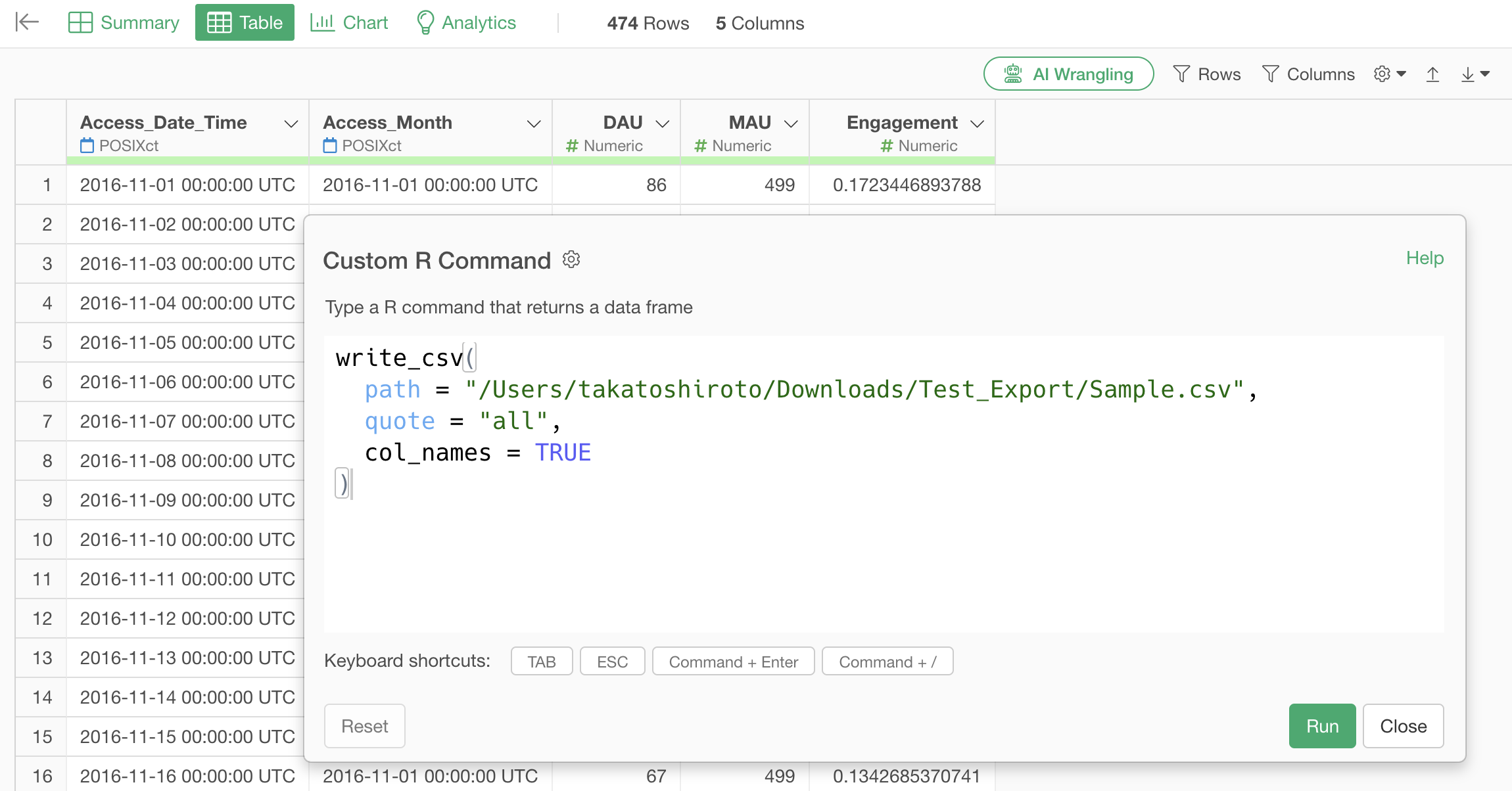
The functions and arguments are explained as follows:
- write_csv(): A function for writing data to a CSV file
- path: Specifies the save destination and file name
- quote: Specifies whether to enclose strings in double quotation marks (“all” encloses all values)
- col_names: Whether to output column names (TRUE includes column names)
By executing this, you can now export CSV files as a step.
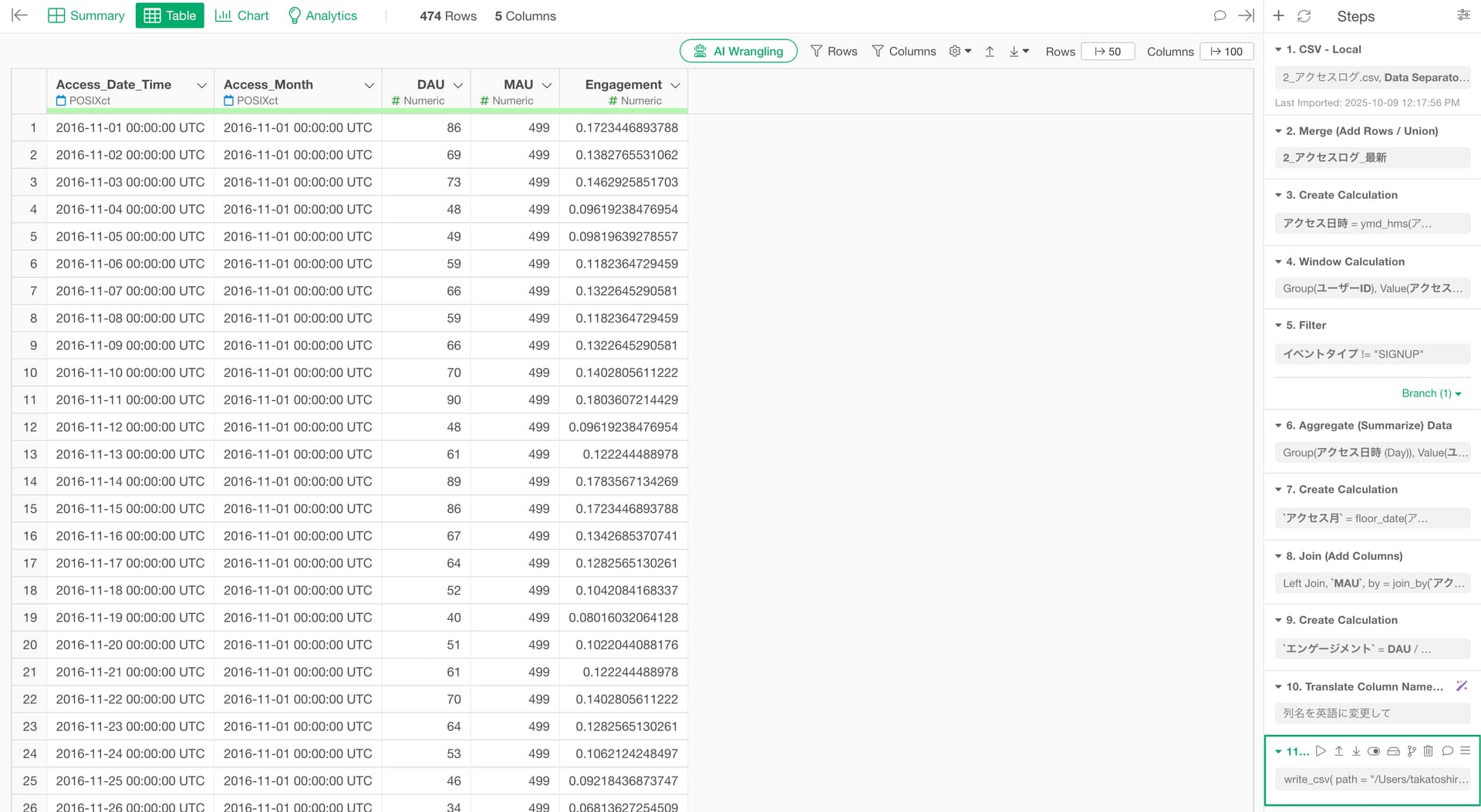
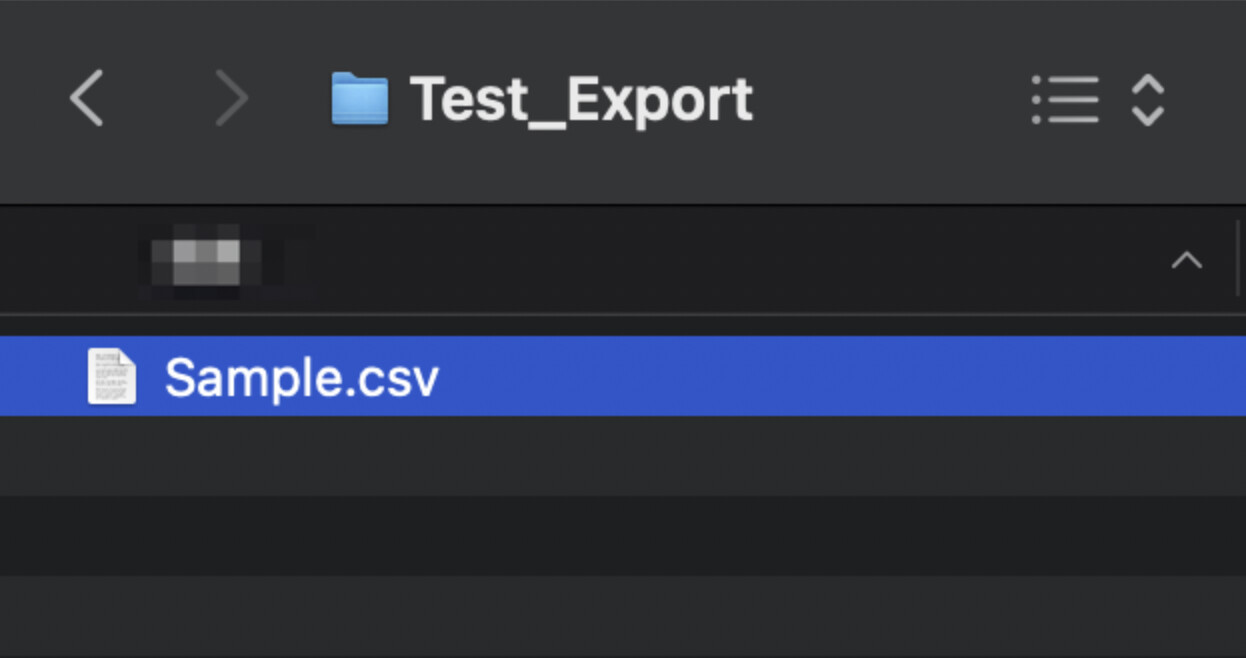
You can see that the CSV file has been exported when you check the folder.
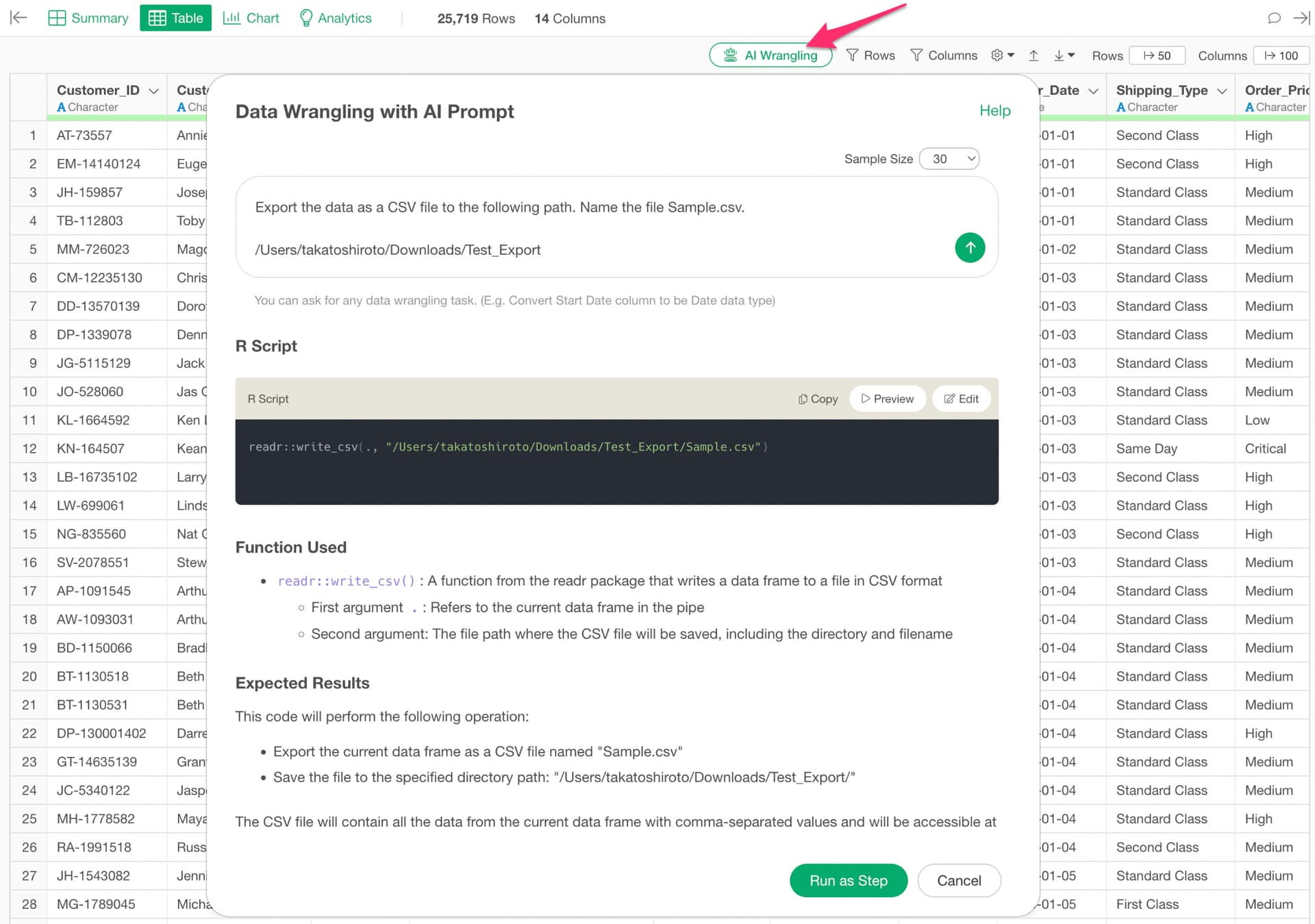
If you want to use the AI prompt, please specify the prompt as follows:
Export the data as a CSV file to the following path. Name the file Sample.csv.

/Users/takatoshiroto/Downloads/Test_Export