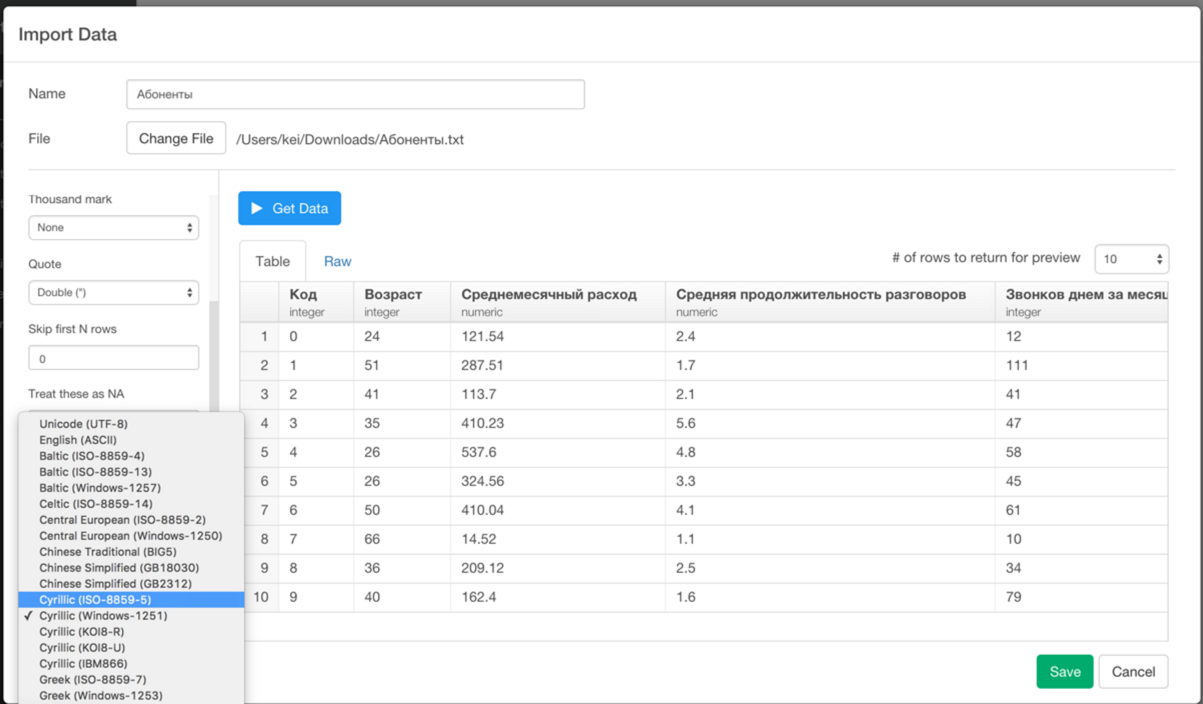
Ok, Kei, thank you for clarification.
This issue is real dealbraker for me, almost all my data have Cyrillic characters somwhere, and I use Windows for analysis;
Maybe my ‘experiments’ below will help to resolve the issue, or at least to find some workaround.
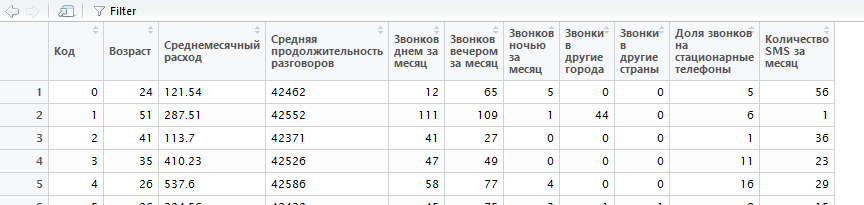
Its does not looks like issue connected to R itself (at least in 3.3), R/Rgui and Rstudio in my environment works fine:
Rgui:
Rstdudio:
but Exploratory headers:
Exploratory data:
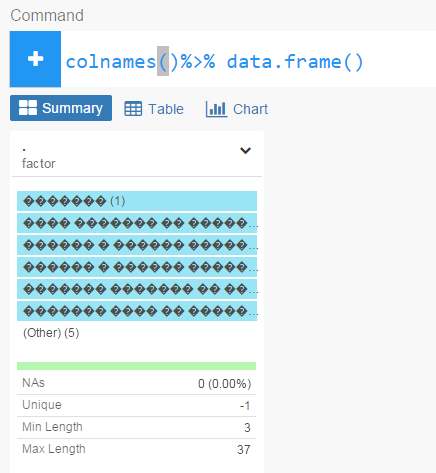
And please note that export to csv from Explanatory work well - file are reindcoded to UTF-8, and can be opend in any other program which supports UTF-8 without problems (eg Notepad, Notepad++), all characters are readable
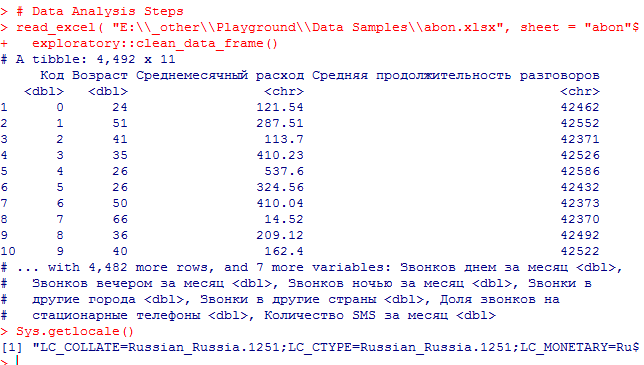
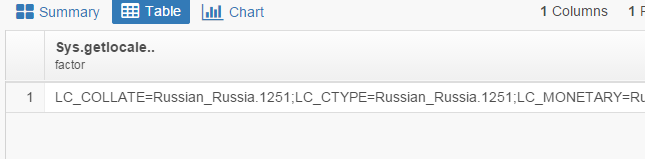
Both Rstudio and exploratory are portable installations, which communicates with the same portable R instance, with the same system locale:
(
I think issue is in a way R communicates with Exploratory and RStudio / RGui, system locale used by frontend and the problems with UTF-8 encoding in Windows.
As far as I understand modern R uses UTF-8, but system locale Russian_Russia.1251 are ANSI based.
There is no way you can set UTF-8 locale for Windows R - Sys.setlocale("LC_ALL", 'en_US.UTF-8') or Sys.setlocale("LC_ALL", 'ru_RU.UTF-8') does not work.
UTF-8 is codepage 65001
https://msdn.microsoft.com/en-us/library/windows/desktop/dd317756(v=vs.85).aspx
ButSys.setlocale("LC_ALL", 'Russian_Russia.65001')and everything else with 65001 does not work for R.
only ANSI based codepage eg 1251 or 1252 could be set in R on Windows :
Sys.setlocale("LC_ALL", 'Russian_Russia.1251') works
Sys.setlocale("LC_ALL", 'Russian_Russia.1252') works
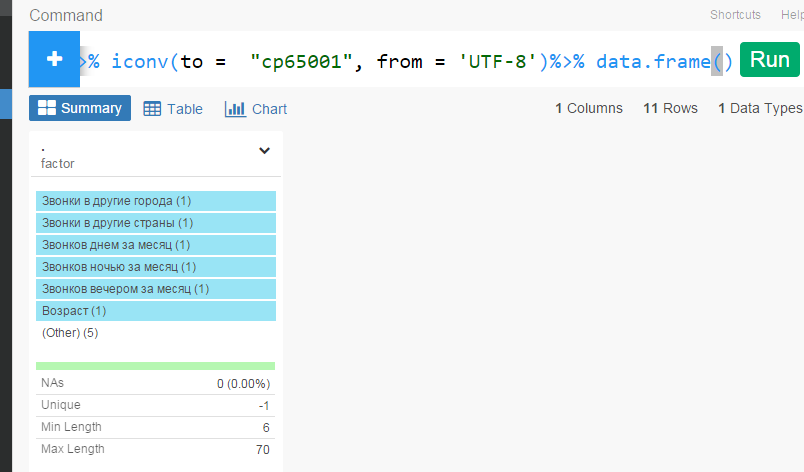
But somehow using iconv I was able to see data properly:
colnames()%>% iconv(to = “cp65001”, from = ‘UTF-8’)%>% data.frame()
It is strange for me, but somehow it works.
iconv(to = 'cp65001', from = 'cp65001') also gives correct result ,
iconv(to = 'UTF-8', from = 'UTF-8') - unreadble symbols
iconv(to = 'UTF-8') - unreadble symbols
iconv(to = 'UTF-8' , from = 'cp1251') unreadble symbols
However after result of colnames()%>% iconv(to = "cp65001", from = 'UTF-8')%>% data.frame()
export to csv, this csv is not readable at all (I was not able to open it even in Notepad++ - i mean content is not readable)
Maybe I can use iconv step to reincode the whole dataframe whis headers and data? and than reincode it back if I need export? (at least as a short term work around)
Thank you,
Adrian