
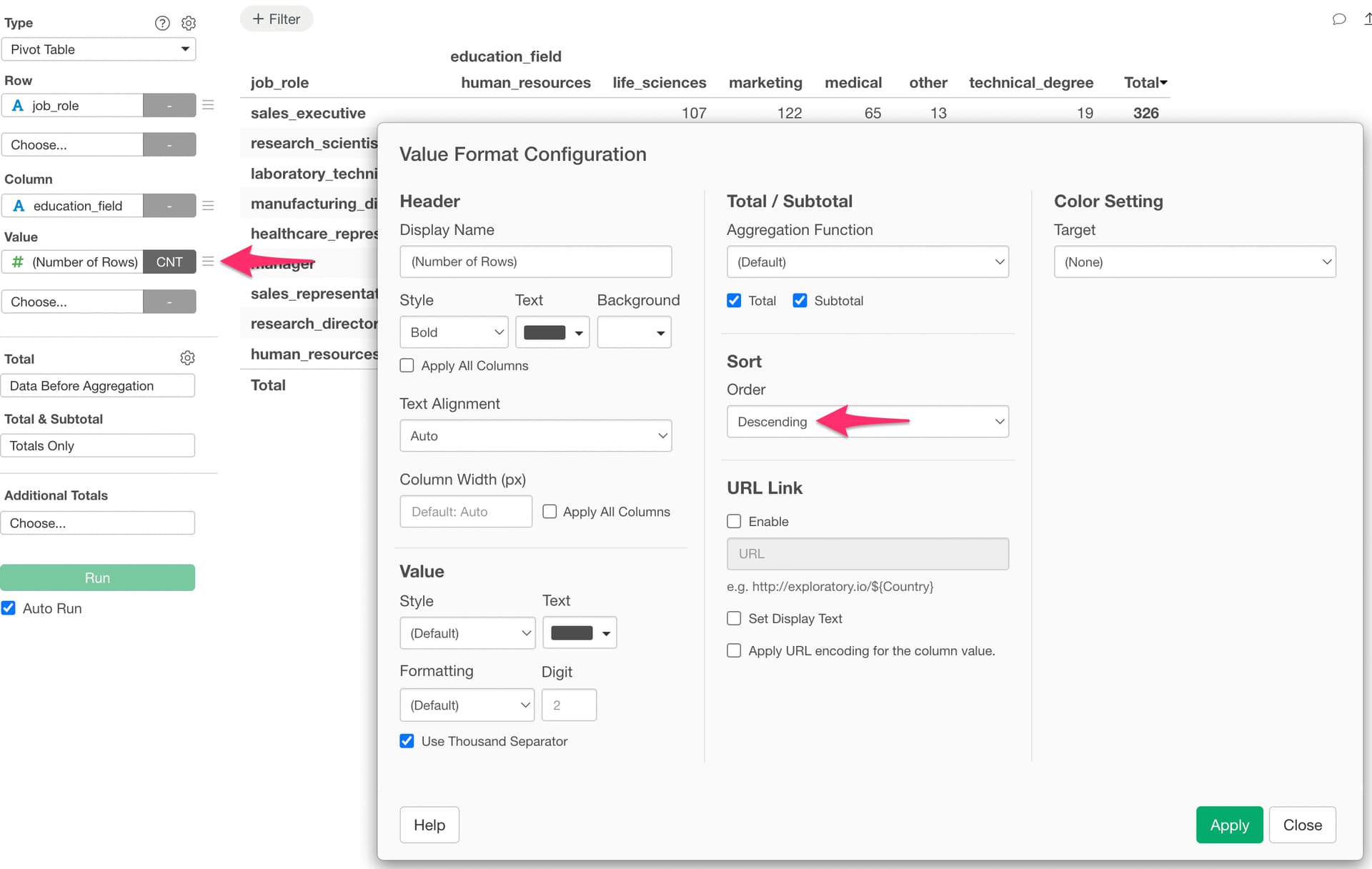
Currently, there is no built-in feature to sort columns horizontally in a Pivot Table. For vertical (row-direction) sorting, you can select “Format” from the value menu, and then choose “Descending” or “Ascending” in the sort setting within the Value Format dialog.
Horizontal column sorting is being considered as a future feature addition. In the meantime, please use the following workaround.
You can control the column display order by converting the data assigned to the Pivot Table’s “Column” to Factor type and specifying the order in advance.
- When using “Number of Rows” as the value: Select “Set Value Order” from the column header menu, then choose “Based on Frequency of Values.” This will arrange the columns in order of their occurrence count.
- When a numeric column is assigned as the value: Select “Set Value Order” from the column header menu, then choose “Based on Values of Another Column” and specify the target numeric column. This will arrange the columns in order of the total values of that numeric column.
For more details, please refer to the following note: