You can select multiple steps by holding the Shift key, then copy or drag and drop them into another data frame.
In the source data frame, hold the Shift key and select the steps you want to copy.
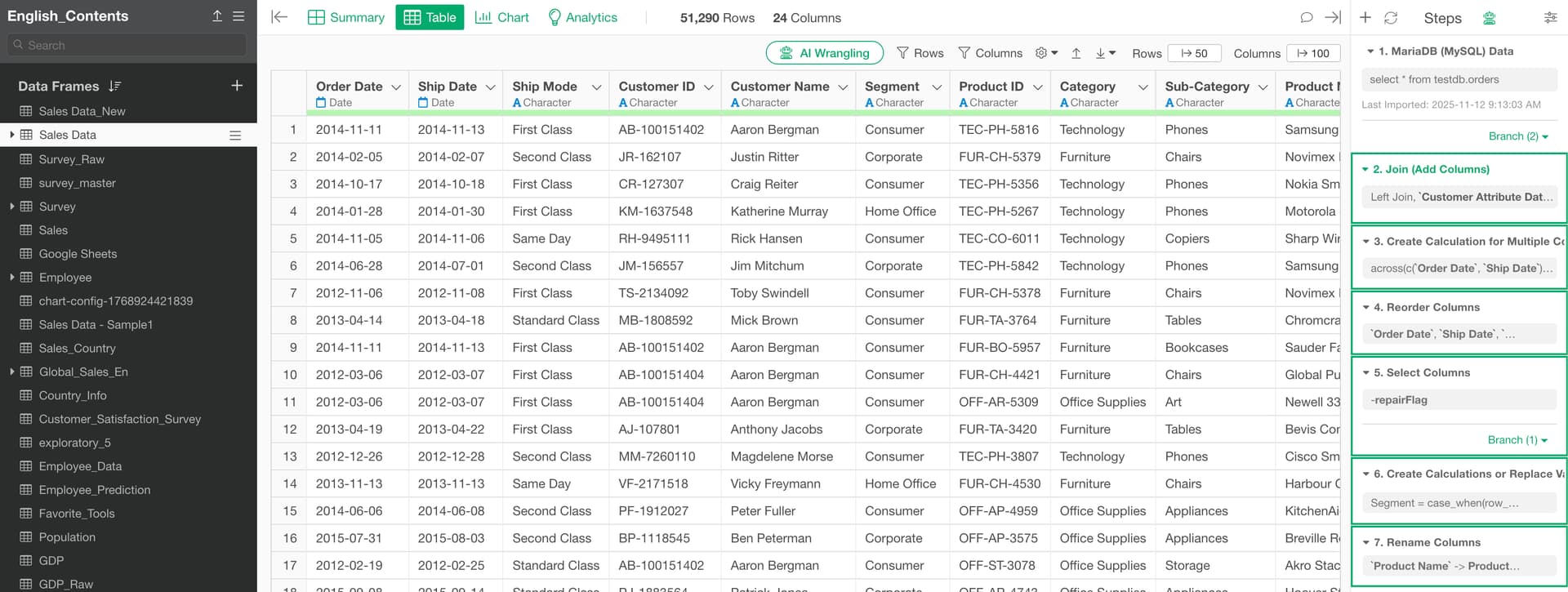
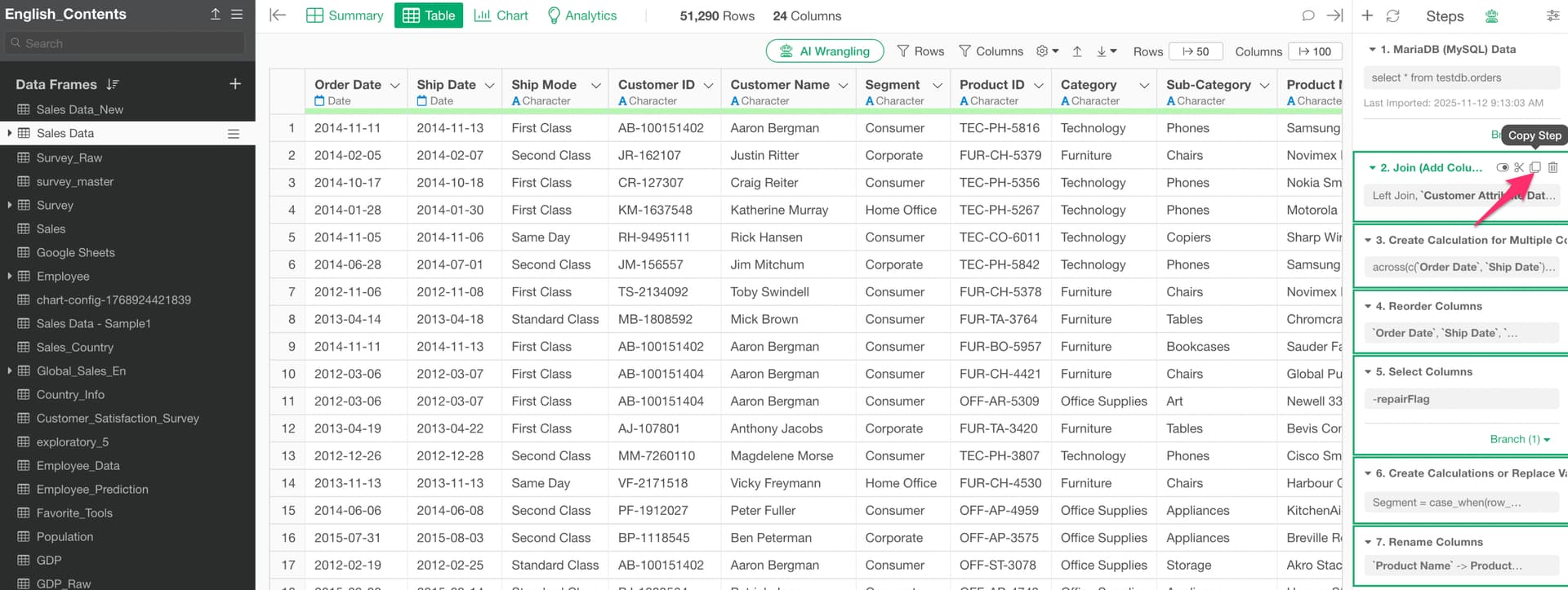
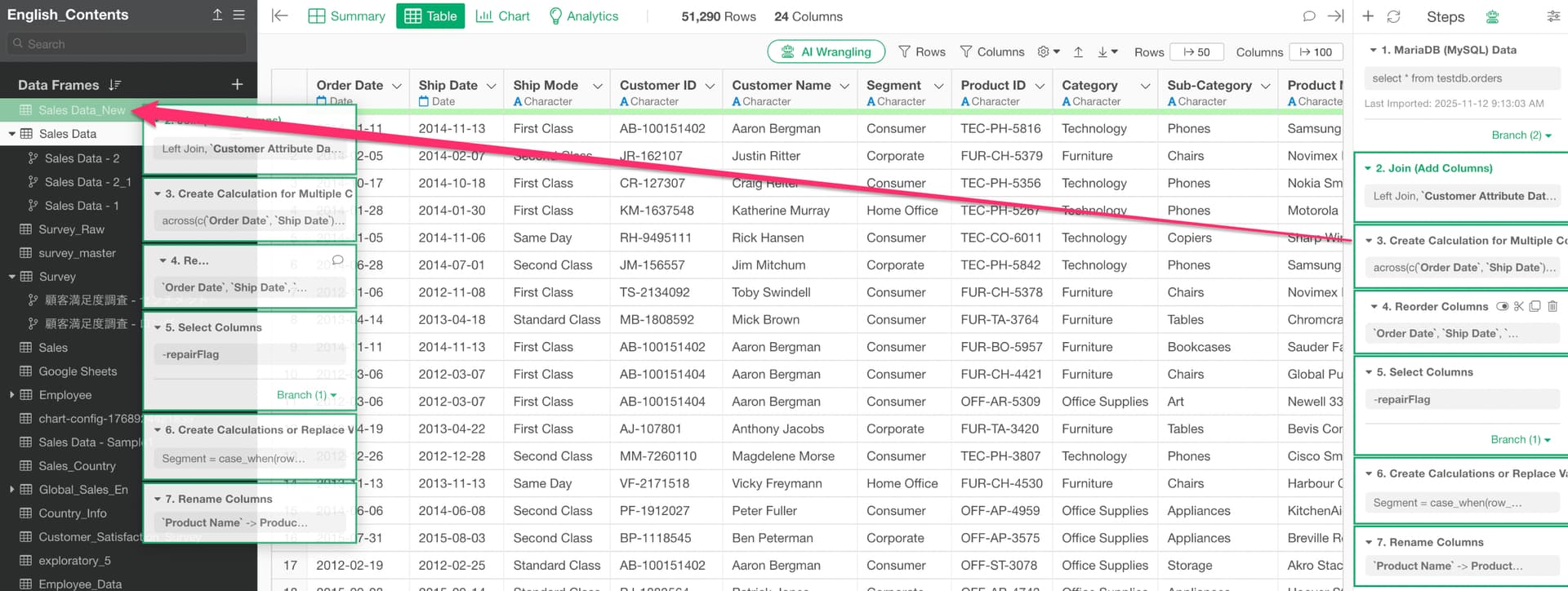
You can either select “Copy” from the step menu or drag and drop the steps into another data frame.
Copy from the step menu
Copy by drag and drop
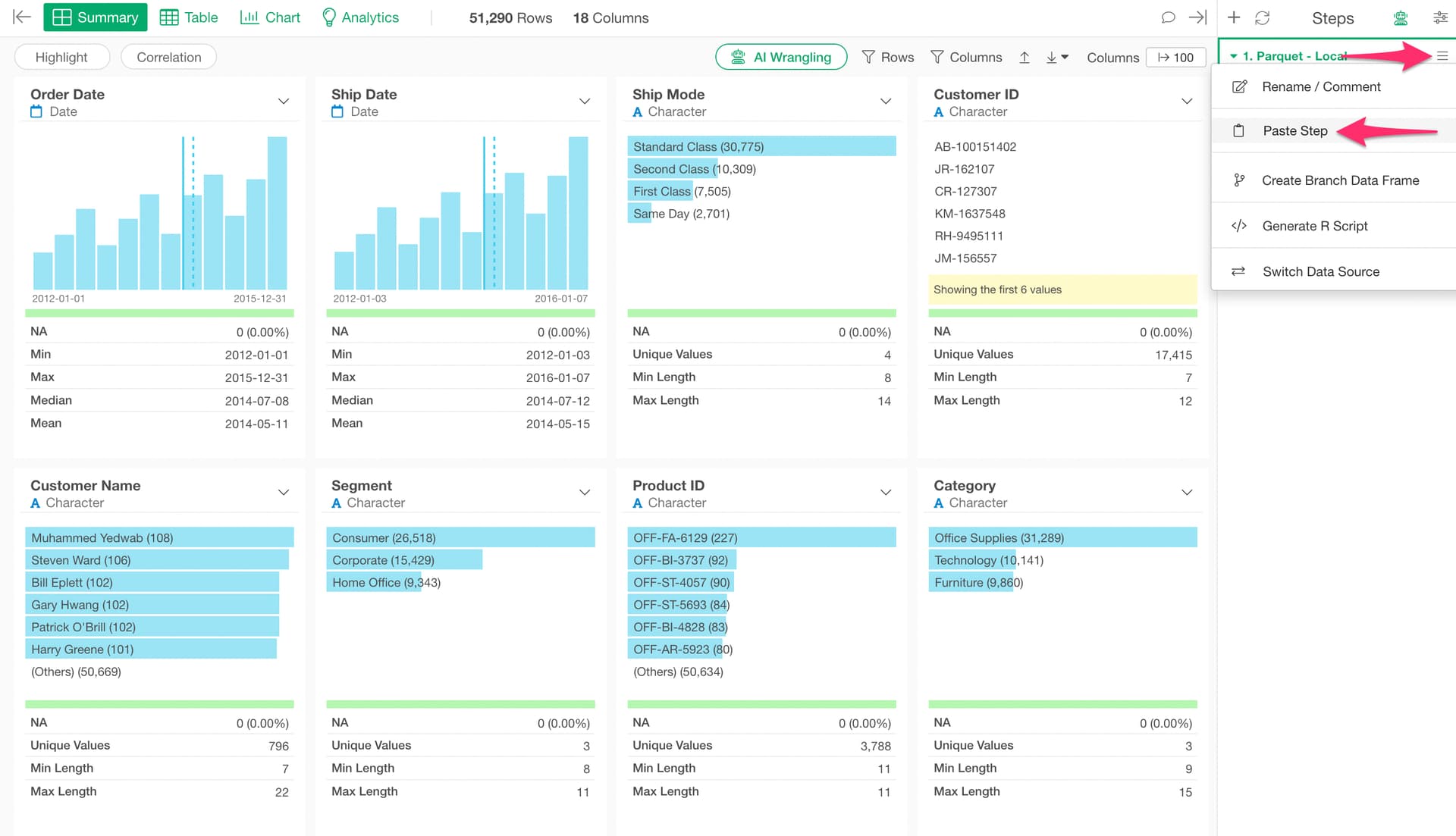
If you copied the steps from the step menu, paste them by selecting “Paste” from the step menu in the target data frame.