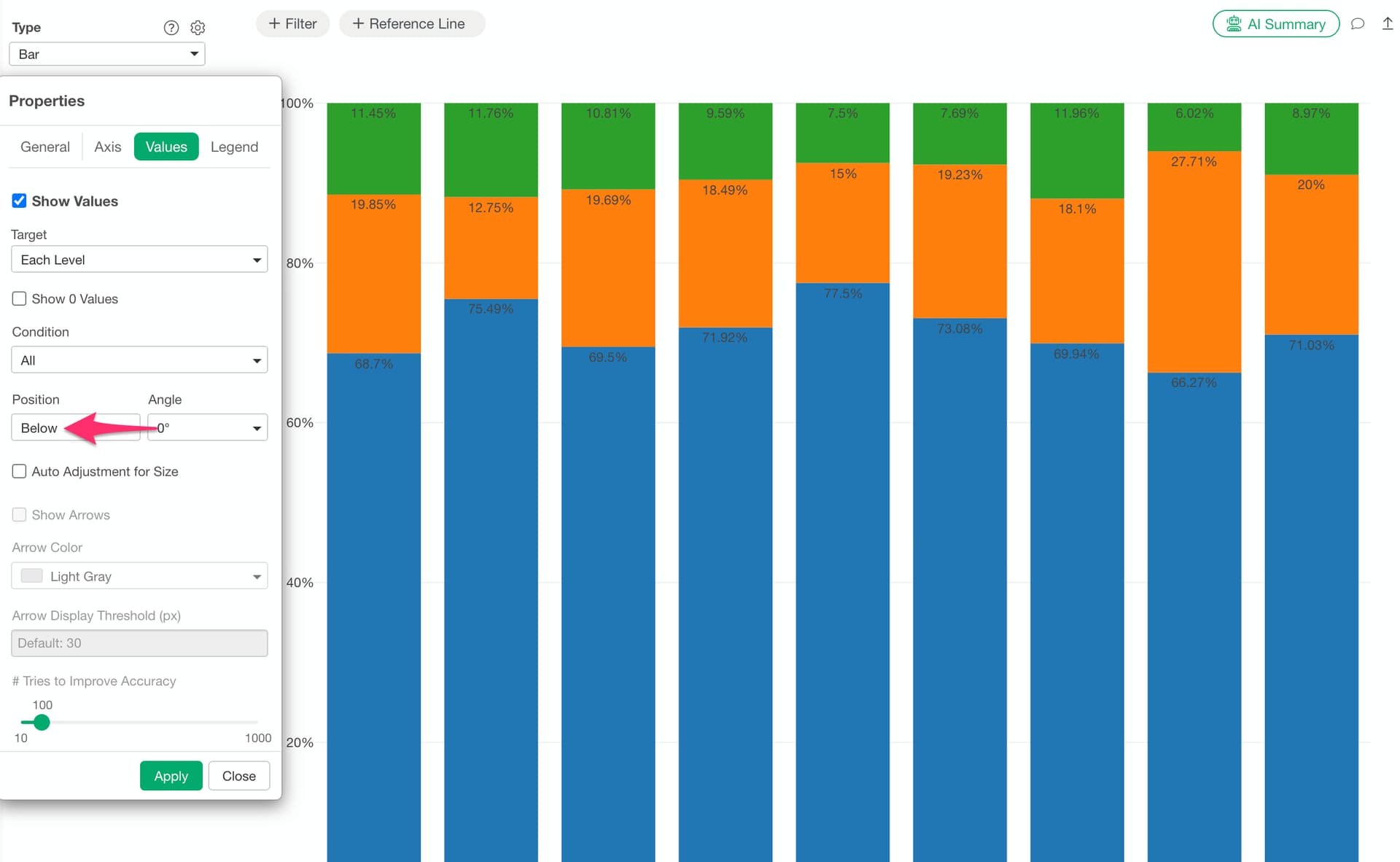
An issue has been confirmed in v14 where value labels on bar charts may appear in unintended positions when the “Value Label Position” setting is left at its default “Auto” setting.
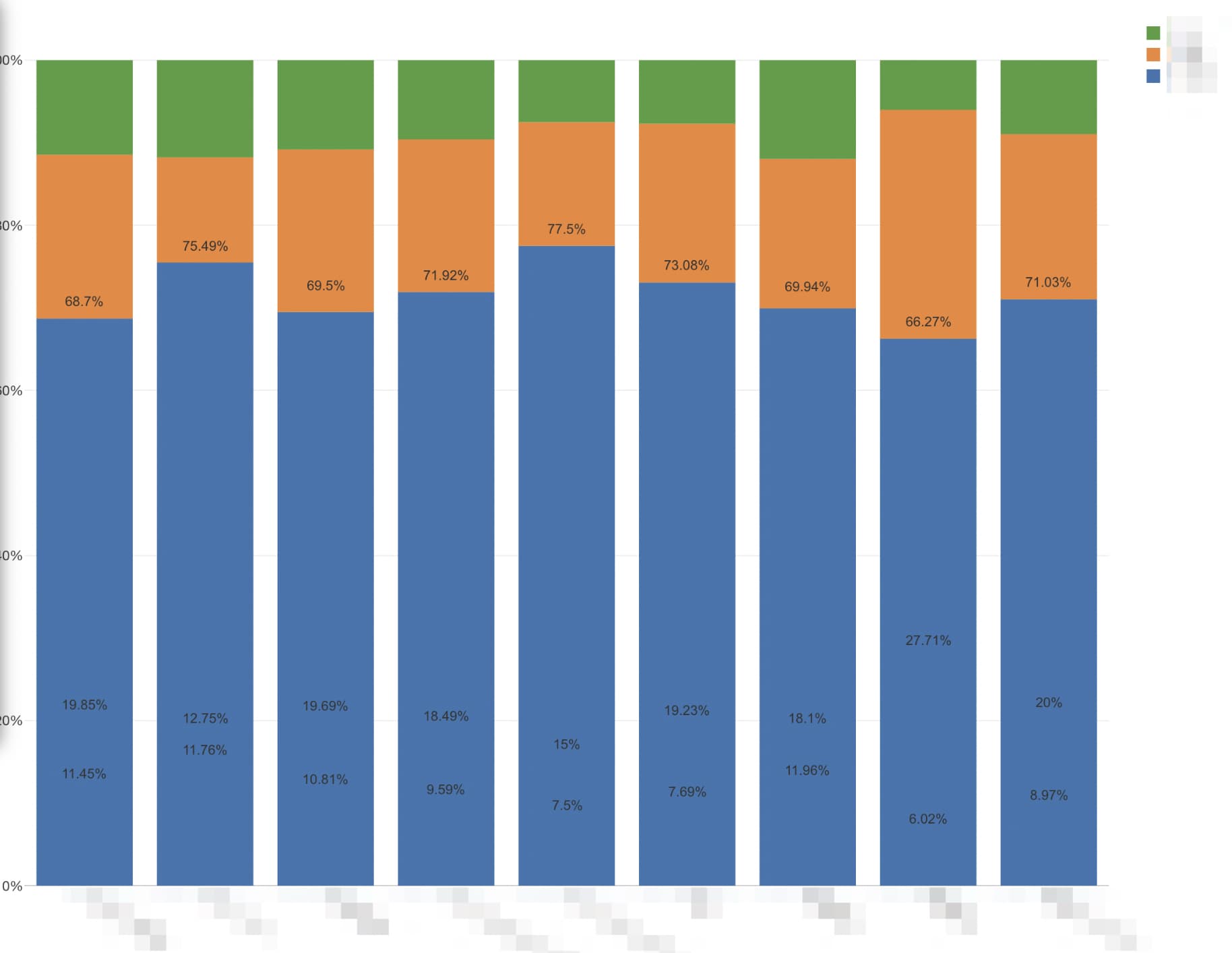
If you encounter this issue, you can work around it in either of the following ways:
Please upgrade to v15 as this issue has been fixed in v15.
If you cannot upgrade right away, you can also resolve this by changing the “Value Display Position” from “Auto” to “Above” or “Below” in the chart settings.