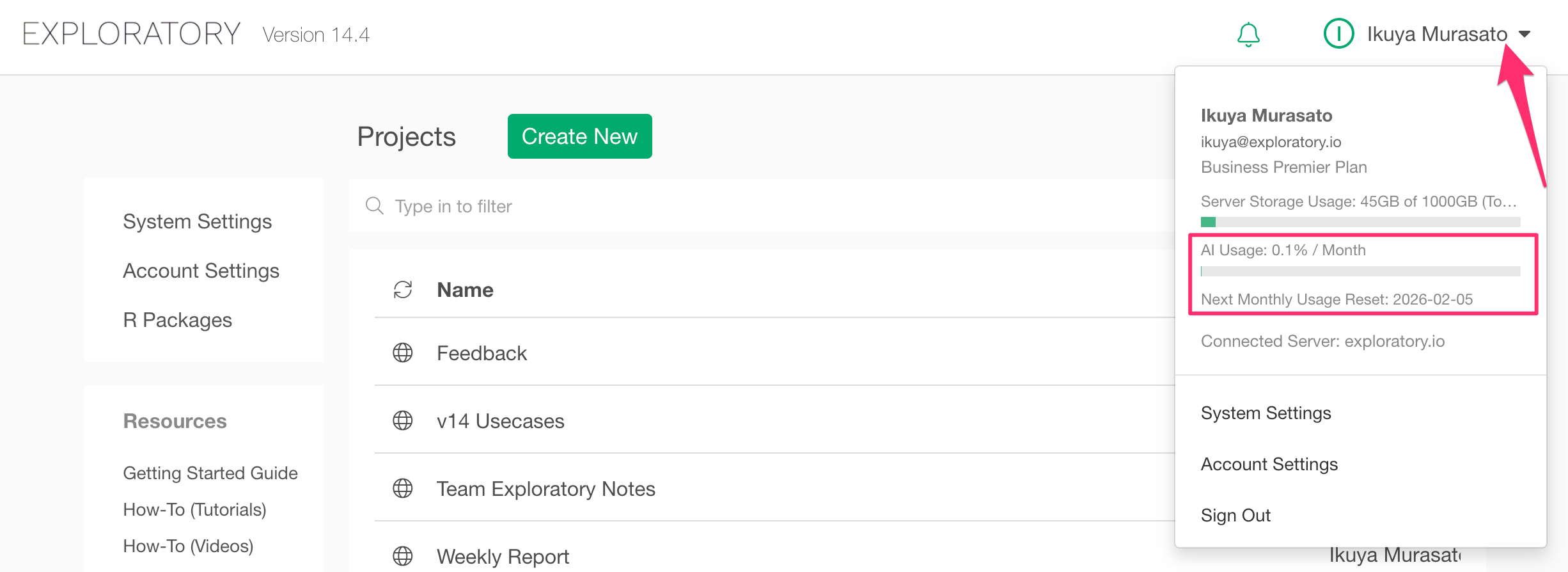
Regarding Exploratory’s AI-related features (AI Wrangling, AI Function, and AI Note Editor), the total monthly usage volume is determined according to your subscription plan.
Currently, usage is displayed as a percentage (%) on the Exploratory Desktop and Server screens, but it is actually calculated based on the following "Monthly Credit System."
Monthly Total Credits by Plan
The total number of credits available per month for each plan is as follows:
| Plan | Total Monthly Credits |
|---|---|
| Personal | 100 credits |
| Business | 200 credits |
| Business Plus | 400 credits |
| Business Premier | 1,000 credits |
Note: If “50% used” is displayed, it means you have consumed half of the total credits for your plan.
Credits Consumed per Feature
The number of credits consumed per request varies depending on the type of AI feature used:
| AI Feature Type | Credits Consumed per Request |
|---|---|
| AI Wrangling / AI Auto-fix for Wrangling Errors / AI Function / AI Note Editor | 1 credit |
| AI Summary | 0 credits (Free) |
How to Check Your Usage Status
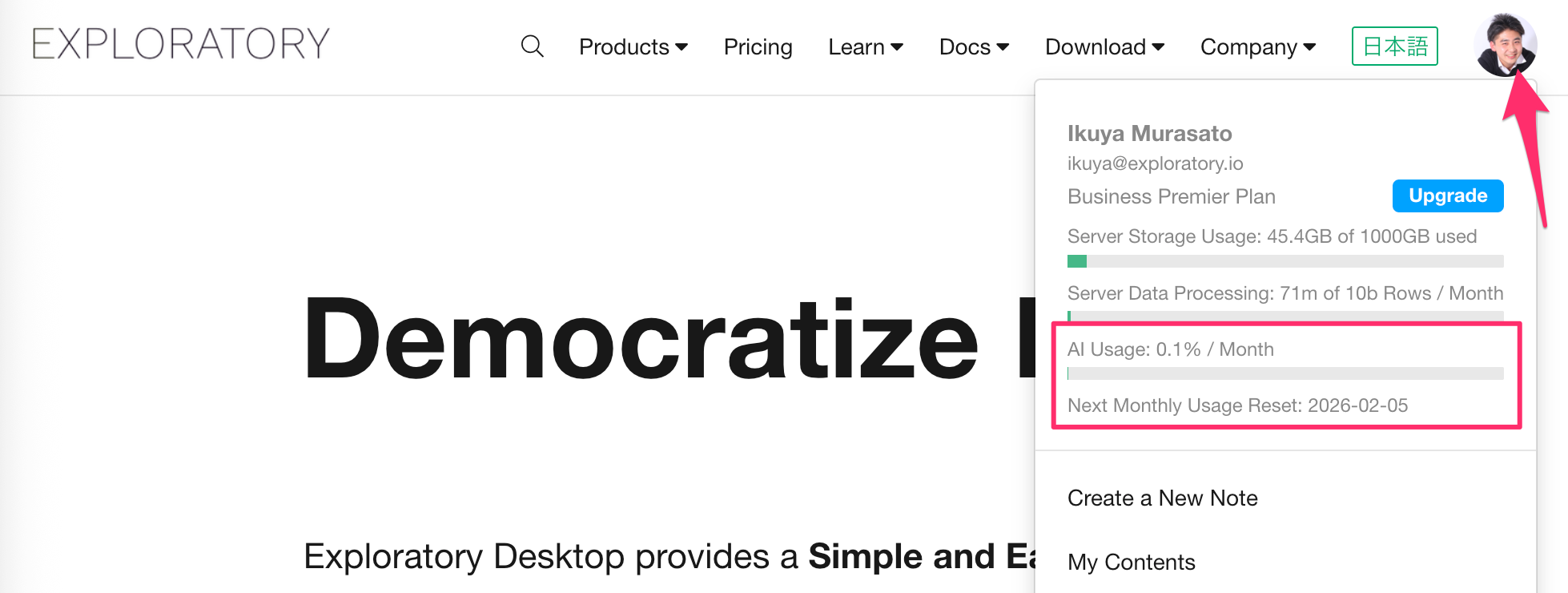
You can check your usage percentage for the current month and the reset date using the following methods:
1. Exploratory Server (Web)
Click on your account icon while logged into the Exploratory server.
2. Exploratory Desktop
Click on your name in the top right corner of the project list to see the usage in the menu.